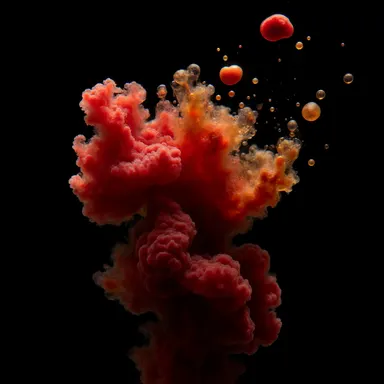
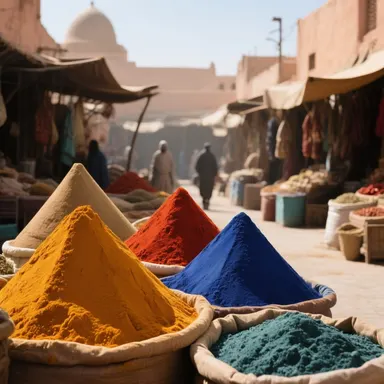
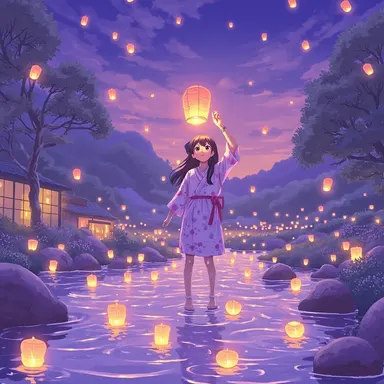
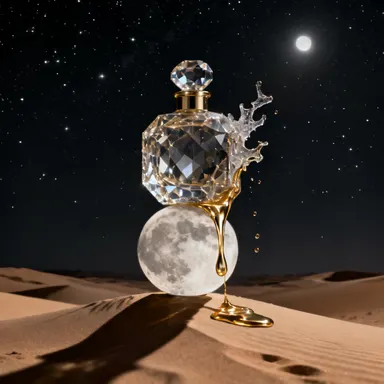
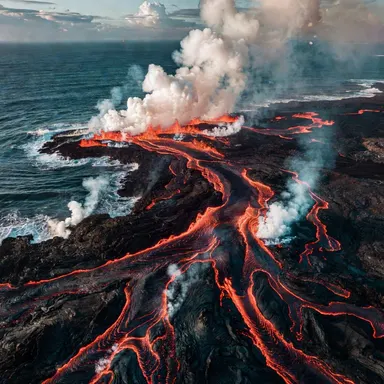
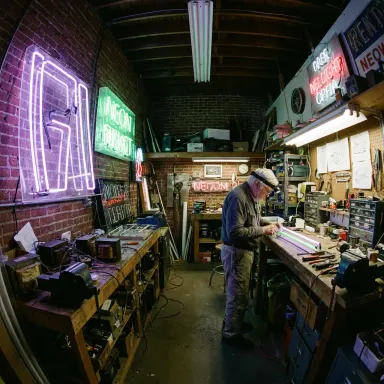
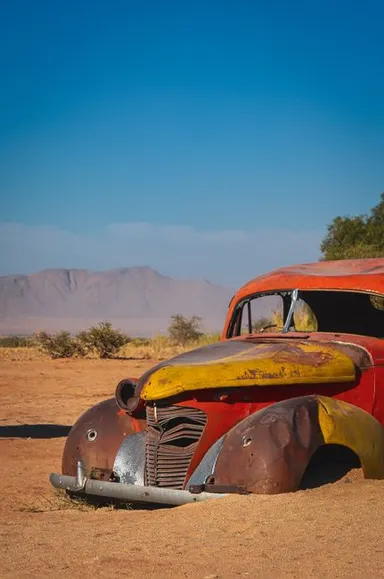
Made with this app
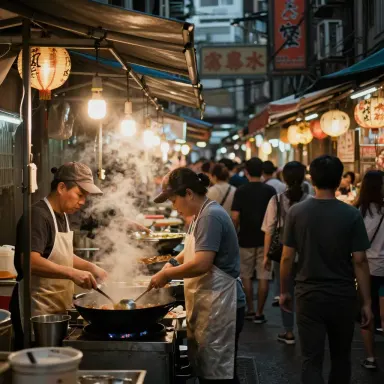
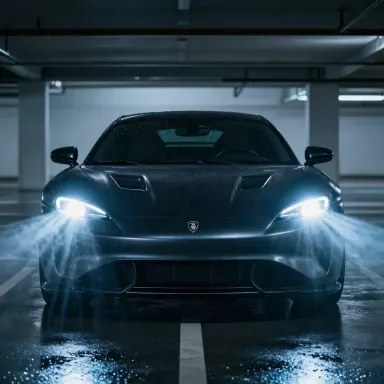
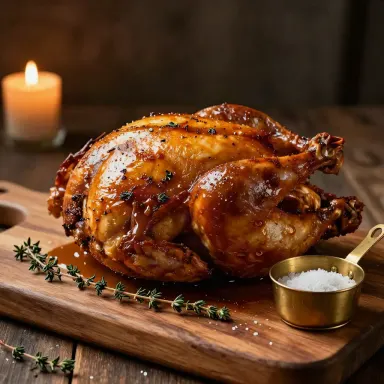
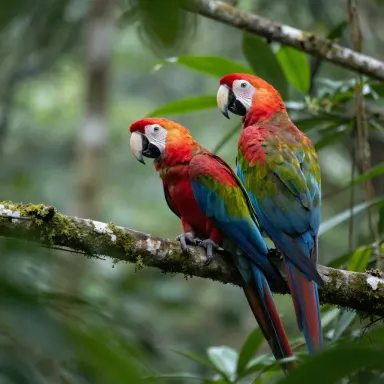
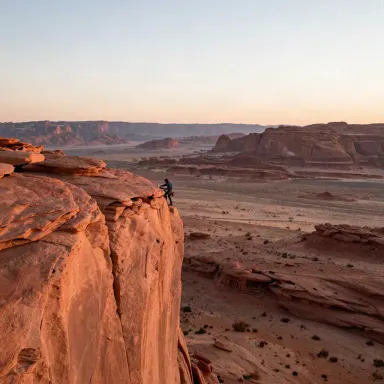
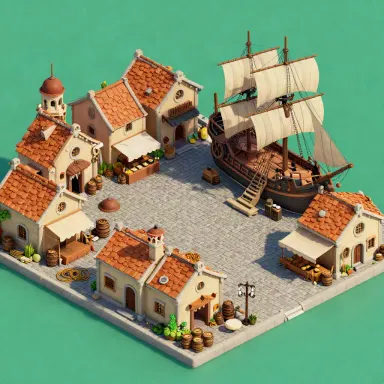
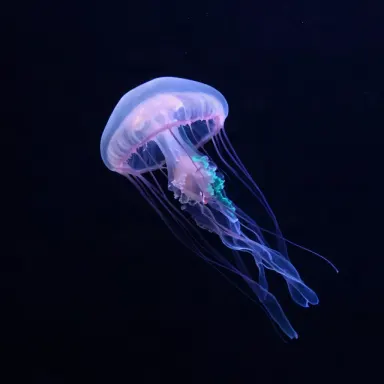
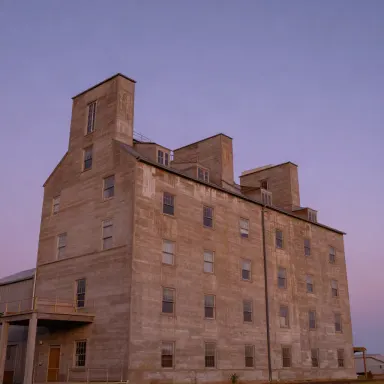
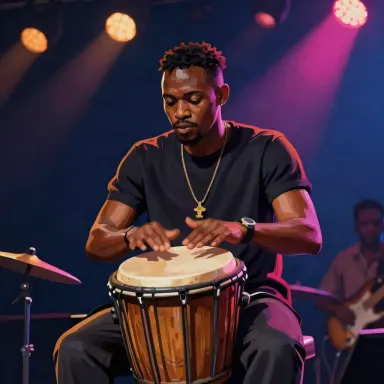
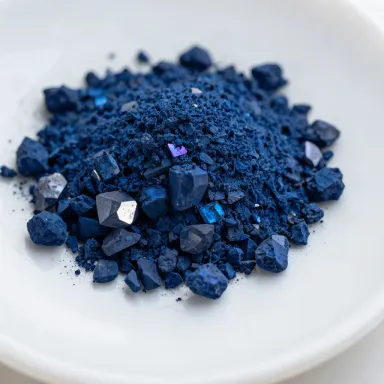
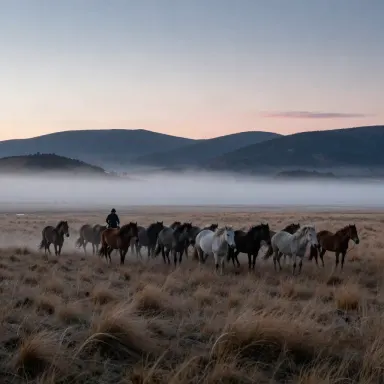
Z-Image Turbo is a text-to-image app built for speed and volume. Powered by the Z-Image Turbo model, it generates clean 1-megapixel images in 2 to 5 seconds at the lowest price point in the Arteza catalog. It is designed for designers, developers, and content creators who need to prototype ideas quickly, run high-volume batch generation, or keep costs low while exploring many visual directions before committing to a final render.
How to use this app
- 1
Describe what you want to create, or upload your source file.
- 2
Pick your options, then press Generate.
- 3
Watch your result appear in the gallery within moments.
- 4
Download, share, or generate again with a new idea.
What you can make
Rapid Concept Prototyping
When you need to test ten different visual directions before a client meeting, Z-Image Turbo lets you cycle through compositions, moods, and styles in seconds. Generate a stack of draft thumbnails quickly, identify what works, then refine the winner with a higher-resolution tool.
High-Volume Batch Generation
Marketing teams producing dozens of ad variants, social posts, or blog header options can use Z-Image Turbo to generate large sets of images without inflating production costs. The consistent 1-megapixel output is suitable for web display and digital mockups at scale.
Storyboard and Layout Drafts
Art directors building storyboards or wireframe mood boards can populate placeholder visuals quickly. Z-Image Turbo produces clean, readable images fast enough to keep the creative process moving without waiting on a slower, more expensive model.
Developer and API Testing
Developers integrating image generation into an application can use Z-Image Turbo to validate prompts, test pipeline logic, and iterate on output formatting without accumulating significant costs during the build and test phase.
Budget-Conscious Personal Projects
Hobbyists and independent creators with high curiosity but limited budgets can explore a wide range of ideas using Z-Image Turbo. The low cost per image means you can experiment freely and generate many variations without worrying about running through your balance quickly.
Prompt ideas to try
Why creators use this app
- Turbo speed
- Lowest cost
- 1 megapixel output
- Six aspect presets
Tips for better results
Use Aspect Presets Deliberately
Z-Image Turbo offers six aspect presets. Choosing the right one before generating saves iteration time. Match the preset to your intended output, such as landscape for banners or portrait for social stories, so the composition reads correctly from the first result.
Write Specific, Economical Prompts
Because Z-Image Turbo is optimized for speed and clean output rather than fine-grained instruction following, concise prompts tend to perform well. State the subject, setting, lighting, and style in plain terms rather than layering complex conditional instructions.
Generate Many, Then Select
The low cost per image is a feature, not just a spec. Treat Z-Image Turbo as a volume tool. Generate five or ten variations of a prompt quickly, then select the strongest composition to refine or hand off to a higher-resolution model for final delivery.
Know the Resolution Ceiling
Output is capped at 1 megapixel. This is well suited to web display, digital mockups, and internal reviews. If a project requires print-ready or large-format output, use Z-Image Turbo for the draft phase and switch to a higher-resolution model for final production.
When to choose this app
Choose Z-Image Turbo when your priority is speed, volume, and cost efficiency rather than maximum resolution or advanced output control. Seedream v4.5 offers up to 4MP output for projects that need finer detail, and Seedream 5.0 Pro brings flagship capabilities including on-image text and precise editing. Z-Image Turbo sits apart from both by delivering clean, usable images in 2 to 5 seconds at the lowest catalog price, making it the right tool whenever iteration pace and generation volume matter more than final-output fidelity.
Frequently asked questions
What resolution do images from Z-Image Turbo reach?
Z-Image Turbo produces images up to 1 megapixel. This is suitable for web display, digital mockups, thumbnails, and internal creative reviews. For projects requiring higher resolution, consider a model with greater output fidelity before final delivery.
How many aspect ratio options are available?
Z-Image Turbo includes six aspect presets. These cover common orientations such as landscape, portrait, and square, letting you match the output shape to your intended use case, whether that is a banner, a social post, or a product card.
Is Z-Image Turbo suitable for final production artwork?
It depends on the context. For web-native formats, social media graphics, and digital presentations, 1-megapixel output is often sufficient. For print, large-format display, or any output requiring fine detail at size, it is better used as a drafting tool before moving to a higher-resolution model.
Can I use Z-Image Turbo to test a prompt before running it on a slower model?
Yes, this is one of its most practical uses. Because results arrive in 2 to 5 seconds, you can validate composition, subject placement, and overall visual direction quickly and cheaply, then carry a refined prompt to a model with greater output quality for the final render.
What kinds of prompts work best with this model?
Clear, specific prompts describing subject, setting, lighting, and style tend to yield the most consistent results. Z-Image Turbo is optimized for clean, fast output rather than interpreting highly layered or conditional instructions, so straightforward prompt structure performs better than elaborate multi-clause descriptions.
Does Z-Image Turbo support text rendering within generated images?
The model is not declared as having on-image text capability. If your project requires legible text rendered inside the image, Seedream 5.0 Pro is the app in the Arteza catalog that specifically supports on-image text and precise editing.
How much does it cost?
Each generation costs 1 credit. New accounts get free credits to try it out.
Which AI model powers this app?
This app runs on Z-Image Turbo, available through Arteza with no separate account or setup.
Can I use the results commercially?
Yes. Content you generate is yours to use, subject to our content licenses.
How long does a generation take?
Most generations finish in under a minute, and you can watch progress live in the gallery.