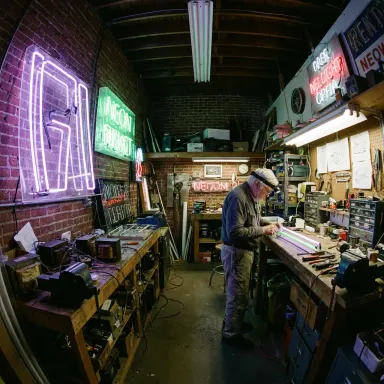
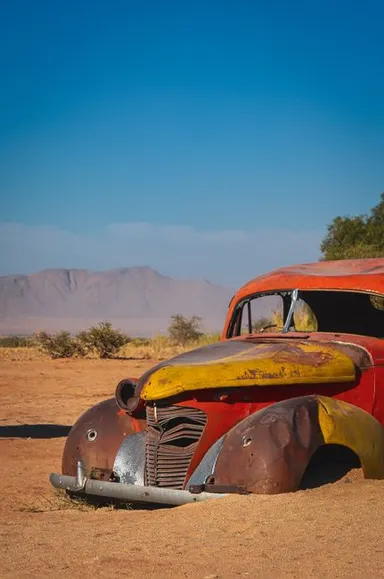
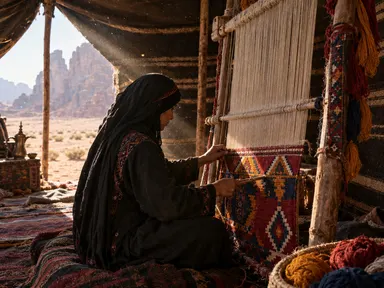
Made with this app
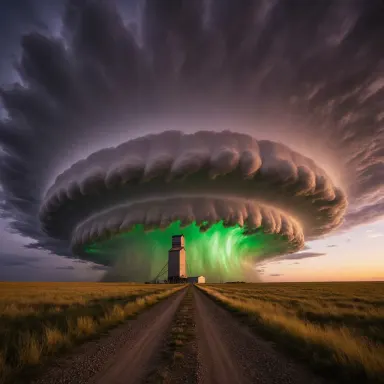
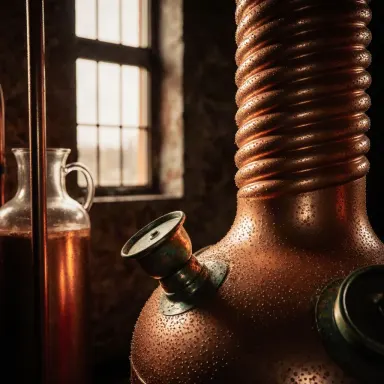

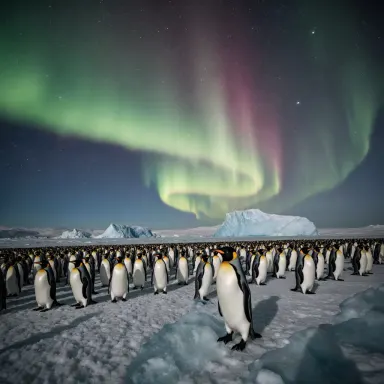
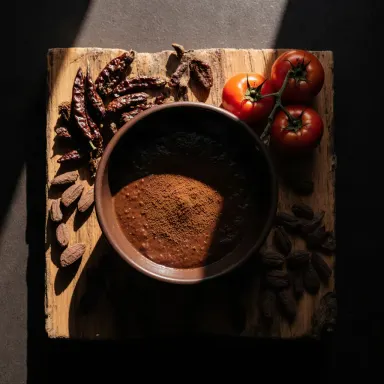
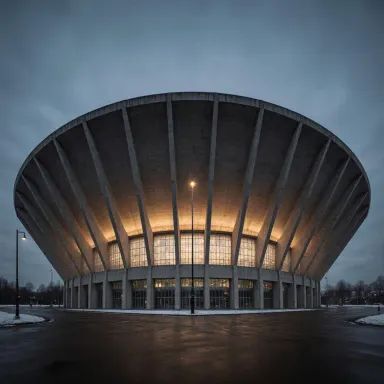
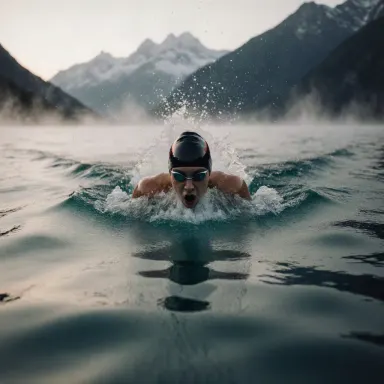
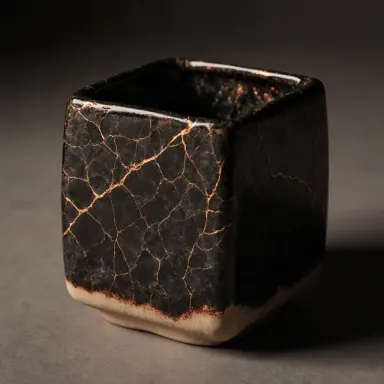
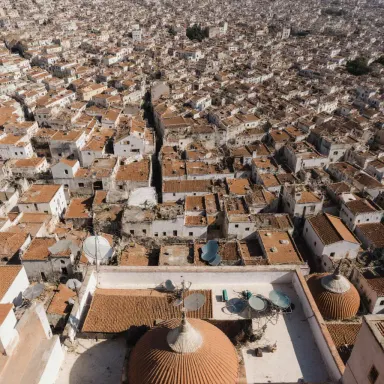
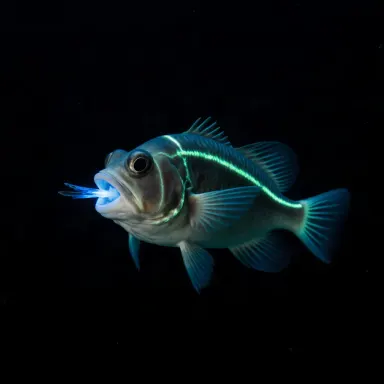
FLUX.1 Krea is a text-to-image app built for creators who need photographs that look genuinely photographic. Tuned by Black Forest Labs specifically to reduce the telltale AI-look artifacts that plague synthetic imagery, FLUX.1 Krea renders natural skin tones, realistic lighting, and believable surface textures at up to 1 megapixel. It is best suited for lifestyle photographers, editorial art directors, portrait artists, and content creators who want imagery that holds up under close inspection without extensive post-processing.
How to use this app
- 1
Describe what you want to create, or upload your source file.
- 2
Pick your options, then press Generate.
- 3
Watch your result appear in the gallery within moments.
- 4
Download, share, or generate again with a new idea.
What you can make
Portrait and Headshot Generation
When you need a convincing human portrait for a brand campaign or editorial layout, FLUX.1 Krea handles skin texture and natural lighting in a way that avoids the plastic, over-smoothed look common in AI portraits. The result requires far less manual cleanup before it is publication-ready.
Lifestyle Product Context Shots
Place a product concept into a believable lifestyle setting, a kitchen counter, a linen bedside table, a sunlit cafe, without booking a location shoot. FLUX.1 Krea renders ambient light and surface materials with enough fidelity that the scene reads as documentary rather than generated.
Editorial and Magazine Mockups
Art directors building pitch decks or magazine mockups can generate scene-setting images that match the tonal register of real editorial photography. The reduced AI artifacts mean these images sit comfortably alongside authentic photographs on a layout page.
Fashion and Apparel Visualization
Describe a garment, a setting, and a lighting mood to produce realistic apparel imagery for lookbooks or e-commerce mockups. Fabric texture and natural drape are rendered with the photographic specificity that fashion contexts demand.
Architecture and Interior Atmosphere
Generate mood-accurate interior or exterior scenes for client presentations. FLUX.1 Krea handles directional light, material finishes, and spatial depth in a way that communicates atmosphere rather than merely illustrating a floor plan.
Prompt ideas to try
Why creators use this app
- Photographic realism
- Reduced AI artifacts
- Natural lighting
- Six aspect presets
Tips for better results
Specify Your Light Source
FLUX.1 Krea is tuned for natural lighting, so naming the light source in your prompt, window light, overcast sky, golden hour, dramatically improves realism. Vague prompts produce generic lighting, while specific ones let the model render directional shadows and highlights accurately.
Choose the Right Aspect Preset
The app offers six aspect presets. Select the one that matches your intended output format before generating, portrait for headshots, landscape for editorial spreads, square for social content. Cropping after the fact costs you resolution within the 1 megapixel ceiling.
Describe Texture, Not Just Subject
Because FLUX.1 Krea excels at surface texture, include material descriptors in your prompt: worn leather, brushed linen, matte concrete, polished oak. These cues activate the model's artifact-reduction tuning and push results further from the AI-look aesthetic.
Anchor Portraits With Real-World Context
For portrait prompts, grounding the subject in a specific setting and activity, a barista at a counter, a writer at a desk by a window, produces more natural results than floating headshots. Contextual detail guides the model's lighting and depth-of-field decisions.
When to choose this app
Choose FLUX.1 Krea when photographic believability is the primary criterion. Compared to FLUX.1 Schnell, it trades raw generation speed for significantly more natural skin, lighting, and texture. Compared to Seedream v3 or Seedream 5.0 Lite, it is specifically optimized for reduced AI-look artifacts rather than general illustration or stylized output, making it the stronger choice for portrait, lifestyle, and editorial work that needs to pass as real photography.
Frequently asked questions
What does reduced AI artifacts actually mean in practice?
It means FLUX.1 Krea is tuned to suppress the visual tells that mark an image as synthetically generated: unnatural skin smoothing, impossible light sources, warped background details, and over-sharpened edges. The result is imagery that reads closer to a camera capture than a rendered graphic.
Can I generate images of real-looking people without them appearing uncanny?
Yes, this is one of the model's primary strengths. Its training tuning specifically targets the skin tone and facial texture problems common in other generative models. Providing clear lighting and context details in your prompt further reduces uncanny results.
How does the 1 megapixel resolution limit affect practical use?
One megapixel is roughly 1000 by 1000 pixels, sufficient for web publishing, social media, and screen-based editorial layouts. It is not intended for large-format print output. If your use case requires higher output resolution, plan to upscale the result in post-production.
Which aspect presets are available and how should I choose?
The app offers six aspect presets covering common ratios such as square, portrait, and landscape orientations. Choose based on your final delivery format before generating, since the model allocates its 1 megapixel budget across the chosen ratio and cropping after generation reduces effective pixel count.
Is FLUX.1 Krea suitable for non-photographic illustration styles?
It can produce stylized imagery, but it is optimized for photographic realism. If your goal is graphic illustration, painterly artwork, or heavily stylized visuals, a sibling app such as Seedream 5.0 Pro or Seedream v4.5 is likely a better fit for those creative registers.
How specific do my prompts need to be to get realistic results?
More specificity consistently improves output. Naming a light source, surface material, setting, and mood gives the model concrete targets for its realism tuning. Short or abstract prompts tend to produce technically competent but generic imagery that does not fully use the model's photographic strengths.
How much does it cost?
Each generation costs 1 credit. New accounts get free credits to try it out.
Which AI model powers this app?
This app runs on FLUX.1 Krea, available through Arteza with no separate account or setup.
Can I use the results commercially?
Yes. Content you generate is yours to use, subject to our content licenses.
How long does a generation take?
Most generations finish in under a minute, and you can watch progress live in the gallery.