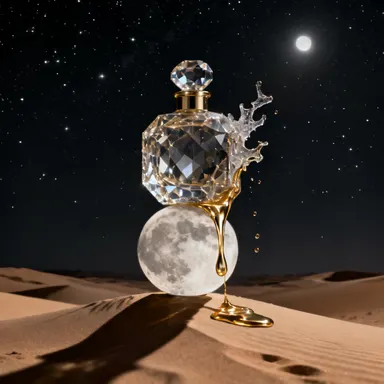
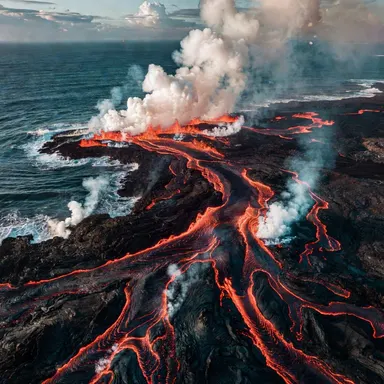
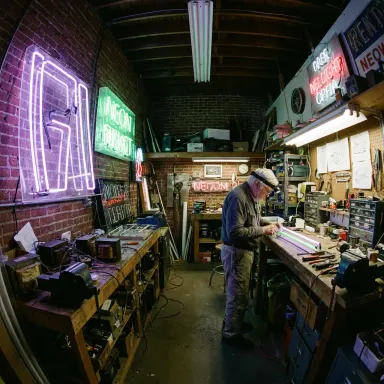
Made with this app
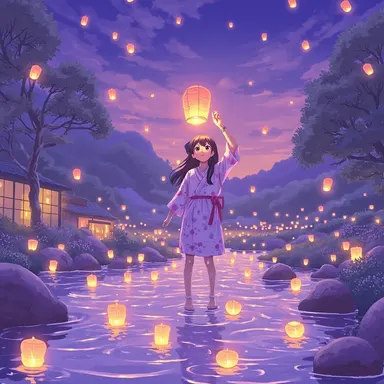
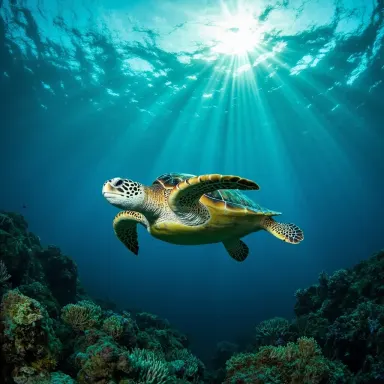
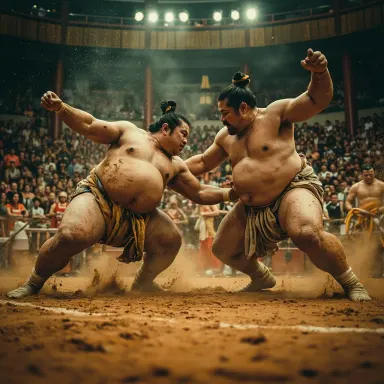
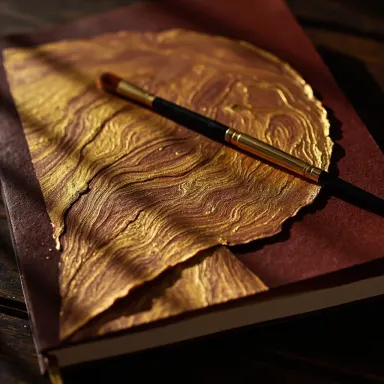
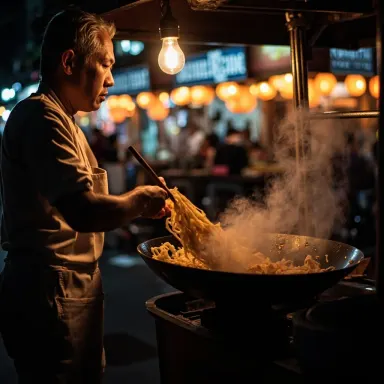
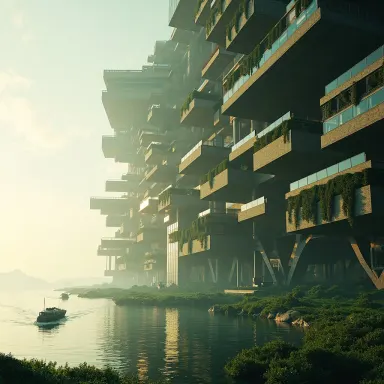
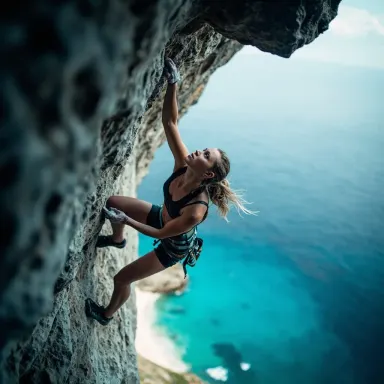

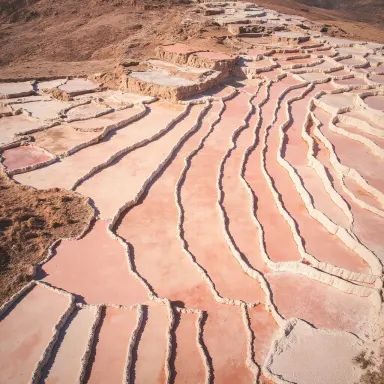
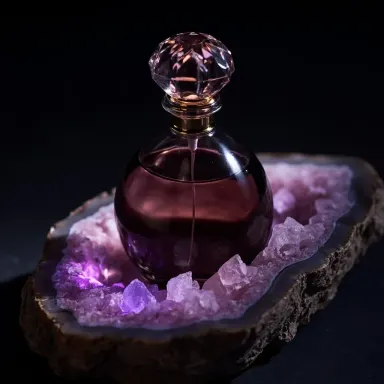
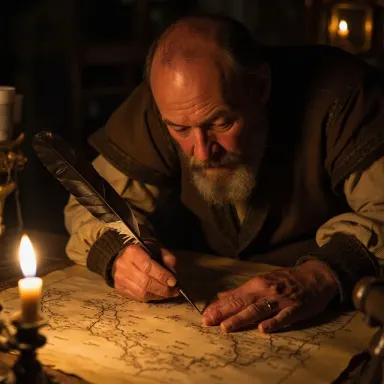
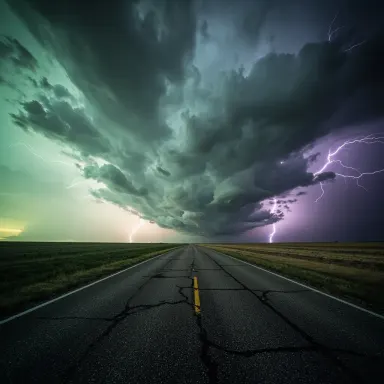
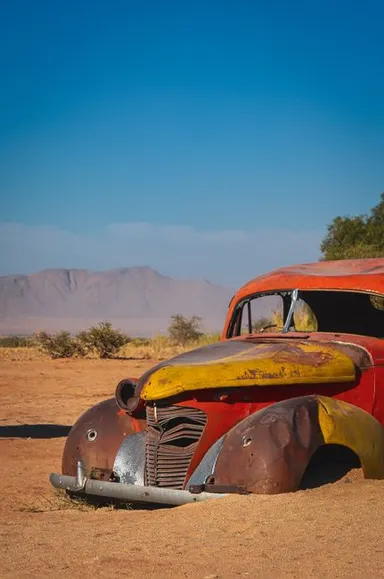
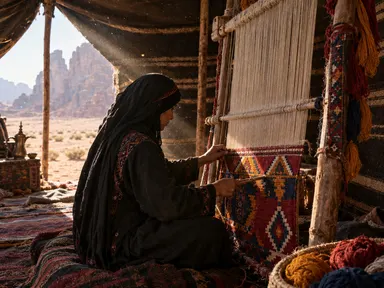
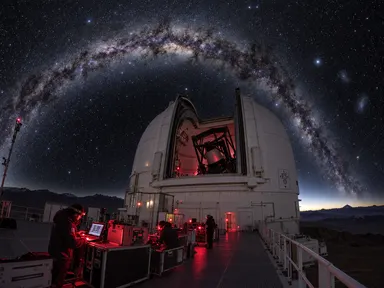
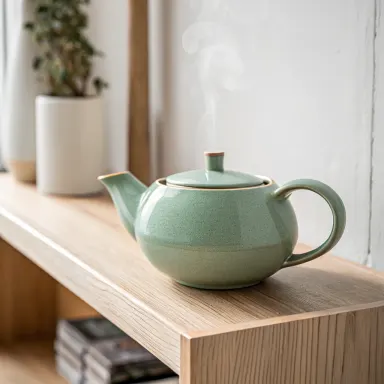
MiniMax Image is a text-to-image app built around vivid color reproduction and strong compositional output, powered by MiniMax Image-01. It is designed for creators who need eye-catching results quickly and affordably, without sacrificing visual punch. Eight aspect ratio presets, from square to widescreen cinematic 21:9, let you shape output for any platform before you generate. It suits social media managers, content creators, bloggers, and marketers who produce images at volume and need consistent, colorful results on a tight schedule.
How to use this app
- 1
Describe what you want to create, or upload your source file.
- 2
Pick your options, then press Generate.
- 3
Watch your result appear in the gallery within moments.
- 4
Download, share, or generate again with a new idea.
What you can make
Social Media Feed Content
Square and portrait presets map directly onto Instagram, Pinterest and TikTok formats. MiniMax Image-01 delivers the saturated, high-contrast color that stops a scroll, making it practical for producing a batch of on-brand visuals for a week of posts in one session.
Cinematic Concept Thumbnails
The 21:9 aspect ratio preset outputs a true widescreen frame, useful for YouTube thumbnails, banner artwork or film pitch visuals. The strong composition bias of the model means key subjects are placed naturally rather than drifting to awkward corners.
Rapid Mood Board Building
Because generation completes in 3 to 8 seconds, you can iterate through color palettes, lighting moods and scene compositions quickly. Designers use this speed to test visual directions before committing to a more detailed workflow elsewhere.
Affordable High-Volume Campaigns
Marketing teams running A/B tests on ad creatives need many variants at low per-image cost. MiniMax Image-01 is positioned as an affordable generator, making it a practical workhorse for campaigns that require dozens of distinct visuals rather than one polished hero image.
Blog and Editorial Illustration
Landscape and standard horizontal presets suit header images for articles and newsletters. Vivid color keeps editorial visuals from looking flat on white backgrounds, and the fast turnaround means a writer can generate a fitting header without breaking their publishing flow.
Prompt ideas to try
Why creators use this app
- Vivid color
- Eight aspect ratios
- Fast generation
- Affordable
Tips for better results
Choose Your Aspect Ratio First
MiniMax Image-01 selects composition based on the ratio you set. Locking in the ratio before writing your prompt lets you describe foreground and background elements that suit the frame shape, reducing awkward cropping in the output.
Describe Color Explicitly
The model is tuned for vivid color, so naming specific hues, palettes or lighting tones in your prompt amplifies that strength. Prompts like 'deep cobalt and warm amber tones' or 'overcast diffused light with muted greens' give the model clear chromatic direction.
Use Fast Generation for Iteration
At 3 to 8 seconds per image, running four to six variations of the same scene costs very little time. Vary one element per prompt, such as time of day or color palette, to quickly identify which direction works before refining your final version.
Anchor Composition With Subject Placement
Strong composition is a declared strength of this model. Mentioning placement cues in your prompt, such as 'subject centered', 'rule of thirds', or 'foreground object with background depth', reinforces the model's natural tendency and reduces off-balance results.
When to choose this app
Choose MiniMax Image when vivid color and fast, affordable output matter more than maximum resolution or editorial precision. Seedream v4.5 offers up to 4MP output for work that demands fine detail, and Seedream 5.0 Pro focuses on flagship deep-thinking generation with on-image text and precise editing. MiniMax Image-01 is the better fit for social content, mood boards and volume campaigns where turnaround speed, color impact and cost per image are the deciding factors.
Frequently asked questions
What are the eight aspect ratio presets available?
The presets span a range from square through standard portrait and landscape orientations up to cinematic 21:9 widescreen. The exact list of ratios is shown in the ratio selector inside the app. Choosing the right preset before prompting helps the model compose the scene correctly for your target platform.
How vivid is 'vivid color' in practice?
MiniMax Image-01 is tuned to produce saturated, high-contrast color by default, which reads well on social feeds and digital displays. If you want a more muted or desaturated result, include palette descriptors such as 'muted tones', 'pastel', or 'monochromatic' directly in your prompt to counteract the default bias.
Can I generate multiple aspect ratios of the same scene?
Yes. You can run the same prompt several times, changing only the aspect ratio preset each time. Because generation is fast, producing square, portrait and widescreen versions of one concept takes under a minute, giving you a ready set of assets for different platforms.
Does the model handle text inside images?
MiniMax Image-01 is not described as specializing in on-image text rendering. For images where legible words or lettering within the frame are essential, consider a model explicitly built for that purpose. MiniMax Image-01 is strongest for scene, color and composition-driven visuals.
How detailed should my prompt be for best results?
Mid-length prompts that name the subject, describe the color palette, specify lighting conditions, and include a compositional cue tend to perform best. Very short prompts leave too many decisions to chance, while extremely long prompts can introduce conflicting instructions that dilute the model's compositional strength.
Is this app suitable for generating product photography?
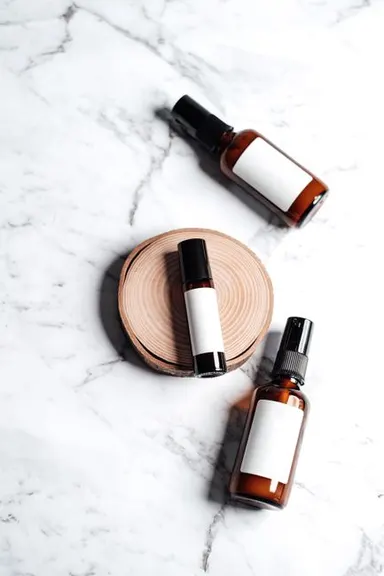
It works well for stylized product-adjacent visuals, such as lifestyle scenes and colorful flat-lays, where vivid color and clean composition matter. For technical product shots requiring precise detail accuracy or controlled studio neutrality, you may get better results with a model that offers higher output resolution and fine control.
How much does it cost?
Each generation costs 1 credit. New accounts get free credits to try it out.
Which AI model powers this app?
This app runs on MiniMax Image, available through Arteza with no separate account or setup.
Can I use the results commercially?
Yes. Content you generate is yours to use, subject to our content licenses.
How long does a generation take?
Most generations finish in under a minute, and you can watch progress live in the gallery.