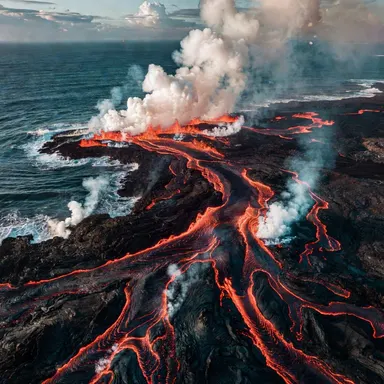
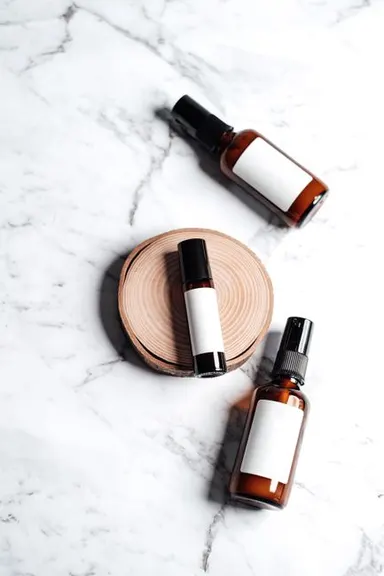
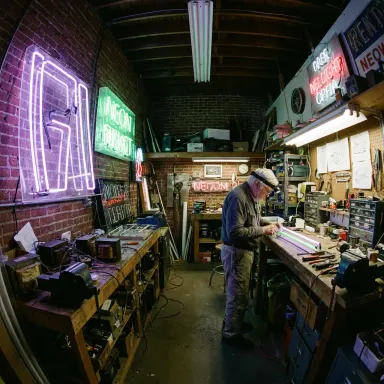
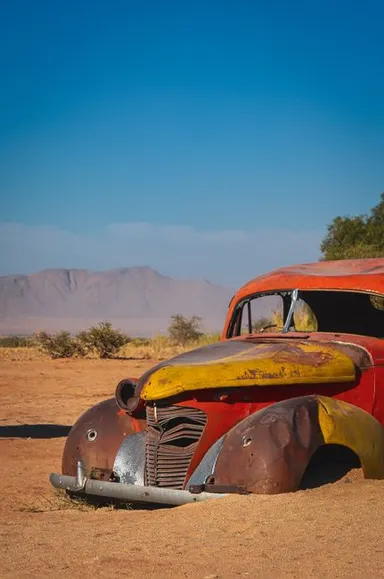
Made with this app
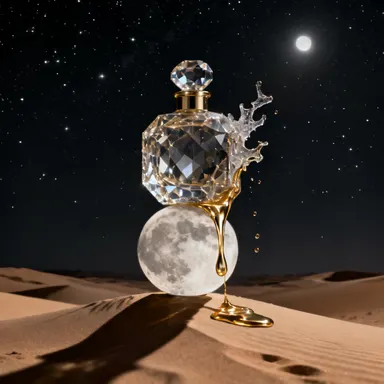
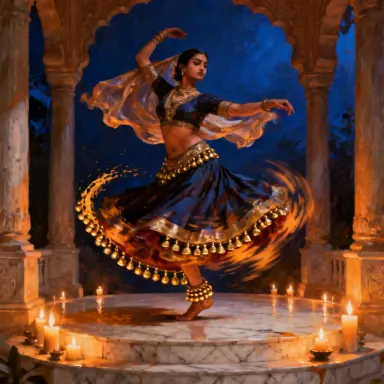
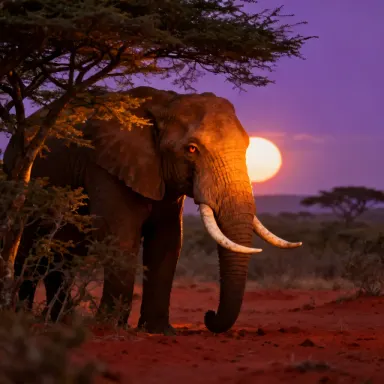
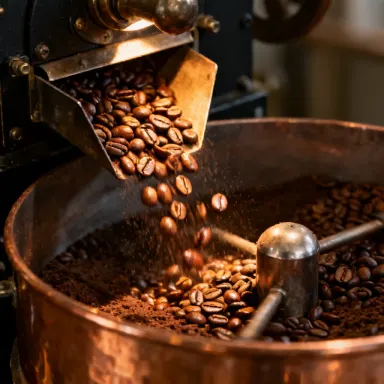
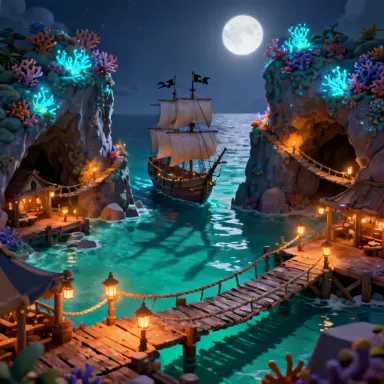
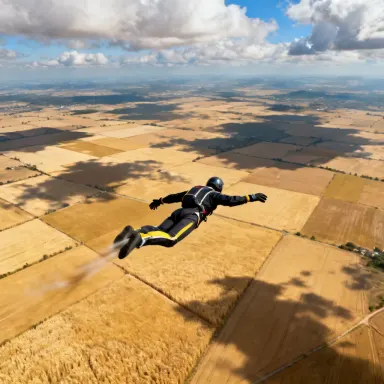
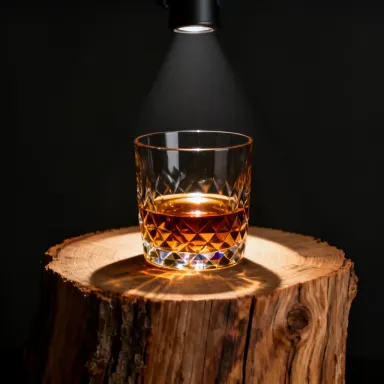
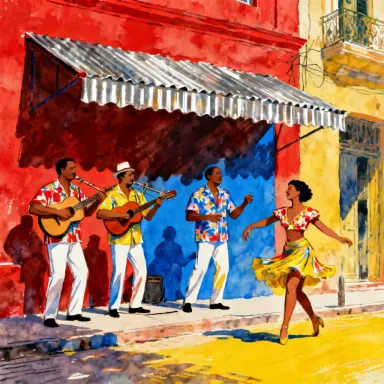
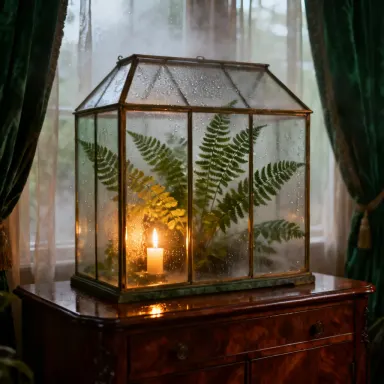
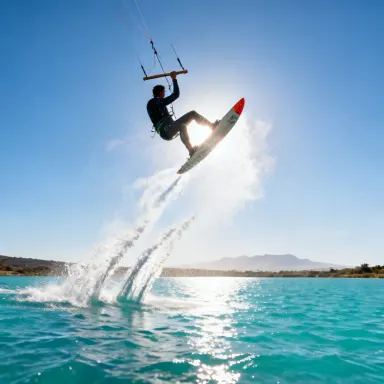
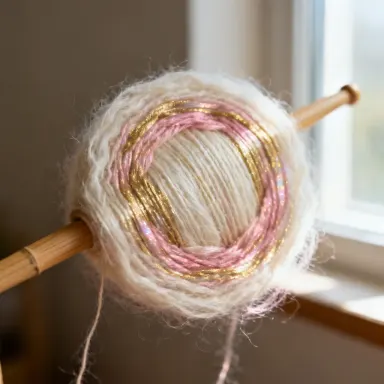
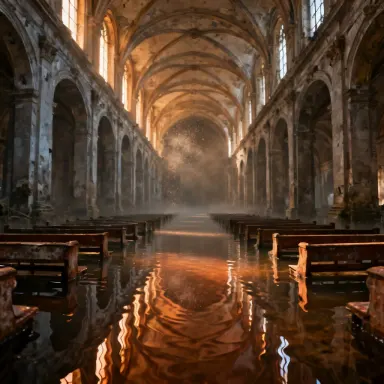
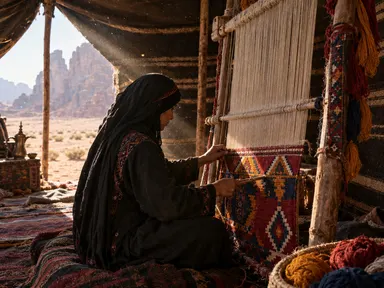
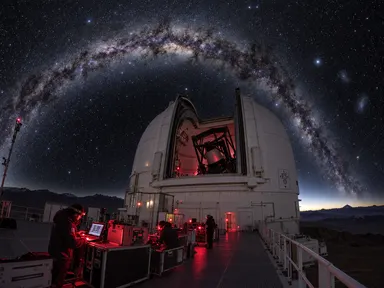
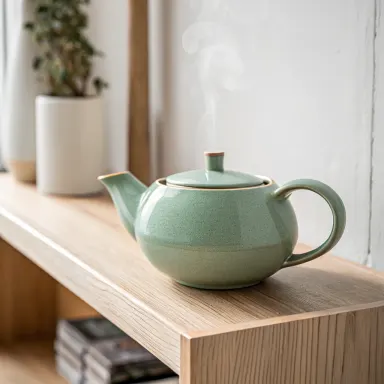
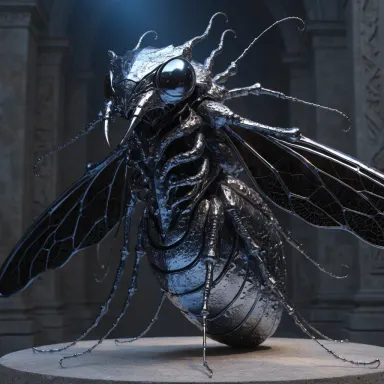
Dreamina 3.1 by ByteDance is a text-to-image app built for creators who need polished, high-fidelity visuals with genuine cinematic weight. It renders images up to 1 megapixel across six aspect ratio presets, making it practical for everything from widescreen concept art to portrait-format marketing assets. Designers, art directors, and brand teams will find its rich detail and composed framing useful for producing work that looks deliberate rather than generated.
How to use this app
- 1
Describe what you want to create, or upload your source file.
- 2
Pick your options, then press Generate.
- 3
Watch your result appear in the gallery within moments.
- 4
Download, share, or generate again with a new idea.
What you can make
Concept Art for Productions
When a game studio or film team needs environment and character concepts that communicate mood and scale, Dreamina 3.1 delivers cinematic composition with enough detail to serve as a genuine visual reference rather than a rough sketch. Its high-fidelity output reduces the gap between prompt and final brief.
Marketing and Campaign Visuals
Brand teams can generate polished hero images for ads, landing pages, or social campaigns. The model's clean composition and rich detail mean outputs need minimal cleanup before pairing with type or dropping into a layout. Choosing the right aspect preset saves cropping time downstream.
Product Visualization Mockups
Dreamina 3.1 handles precise material and lighting descriptions well, making it useful for visualizing product concepts before photography is arranged. A detailed prompt describing surface finish, ambient light, and background environment can yield a convincing mockup suitable for internal presentations.
Editorial and Editorial-Style Illustration
Art directors working on editorial projects can use the model to explore visual directions quickly. Its cinematic framing suits story-driven images where composition is as important as the subject itself, producing work that reads as intentional rather than decorative.
Scene-Setting for Narrative Projects
Writers, game masters, and storyboard artists can generate rich establishing scenes to communicate setting and atmosphere to collaborators. Dreamina 3.1 translates descriptive prose into images that capture environmental detail, lighting conditions, and spatial depth in a single generation.
Prompt ideas to try
Why creators use this app
- Cinematic composition
- High fidelity
- Rich detail
- Six aspect presets
Tips for better results
Specify Lighting Conditions Explicitly
Dreamina 3.1 responds well to precise lighting vocabulary. Terms like golden hour, overcast diffused light, or hard rim light from the left guide its cinematic composition engine more effectively than vague descriptors such as nice lighting, producing noticeably more intentional results.
Match Aspect Preset to Final Use
The six aspect presets are not interchangeable. Select the preset that matches your intended output context before generating rather than cropping afterward. A 16:9 preset preserves widescreen cinematic framing, while a 4:5 preset suits Instagram or portrait marketing layouts without sacrificing resolution budget.
Layer Detail Across Foreground and Background
Because Dreamina 3.1 supports rich detail at up to 1 megapixel, prompts that describe distinct foreground, midground, and background elements tend to produce more composed images. Describing spatial depth gives the model's cinematic composition strengths something concrete to work with.
Use Material and Surface Descriptors
For product visualization or concept art, name specific materials rather than general ones. Brushed anodized aluminum, oiled walnut, cracked terracotta, and similar terms produce more accurate surface fidelity than simply saying metal or wood, which the model interprets generically.
When to choose this app
Choose Dreamina 3.1 when composition and finish quality matter more than raw speed or experimental flexibility. Compared to FLUX.1 Schnell, which prioritizes fast iteration, Dreamina 3.1 produces more cinematically composed frames with greater detail fidelity. Compared to Seedream 5.0 Lite, it is better suited to marketing and concept work where the output is meant to stand on its own rather than serve as a quick draft.
Frequently asked questions
What does cinematic composition actually mean in practice for Dreamina 3.1 outputs?
It means the model tends to produce images with deliberate framing choices: balanced foreground and background relationships, coherent light source directionality, and subject placement that follows compositional conventions common in film and commercial photography. Prompts that include camera angle or perspective cues reinforce this behavior.
How does the six aspect preset system work and which should I use?
You select one of six fixed aspect ratios before generating. The total resolution stays within the 1 megapixel ceiling regardless of which preset you choose, so a wider ratio produces a shorter image rather than a larger one. Choose based on where the image will be used: landscape for screens, portrait for print or mobile, square for social feeds.
Can Dreamina 3.1 handle typography or text within images?
Text rendering in generated images is a known limitation across most diffusion models, including Dreamina 3.1. If legible text within the image is required, plan to add it in a design tool after generation. Using the model to establish the visual composition and then overlaying type separately produces more reliable results.
How detailed should my prompt be to get the most out of the model's high-fidelity output?
Moderately to highly detailed prompts work best. Describing subject, environment, lighting, material, and mood in a single prompt gives the model enough information to populate fine detail coherently. Very short prompts leave too many decisions to chance, while extremely long prompts with conflicting instructions can produce muddled results.
Is Dreamina 3.1 well suited for generating human figures and faces?
Yes. The model's high-fidelity rendering extends to facial features and skin texture when prompts include lighting and angle information. Close-up portraits benefit from specifying light direction and distance, while full-body shots are improved by including background context that gives the composition spatial coherence.
What types of visual styles does the model handle well beyond photorealism?
Dreamina 3.1 handles painted concept art styles, matte painting aesthetics, and high-detail illustration styles effectively. Its cinematic composition strengths carry across styles as long as the prompt specifies the intended look. Abstract or highly deconstructed styles tend to be less reliable because they conflict with the model's compositional tendencies.
How much does it cost?
Each generation costs 1 credit. New accounts get free credits to try it out.
Which AI model powers this app?
This app runs on Dreamina 3.1, available through Arteza with no separate account or setup.
Can I use the results commercially?
Yes. Content you generate is yours to use, subject to our content licenses.
How long does a generation take?
Most generations finish in under a minute, and you can watch progress live in the gallery.