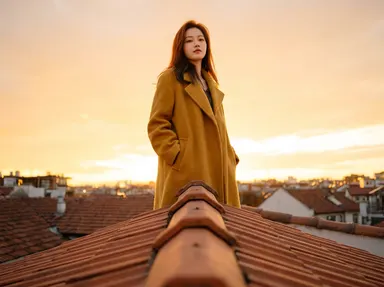
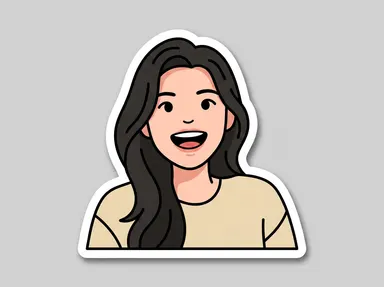
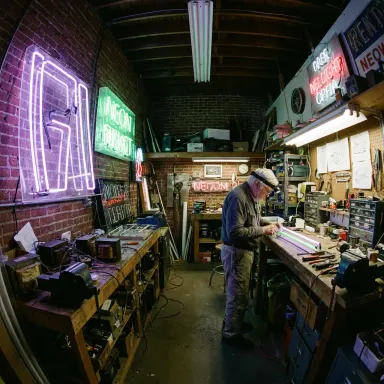
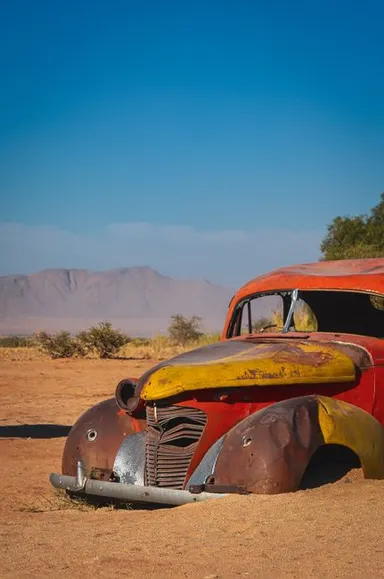
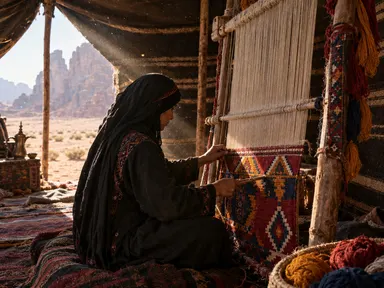
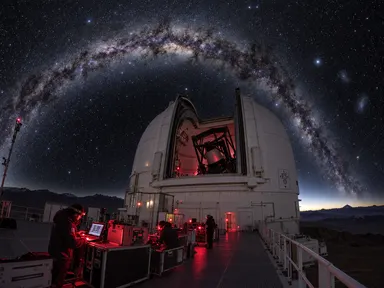
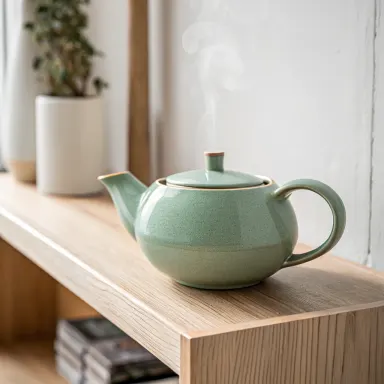
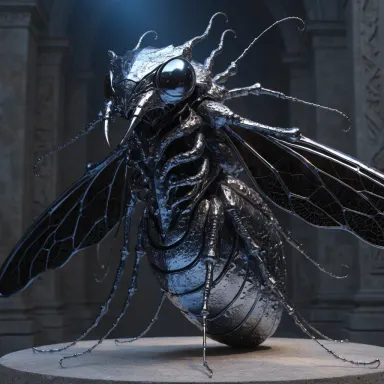
Made with this app
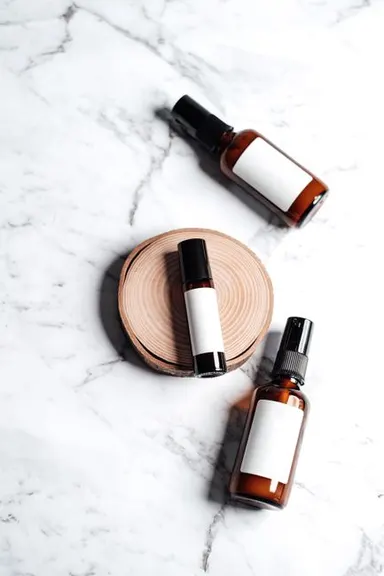
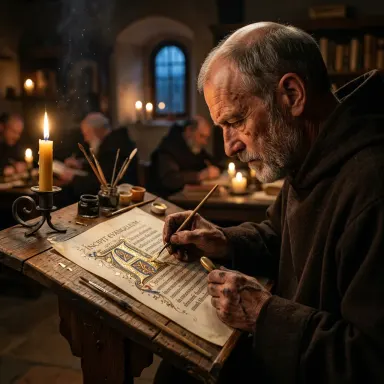
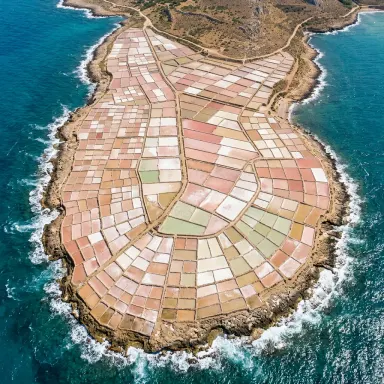
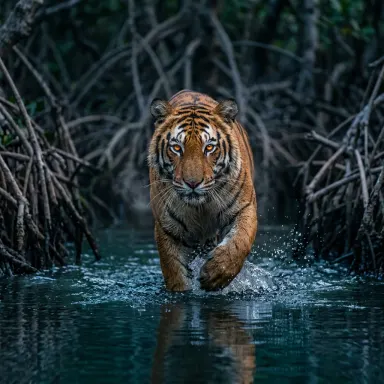
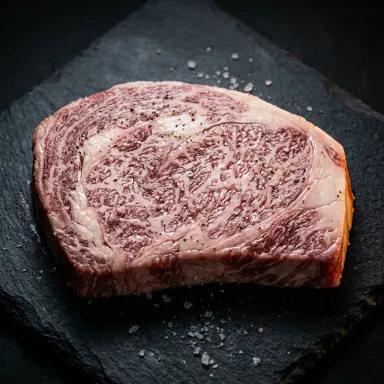
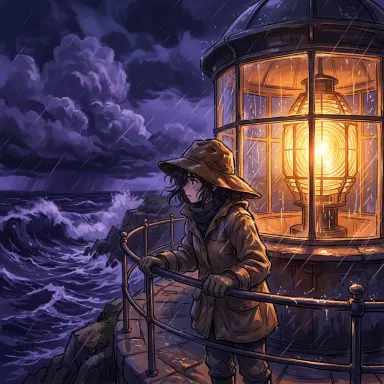
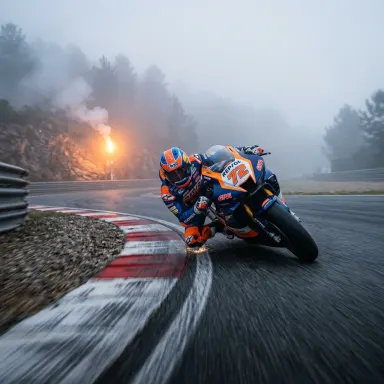
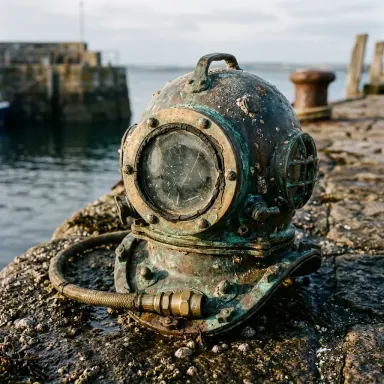
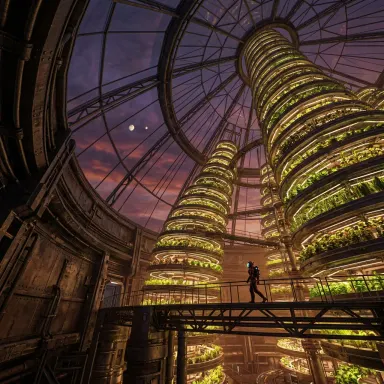
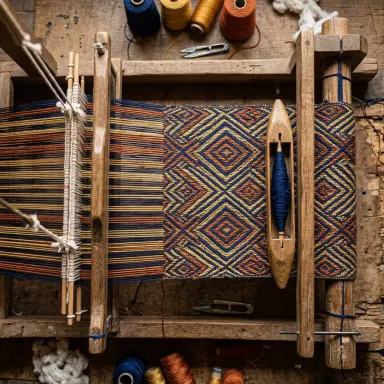
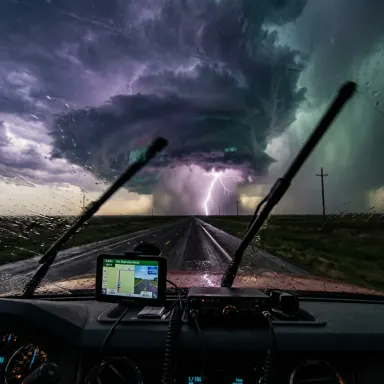
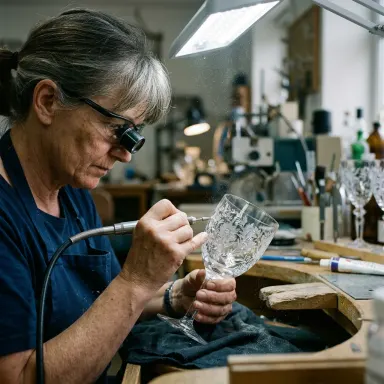
Nano Banana 2 is a Google Gemini-powered image generation app built for creators who need photorealistic output with precise text rendering and strong semantic understanding. It suits marketers, designers, and content teams producing visuals where accuracy matters, from product mockups to branded graphics. With output options at 1K, 2K, and 4K resolution and web search grounding to inform visual context, Nano Banana 2 bridges the gap between a detailed prompt and a publication-ready image.
How to use this app
- 1
Describe what you want to create, or upload your source file.
- 2
Pick your options, then press Generate.
- 3
Watch your result appear in the gallery within moments.
- 4
Download, share, or generate again with a new idea.
What you can make
Marketing Banners With Readable Text
Nano Banana 2 excels at generating promotional visuals where headline copy must appear legibly inside the image itself. Use it to draft social media banners, sale announcements, or event graphics where the text is part of the composition, not an afterthought added in post.
Photorealistic Product Mockups
When a client needs to see a product in a lifestyle setting before a shoot is scheduled, Nano Banana 2 produces convincing, high-detail scenes. Its semantic understanding keeps object proportions, materials, and lighting coherent across a single scene or multiple variations.
Infographic and Chart Illustrations
Because Nano Banana 2 renders text accurately within images, it is well suited for creating illustrated data visuals, instructional diagrams, or step-by-step graphics where labels and callouts need to be sharp and correctly placed at 2K or 4K output.
Web-Grounded Reference Imagery
The web search grounding feature lets Nano Banana 2 draw on current visual context, making it useful for generating images tied to real-world subjects such as landmarks, product categories, or cultural events without requiring the user to upload reference photos.
Multiple Variation Testing for Creative Briefs
Art directors can request several variations of a single concept and compare compositions, color palettes, or lighting treatments before committing to a direction. This speeds up the early rounds of a creative brief without involving a full production pipeline.
Prompt ideas to try
Why creators use this app
- Up to 4K resolution
- Excellent text rendering
- Web search grounding
- Multiple variations
Tips for better results
Specify Text Exactly as Needed
Nano Banana 2 has strong text rendering, so include the precise words you want to appear inside the image, enclosed in quotes within your prompt. Vague references like 'some label text' produce inconsistent results; explicit strings perform far better.
Choose Resolution Before Generating
Select 4K when the output will be printed or displayed large, and 1K for quick iteration and concept approval. Locking in the resolution at the start avoids regenerating at a higher tier once a composition is already approved.
Use Web Grounding for Real-World Subjects
When your prompt references a specific location, product category, or current visual style, enable web search grounding so Nano Banana 2 can pull accurate contextual detail. This reduces anachronisms and generic stand-ins in the final image.
Request Multiple Variations Together
Instead of iterating one image at a time, ask for several variations in a single generation session. Compare them for composition and lighting before refining. This makes better use of each credit and surfaces options you might not have anticipated from a single output.
When to choose this app
Nano Banana 2 is the right choice when legible in-image text and photorealistic detail are both required in the same output. Compared to Seedream v3 or FLUX.1 Schnell, it brings Gemini-powered semantic understanding and web search grounding that keep complex, real-world prompts accurate. If your project involves branded visuals, marketing copy embedded in the image, or 4K delivery for print, Nano Banana 2 handles that combination more reliably than general-purpose alternatives.
Frequently asked questions
How well does Nano Banana 2 handle text that must appear inside the image?
Text rendering is one of the model's declared strengths. Short strings like product names, headlines, or labels typically appear clearly and correctly spelled. Longer passages or very small text within a busy scene may still require prompt refinement, but overall accuracy is high compared to many image generation models.
What does web search grounding actually do in this app?
Web search grounding allows Nano Banana 2 to retrieve current visual and factual context from the web before generating. This helps when your prompt references a real place, brand aesthetic, or recent visual trend, reducing generic or outdated interpretations and making the output more contextually accurate.
When should I use 4K versus 1K resolution?
Use 4K for final deliverables destined for print, large-format display, or high-resolution digital publishing. Use 1K during early concept rounds when you are iterating quickly and do not yet need full detail. Settling resolution early in the workflow prevents unnecessary regenerations.
Can I generate multiple variations of the same prompt at once?
Yes. The app supports multiple variations in a single session. Generating several versions simultaneously lets you compare compositions, lighting, and color treatments side by side before selecting one to refine or upscale, which is useful for creative briefs that require stakeholder review.
What types of prompts produce the most photorealistic results?
Prompts that specify camera perspective, lighting condition, surface materials, and depth of field tend to yield the most convincing photorealistic output. Describing a scene as you would brief a photographer, including details like 'soft studio lighting' or 'shallow depth of field on the foreground object', helps Nano Banana 2 apply its semantic understanding effectively.
Is Nano Banana 2 suitable for illustrated or stylized artwork, or is it focused on realism?
The model is optimized for photorealistic images and accurate text rendering, making it strongest in that lane. It can produce stylized results when the prompt explicitly calls for a style like 'flat illustration' or 'watercolor', but if stylized artwork is your primary goal, sibling apps such as Seedream 5.0 Pro may be better suited.
Which AI model powers this app?
This app runs on Nano Banana 2, available through Arteza with no separate account or setup.
Can I use the results commercially?
Yes. Content you generate is yours to use, subject to our content licenses.
How long does a generation take?
Most generations finish in under a minute, and you can watch progress live in the gallery.