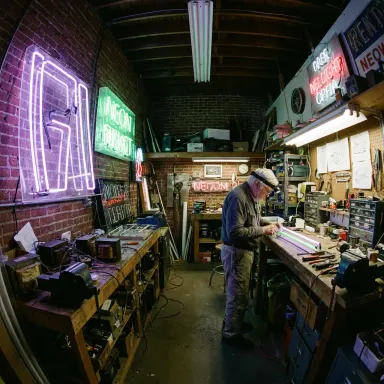
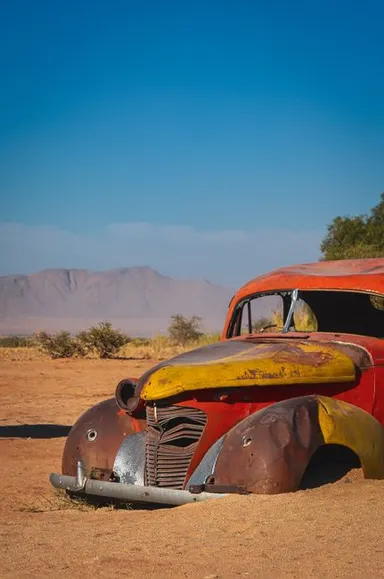
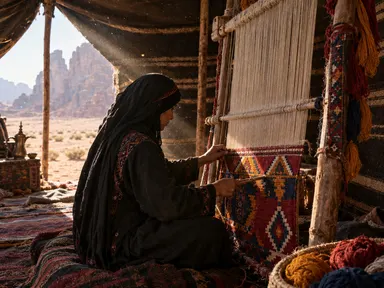
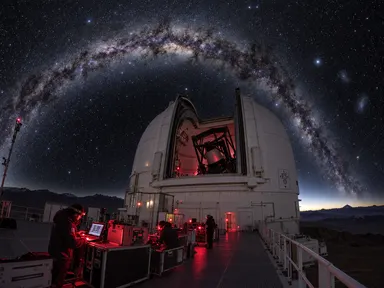
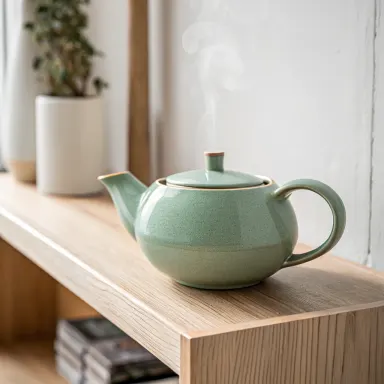
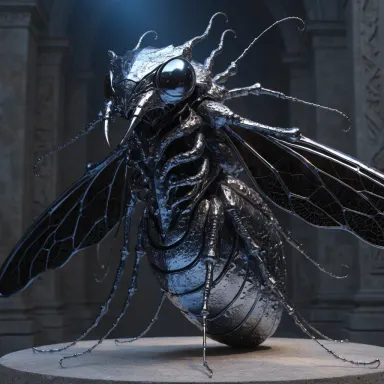
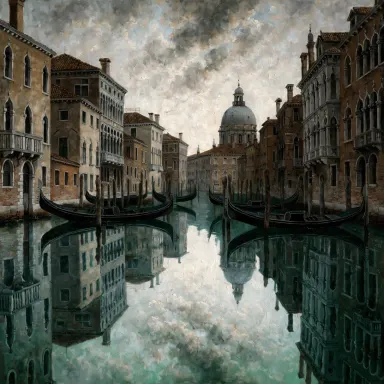
Made with this app
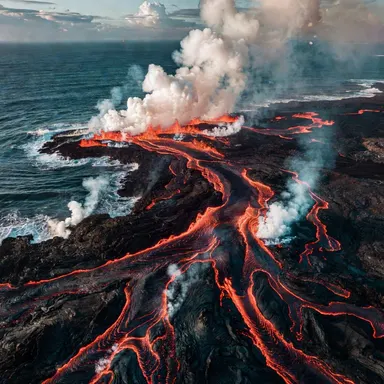
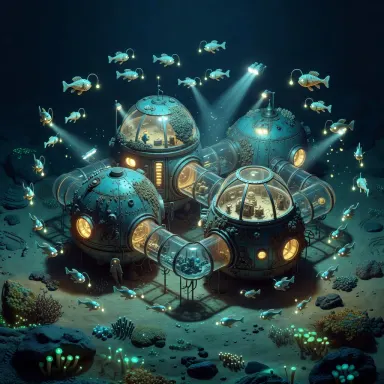
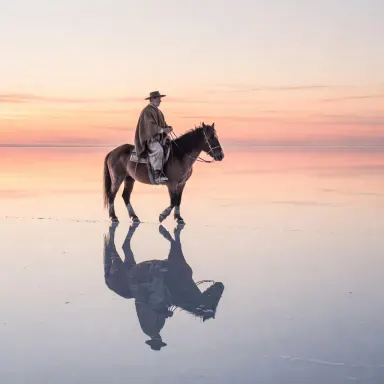
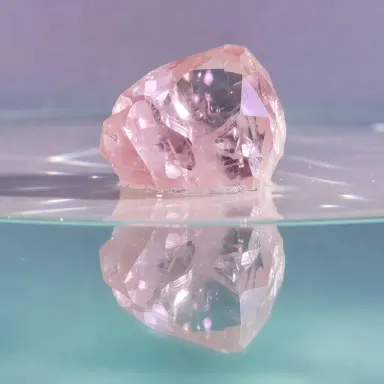
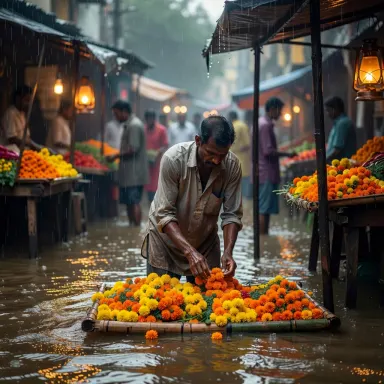
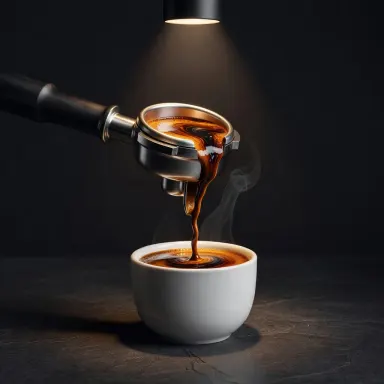
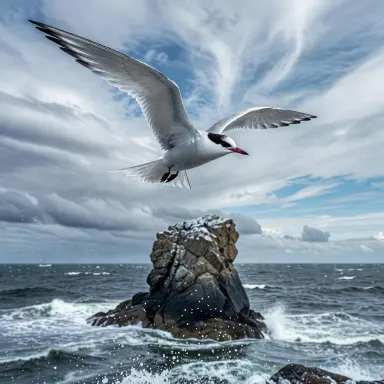
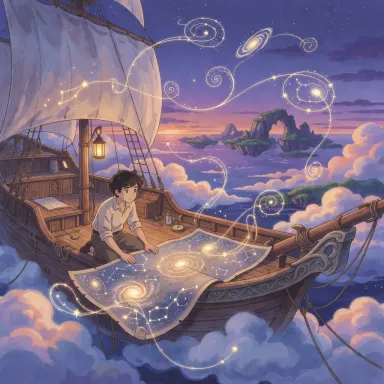
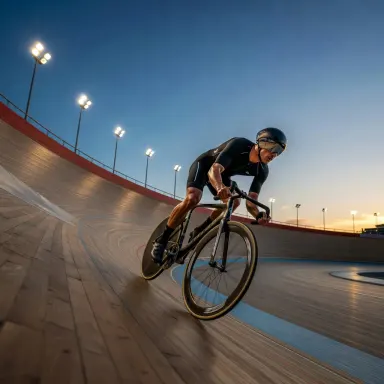
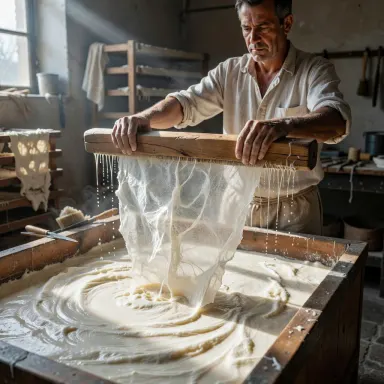
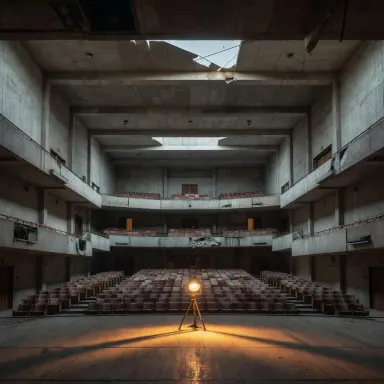
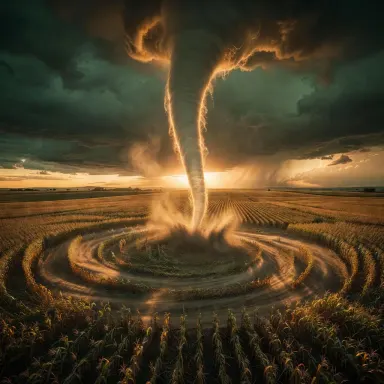
Grok Imagine Image by xAI is a text-to-image app built for creators who need bold, expressive visuals across an unusually wide range of formats. With thirteen aspect ratio presets and full 2K resolution available at no added cost, it suits social media designers, concept artists, and content teams who want stylized, high-impact imagery without juggling separate upscaling steps. If your work lives on feeds, decks, or campaign boards and calls for images that read with personality at a glance, this is the app for it.
How to use this app
- 1
Describe what you want to create, or upload your source file.
- 2
Pick your options, then press Generate.
- 3
Watch your result appear in the gallery within moments.
- 4
Download, share, or generate again with a new idea.
What you can make
Social Media Campaign Visuals
Grok Imagine Image covers thirteen aspect ratios, so you can generate a portrait story frame, a square post, and a wide banner from the same prompt session without reformatting. The expressive output style gives campaign imagery the visual punch needed to stop a scroll.
Stylized Concept Art
When a project needs a strong visual language rather than photorealistic accuracy, the model's bold rendering tendencies produce concept boards that communicate mood and direction clearly. Creative directors can use these to align a team before production assets are built.
Presentation and Deck Imagery
Wide and ultrawide aspect ratios at 2K resolution make Grok Imagine Image a practical choice for full-bleed slide backgrounds and section headers. The flat pricing at 2K means you can generate several options without worrying that higher resolution costs more.
Branded Illustration Assets
Stylized, conceptual output translates well into brand illustration libraries where consistency of feel matters more than photographic detail. Teams can iterate quickly across multiple prompts to build a cohesive visual system for a product or campaign.
Content Creator Thumbnails
YouTube, newsletter, and podcast creators need images that read clearly at small sizes. The expressive style and 2K ceiling ensure thumbnails stay sharp and visually distinct, and the range of aspect presets means one session can cover multiple platform formats.
Prompt ideas to try
Why creators use this app
- Thirteen aspect ratios
- 1K or 2K resolution
- Expressive style
- Flat pricing at 2K
Tips for better results
Choose Your Aspect Ratio First
With thirteen presets available, deciding on the final format before writing your prompt helps you frame composition details correctly. Describing a wide horizon scene when generating a portrait crop wastes the model's compositional strength and often crops key elements.
Lean Into Stylized Language
Grok Imagine Image is tuned for expressive output, so prompts that specify an artistic style, a color mood, or a graphic treatment get stronger results than purely descriptive ones. Words like 'bold', 'flat', 'painterly', or 'high contrast' steer the model toward its natural range.
Use 2K for Final Deliverables
Because 2K resolution is included at the same cost as 1K, there is no reason to settle for lower resolution on assets you plan to publish. Select 2K for any image destined for print, large-format display, or high-DPI screens.
Iterate on Concept, Then Refine
The model generates in five to twelve seconds, which is fast enough for rapid concept exploration. Use early generations to test mood and composition, then tighten your prompt vocabulary based on what comes back before committing to your final output.
When to choose this app
Choose Grok Imagine Image when your priority is expressive, stylized output across many canvas formats at 2K resolution. Seedream v3 offers guidance control for more measured, precise results, and Seedream 5.0 Pro brings on-image text and precise editing capabilities, making those apps stronger choices when accuracy or text rendering is central to the brief. Grok Imagine Image earns its place when visual personality, format flexibility, and bold graphic impact matter most.
Frequently asked questions
Which of the thirteen aspect ratios are available?
The app provides thirteen presets covering common social, print, and screen formats, including portrait, square, landscape, and wider cinematic orientations. The full list is visible in the aspect ratio selector inside the app before you generate.
How expressive or stylized is the output by default?
Grok Imagine Image has a natural tendency toward bold, graphic, and stylized rendering even on neutral prompts. If you want subtler or more photorealistic results, you will need to specify that explicitly in your prompt, though the model's core strength remains expressive imagery.
Can I use this app for images that include readable text?
The model is not specifically tuned for on-image text accuracy. For work where legible text within the image is critical, Seedream 5.0 Pro, which is described as a flagship model with on-image text capabilities, is a better fit.
Is 2K resolution suitable for print as well as screen use?
2K output works well for digital screens, large-format web graphics, and moderate print sizes. For very large print formats or high-DPI professional print production, check the pixel dimensions the app produces against your print provider's requirements before ordering.
How should I write prompts to get the most from the expressive style?
Name a visual style, mood, or artistic reference alongside your subject. Phrases describing color temperature, contrast level, or a specific design era give the model concrete direction. Purely literal descriptions of objects tend to produce flatter results than prompts that also describe how the image should feel.
How much does it cost?
Each generation costs 1 credit. New accounts get free credits to try it out.
Which AI model powers this app?
This app runs on Grok Imagine Image, available through Arteza with no separate account or setup.
Can I use the results commercially?
Yes. Content you generate is yours to use, subject to our content licenses.
How long does a generation take?
Most generations finish in under a minute, and you can watch progress live in the gallery.