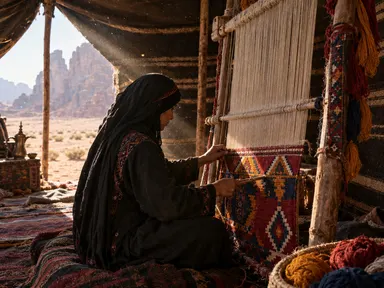
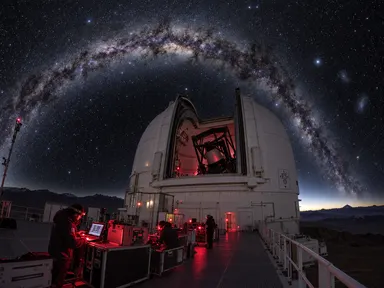
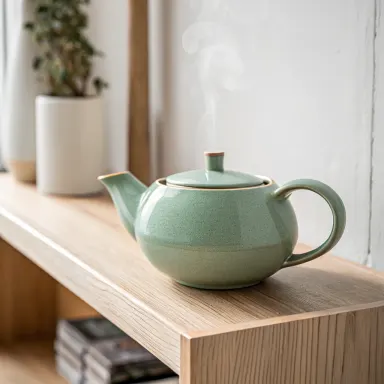
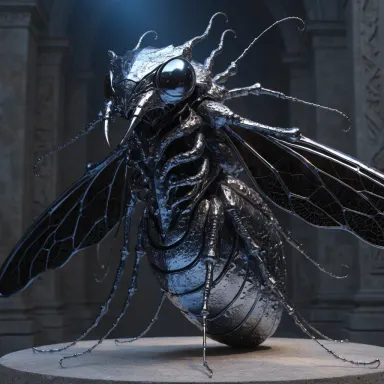
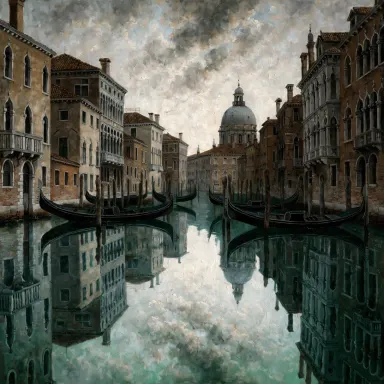
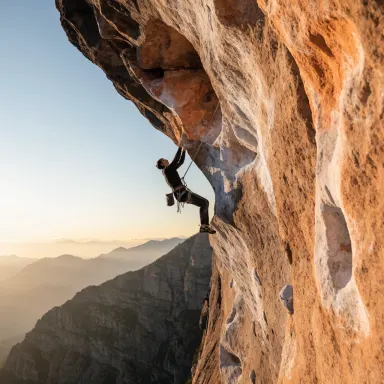
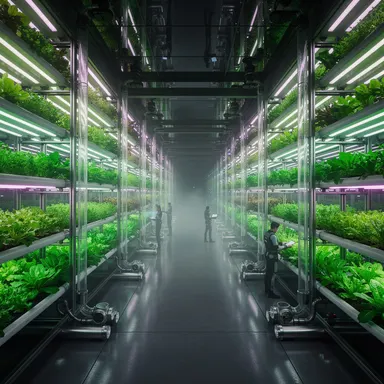
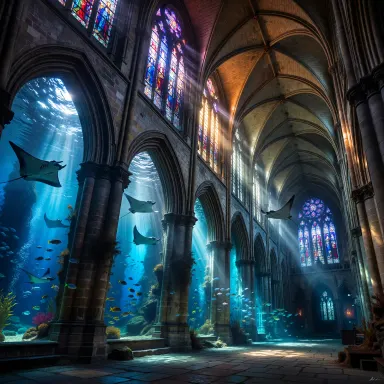
Made with this app
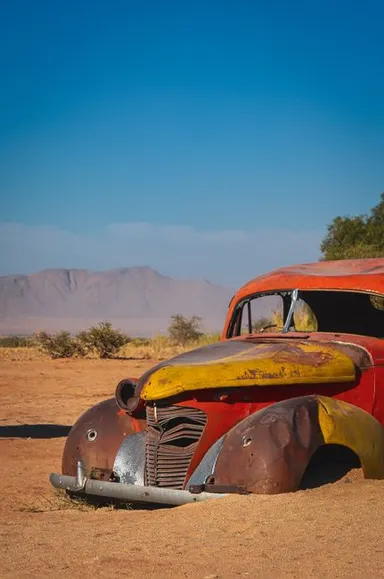
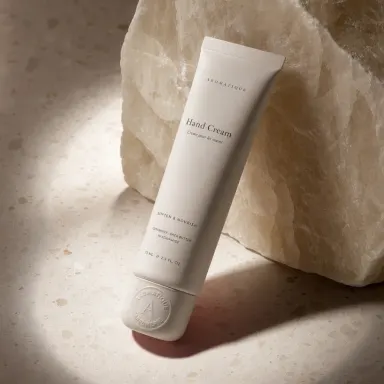
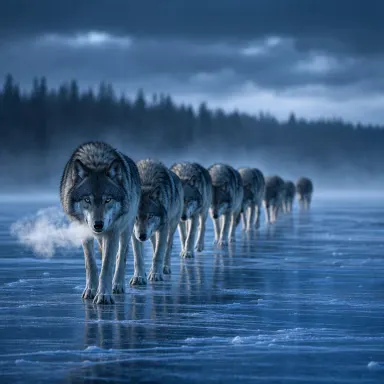
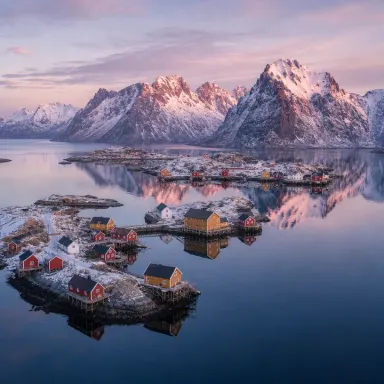
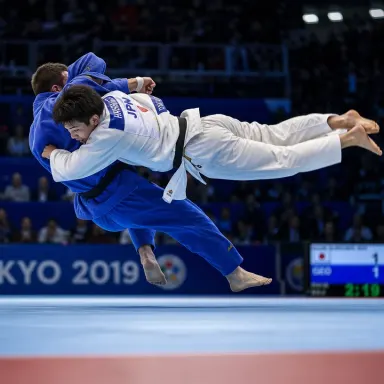
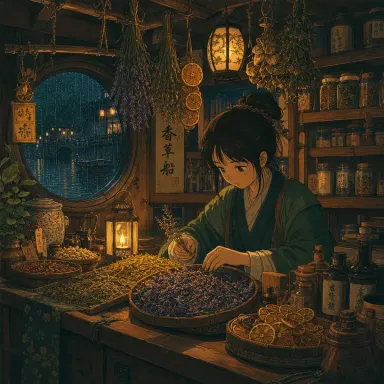
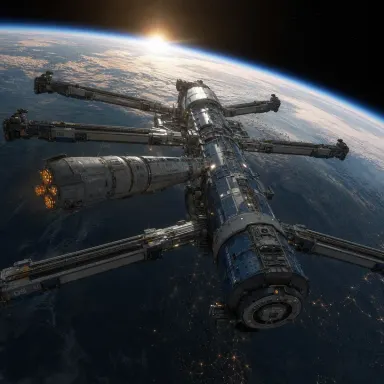
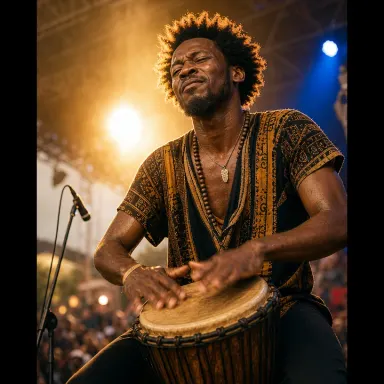
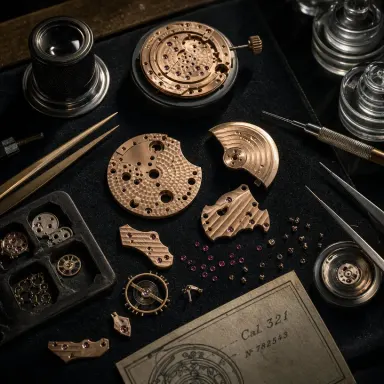
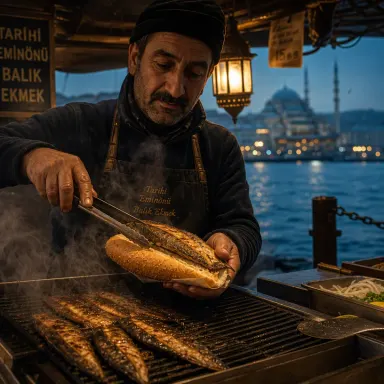
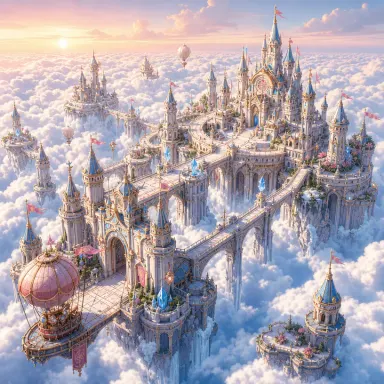
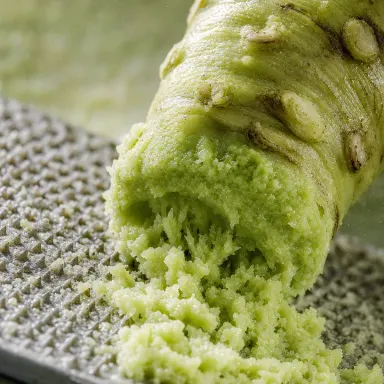
Text to Image with GPT Image 2 is a dedicated creative studio app powered by OpenAI's latest image generation model. It is built for designers, marketers, illustrators, and content creators who need to translate detailed, layered ideas into polished visuals. GPT Image 2 stands out for its ability to parse complex, nuanced prompts and render legible text within images, making it a strong choice for anyone who has struggled to get other generators to follow intricate instructions or produce readable in-image typography.
How to use this app
- 1
Describe what you want to create, or upload your source file.
- 2
Pick your options, then press Generate.
- 3
Watch your result appear in the gallery within moments.
- 4
Download, share, or generate again with a new idea.
What you can make
Branded Promotional Graphics
When a social post or ad needs a headline embedded directly in the artwork, GPT Image 2 handles the text rendering with precision. Marketers can describe a scene, specify the copy they need overlaid, and receive a composition where the lettering is clean and correctly spelled rather than distorted.
Detailed Concept Art
Concept artists and game designers can feed GPT Image 2 multi-clause prompts describing lighting, mood, character posture, and environment simultaneously. The model's complex prompt understanding means fewer regenerations are needed to capture all the requested elements in a single frame.
Stylistically Varied Mood Boards
Because GPT Image 2 supports diverse styles, creative directors can iterate through photorealistic, painterly, flat-design, or retro-illustration looks using the same core prompt. This makes early-stage mood boarding faster without switching between separate tools.
Product Packaging Mockups
Packaging designers who need to visualize label text, nutritional callouts, or brand names sitting naturally on a product surface benefit from GPT Image 2's text rendering capability. The model places typographic elements contextually rather than floating them awkwardly over the image.
Editorial and Book Cover Illustration
Writers and publishers can describe a scene, atmosphere, and title treatment in one prompt and get a cohesive cover composition. GPT Image 2's composition intelligence keeps subjects, backgrounds, and any embedded title copy in a balanced, print-ready arrangement.
Prompt ideas to try
Why creators use this app
- Complex prompt understanding
- Excellent text rendering
- Diverse styles
- Multiple sizes
Tips for better results
Layer Your Prompt Clearly
GPT Image 2 is built for complex prompt understanding, so describe subject, setting, lighting, style, and any text elements in separate logical clauses. Structured prompts help the model weigh each detail rather than dropping elements that appear buried in a single run-on sentence.
Specify Text Exactly
When you need words to appear inside the image, quote the exact string you want rendered. GPT Image 2's text rendering capability is most reliable when the target copy is unambiguous. Include the desired font style, size description, and placement to narrow down the output.
Name Your Style Reference Precisely
The model supports diverse styles, so terms like 'risograph print', 'Bauhaus poster', or 'candid documentary photography' yield more consistent results than vague descriptors like 'artistic' or 'cool'. Precise style labels give GPT Image 2 a clear aesthetic anchor.
Use Size to Match Your Output Need
GPT Image 2 supports multiple sizes up to 4K resolution. Choose your dimensions before generating rather than resizing afterward. Specifying a landscape or portrait ratio in the prompt reinforces the composition the model builds, reducing awkward cropping of key elements.
When to choose this app
Choose this app over Seedream v3 or FLUX.1 Schnell when your prompt is long, multi-layered, or requires readable text baked into the image. GPT Image 2 is purpose-built for complex instruction following and typographic accuracy, which makes it the right pick for editorial graphics, packaging concepts, and any brief where compositional fidelity and in-image legibility matter more than raw rendering speed.
Frequently asked questions
How well does GPT Image 2 actually render text inside images?
Text rendering is one of the model's declared core strengths. When you quote the exact string you want in the prompt and specify placement, the output typically produces legible, correctly spelled text. Complex scripts or very small point sizes may still need to be run a second time, but results are consistently stronger than most competing models.
Can I request a specific visual style each time I run it?
Yes. GPT Image 2 supports diverse styles, so you can request photorealism, flat illustration, oil painting, vintage poster art, and many other looks within the same app. Name your style precisely in the prompt for the most consistent results, rather than relying on general terms.
What output resolution can I expect?
GPT Image 2 generates images up to 4K resolution. This makes outputs suitable for print mockups, large-format digital displays, and detailed concept presentations without requiring additional upscaling steps after generation.
How detailed can my prompt be before the model starts dropping elements?
GPT Image 2 is specifically built for complex prompt understanding, meaning it handles multi-clause, multi-subject descriptions better than many alternatives. Structuring your prompt with clear subject, environment, lighting, style, and text sections reduces the chance of any single element being ignored.
Is this app suitable for generating images that include both a scene and a title or headline?
It is one of the strongest use cases for GPT Image 2. Describe the scene in detail, then explicitly state the headline copy you need rendered and its approximate position. The model combines compositional layout with text rendering in a single pass, which is particularly useful for cover art and promotional graphics.
Can I produce images in different aspect ratios for different platforms?
Yes. The app supports multiple sizes, so you can select a ratio suited to a square social post, a landscape banner, or a portrait poster before generating. Mentioning the intended orientation in the prompt text as well reinforces how the model frames and crops the composition.
Which AI model powers this app?
This app runs on GPT Image 2, available through Arteza with no separate account or setup.
Can I use the results commercially?
Yes. Content you generate is yours to use, subject to our content licenses.
How long does a generation take?
Most generations finish in under a minute, and you can watch progress live in the gallery.