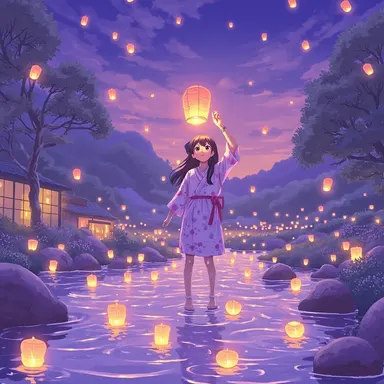
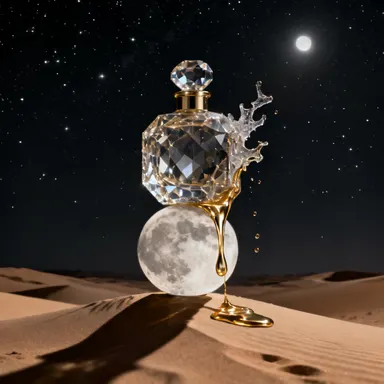
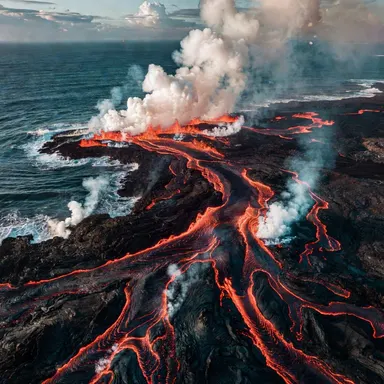
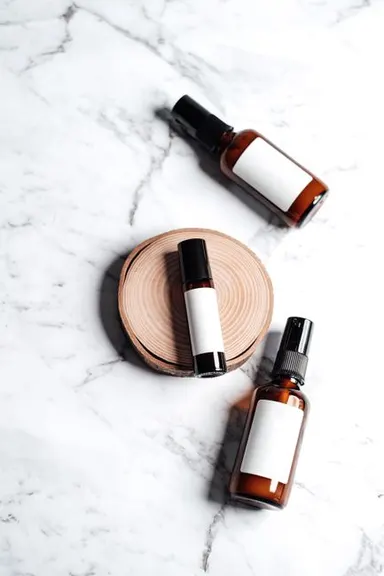
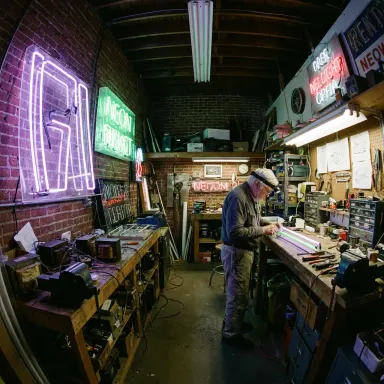
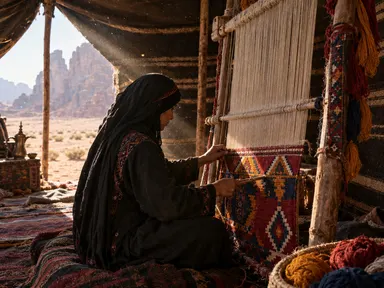
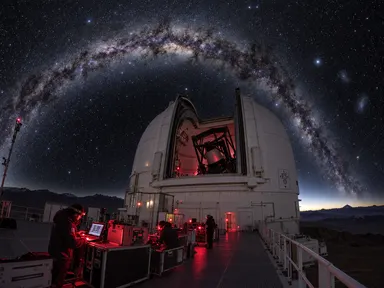
Made with this app
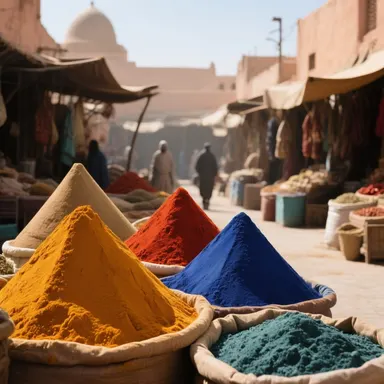
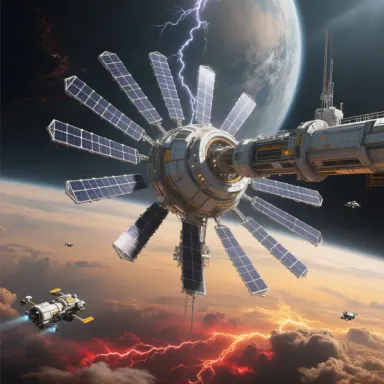
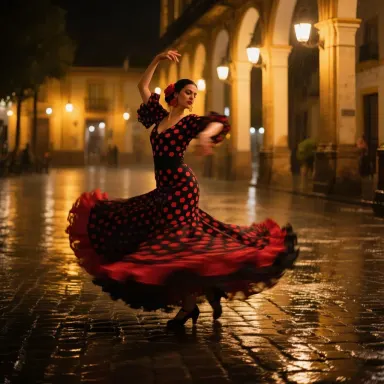
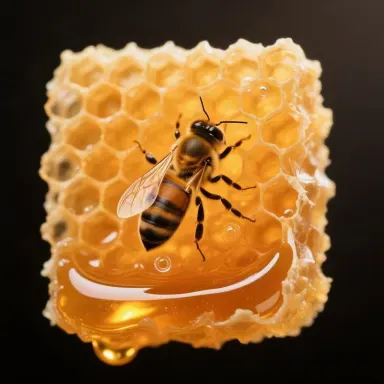

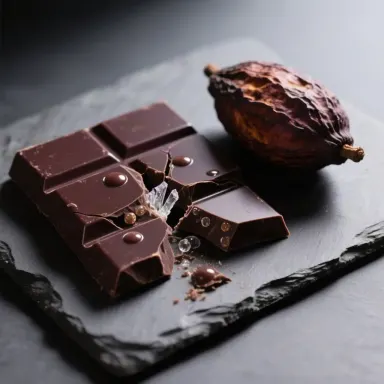
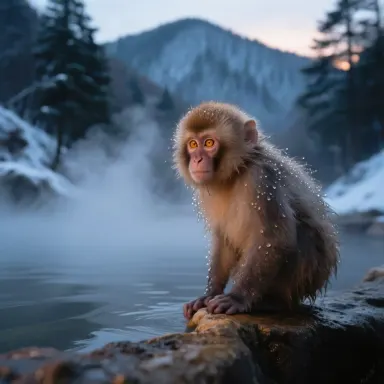

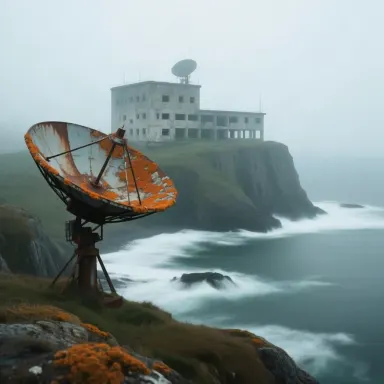
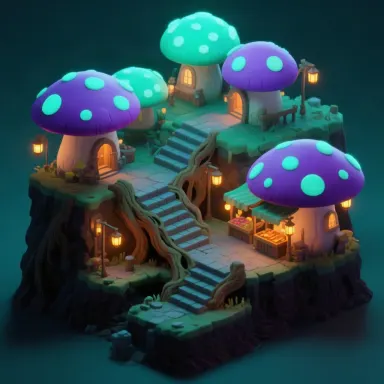
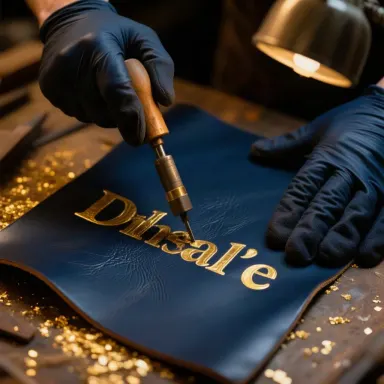
Qwen Image, developed by Alibaba, is a general-purpose text-to-image generator built for creators who need their prompts followed closely and legible text rendered accurately inside the image itself. Whether you are composing a poster, a product mockup, a social graphic with a headline, or any scene where words on-screen must be readable, this app delivers clean 1-megapixel output across six aspect ratio presets. It suits designers, marketers, and content creators who cannot afford garbled letters or a model that drifts from the prompt.
How to use this app
- 1
Describe what you want to create, or upload your source file.
- 2
Pick your options, then press Generate.
- 3
Watch your result appear in the gallery within moments.
- 4
Download, share, or generate again with a new idea.
What you can make
Posters With Readable Headlines
Qwen Image handles typographic elements inside generated scenes with notable accuracy. Design event posters, motivational prints, or announcement graphics where a title or slogan must appear on the image itself, without the misspellings and distorted glyphs that plague most generators.
Product Mockups With Labels
Place a brand name, ingredient list, or short tagline directly on a rendered bottle, box, or bag. Because Qwen Image renders text faithfully, the label reads correctly in the output, saving a round-trip to a photo editor for basic corrections.
Social Media Graphics
Generate ready-to-post graphics for Instagram, LinkedIn, or Pinterest by specifying both the visual scene and the overlay copy in one prompt. The six aspect presets make it straightforward to target portrait, square, or landscape formats without manual cropping.
Prompt-Faithful Concept Art
When a brief is detailed and specific, Qwen Image stays close to every clause. Use it when a client or art director has written a precise description and deviation from it is not acceptable, reducing iteration rounds on complex compositional requests.
Instructional Diagrams and Signage
Create simple instructional images, warning signs, or wayfinding graphics where short text phrases must appear inside the visual. Qwen Image produces these cleanly at 1 megapixel, sufficient for web, presentation, and print-at-small-size applications.
Prompt ideas to try
Why creators use this app
- Accurate text rendering
- Strong prompt adherence
- 1 megapixel output
- Six aspect presets
Tips for better results
Quote the Text You Want
When you need specific words inside the image, place them in quotation marks within your prompt, for example: a sign reading 'Grand Opening'. This signals to Qwen Image exactly which characters to render, reducing the chance of substituted or scrambled letters.
Choose the Aspect Preset First
Qwen Image offers six aspect presets, so decide the target format before writing your prompt. Composing a prompt around the intended ratio, such as portrait for a poster or landscape for a banner, helps the model distribute elements the way you expect.
Be Specific About Style and Lighting
Strong prompt adherence means Qwen Image will follow every detail you provide. Include lighting conditions, color palette, and art style in your prompt. Vague prompts still work, but detailed ones unlock the model's full fidelity to your vision.
Keep Text Short and Legible
For best text rendering results, limit in-image copy to short phrases rather than full sentences. Long strings of text at small sizes push the limits of any generator. One to six words per text element produces the cleanest output at 1 megapixel.
When to choose this app
Choose Qwen Image when your output must contain readable text or when your prompt is detailed and precise adherence is the priority. FLUX.1 Dev and FLUX.1 Schnell excel at rich artistic rendering but offer less reliable in-image text accuracy. Seedream v3 and Seedream v4.5 produce strong visuals yet are better suited to photographic or stylized scenes where typography is not a requirement. Qwen Image fills the gap for graphic, typographic, and label-oriented work.
Frequently asked questions
How accurately does Qwen Image render text inside generated images?
Qwen Image is specifically noted for accurate text rendering, which sets it apart from most general-purpose generators. Short phrases and single words are reproduced with high fidelity. Longer strings or very small type sizes can still introduce errors, so keeping in-image text concise gives the best results.
What are the six aspect presets and how do I choose one?
The six presets cover common portrait, square, and landscape ratios used across social media, print, and web formats. Select the preset that matches your intended output surface before generating. The app presents the options at the point of generation, so no manual pixel math is needed.
What does 1 megapixel output mean for practical use?
1 megapixel means the total pixel count reaches approximately one million, for example 1024 by 1024 pixels or equivalent rectangular dimensions. This resolution is sufficient for social media posts, web graphics, and small-format print. For large-scale print or billboard work, upscaling after generation is recommended.
Can I use Qwen Image to generate images without any text in them?
Absolutely. Accurate text rendering is a strength of Qwen Image, but it is also a fully capable general-purpose generator. Landscapes, portraits, product renders, abstract art, and any other subject without in-image copy all benefit from its strong prompt adherence and clean output quality.
How does strong prompt adherence affect my workflow?
Strong prompt adherence means the model stays close to the specific objects, arrangements, colors, and styles you describe. You spend less time regenerating because the first or second output matches your brief. This is especially valuable when working against a detailed creative specification from a client or collaborator.
Does the model handle multiple separate text elements in one image?
Qwen Image can attempt multiple text elements in a single scene, such as a headline and a subheading on a poster. Results are best when each element is short and the prompt clearly describes the position and role of each piece of text. More than three distinct text elements may reduce per-element accuracy.
How much does it cost?
Each generation costs 1 credit. New accounts get free credits to try it out.
Which AI model powers this app?
This app runs on Qwen Image, available through Arteza with no separate account or setup.
Can I use the results commercially?
Yes. Content you generate is yours to use, subject to our content licenses.
How long does a generation take?
Most generations finish in under a minute, and you can watch progress live in the gallery.