Made with this app

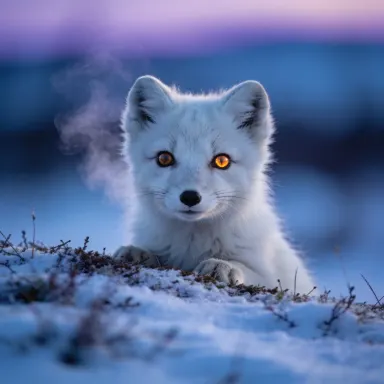
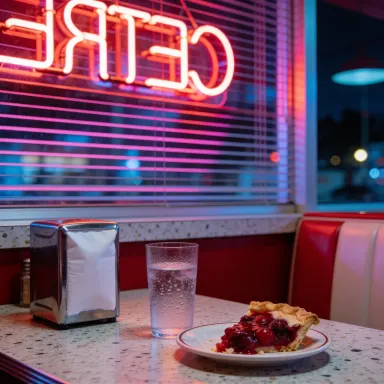
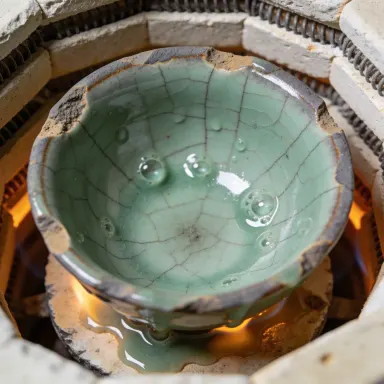

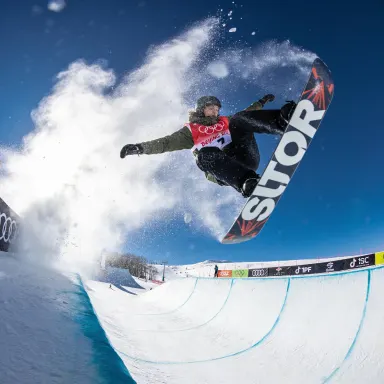
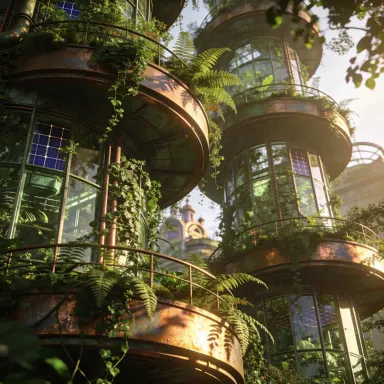
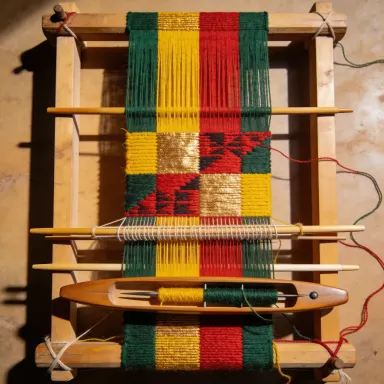
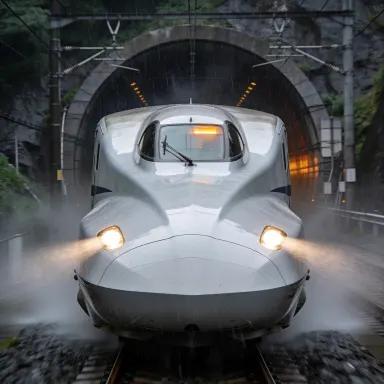
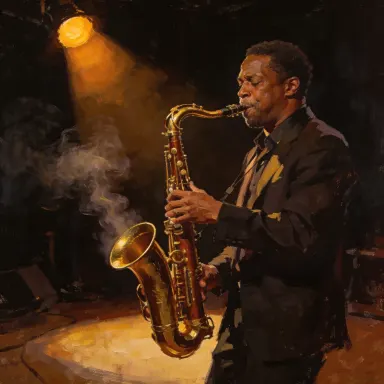
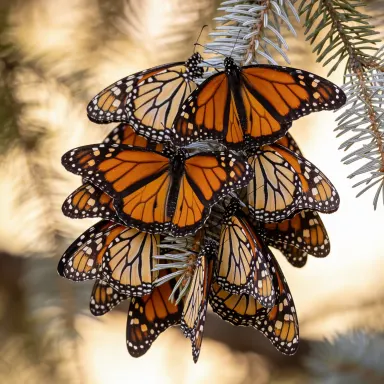
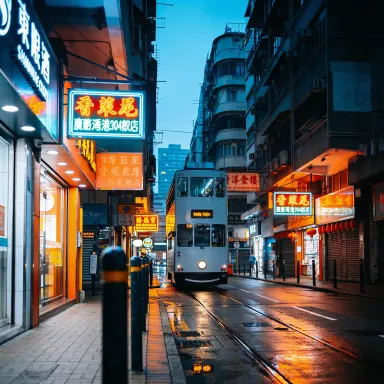
Seedream v4.5 is a text-to-image app built for creators who need high-resolution, aesthetically refined output from detailed written prompts. Powered by the Seedream v4.5 model, it delivers up to 4 megapixels of output at 2048x2048 pixels, making it well suited for concept artists, illustrators, and designers who want to move from idea to print-ready image without compromising on clarity or compositional quality. Its enhanced prompt understanding means complex, layered descriptions translate into images with fewer compromises.
How to use this app
- 1
Describe what you want to create, or upload your source file.
- 2
Pick your options, then press Generate.
- 3
Watch your result appear in the gallery within moments.
- 4
Download, share, or generate again with a new idea.
What you can make
Concept Art for Games
Game designers and art directors can describe detailed environments, character silhouettes, or creature designs in natural language and receive fully realized 4MP concept images. The high output resolution means artwork holds up when scaled into pitch decks, mood boards, or early production references.
Editorial Illustration Drafts
Illustrators working on editorial or publishing projects can use Seedream v4.5 to rapidly prototype visual ideas before committing to a final style. Enhanced prompt understanding captures nuanced stylistic language, so describing lighting mood, color palette, and compositional focus produces coherent, usable drafts.
Batch Variations for Creative Review
With multi-image batch generation, art directors can produce several interpretations of the same brief in a single session and present options to clients or stakeholders. This removes back-and-forth revision cycles at the ideation stage and surfaces unexpected creative directions quickly.
Reproducible Brand Imagery
Seed reproducibility allows teams to lock in a successful image configuration and regenerate identical or closely matched outputs later. This is valuable for maintaining visual consistency across a campaign or product line without having to manually reconstruct the exact prompt every time.
High-Resolution Print Assets
The 2048x2048 output ceiling makes Seedream v4.5 practical for posters, packaging mockups, and other print contexts where lower-resolution generators fall short. Detailed scenes and fine textures render with enough fidelity to use directly in design composites.
Prompt ideas to try
Why creators use this app
- Enhanced Prompt Understanding
- Up to 16 Megapixel Output
- Multi-Image Batch
- Seed Reproducibility
Tips for better results
Use Seed Reproducibility for Iteration
When you generate an image you want to refine, note the seed value and reuse it with a modified prompt. This gives you a stable visual starting point so you can adjust specific elements, such as lighting or composition, without losing the overall look you already approved.
Write Layered, Specific Prompts
Seedream v4.5 is built with enhanced prompt understanding, so it rewards descriptive, structured input. Include subject, setting, lighting, color palette, and stylistic reference in a single prompt rather than relying on short keywords. More specificity translates to fewer wasted generations.
Leverage Batch for Creative Exploration
Use multi-image batch generation when you are still exploring a concept rather than refining a chosen direction. Running several variations at once surfaces compositional and stylistic possibilities you might not anticipate from a single result, making the ideation phase more efficient.
Target 4MP for Print and Large Screens
If your final use is print, large-format display, or detailed mockups, set output to the maximum 2048x2048. For web thumbnails or social media previews, a lower resolution setting preserves your budget while still benefiting from the model's aesthetic quality and prompt fidelity.
When to choose this app
Choose Seedream v4.5 over Seedream 5.0 Lite when you need the balance of strong aesthetic quality and high resolution without the full cost of Seedream 5.0 Pro. It outpaces FLUX.1 Schnell for detailed artistic compositions where prompt nuance matters more than raw generation speed. It is the practical middle-ground option for illustrators and concept artists who need reliable 4MP output for professional deliverables.
Frequently asked questions
What is the maximum output resolution this app supports?
Seedream v4.5 supports output up to 2048x2048 pixels, which equals 4 megapixels. This makes it suitable for print assets, large-format mockups, and detailed concept art where lower-resolution outputs would appear soft or lose fine texture.
How does seed reproducibility work in practice?
When you generate an image, a seed value governs the randomness in the output. By saving and reusing that seed with the same or a modified prompt, you can reproduce near-identical results or iterate on a specific visual direction. This is useful for maintaining consistency across a series of related images.
Does enhanced prompt understanding handle complex, multi-element descriptions well?
Yes. Seedream v4.5 is specifically designed to parse detailed, layered prompts that describe multiple subjects, lighting conditions, stylistic references, and compositional cues simultaneously. Simple keyword prompts will work, but the model performs noticeably better when given structured, descriptive input.
What kinds of creative work is this app best suited for?
The app is optimized for artistic illustrations, concept art, and creative compositions. It handles stylized and painterly aesthetics particularly well, making it a strong choice for game art, editorial illustration, fantasy or sci-fi concept work, and any project where visual style is as important as subject accuracy.
Can I generate multiple images from one prompt in a single session?
Yes. The multi-image batch feature lets you generate several images from the same prompt at once. This is especially useful during ideation when you want to compare variations before committing to a single direction, and it reduces the time spent running individual generations back to back.
How specific does my text prompt need to be to get good results?
Seedream v4.5 responds well to specificity. A prompt that names the subject, describes the setting, specifies lighting and color mood, and references a visual style will consistently outperform a vague keyword list. Think of your prompt as a brief to an illustrator rather than a search engine query.
How much does it cost?
Each generation costs 1 credit. New accounts get free credits to try it out.
Which AI model powers this app?
This app runs on Seedream v4.5, available through Arteza with no separate account or setup.
Can I use the results commercially?
Yes. Content you generate is yours to use, subject to our content licenses.
How long does a generation take?
Most generations finish in under a minute, and you can watch progress live in the gallery.