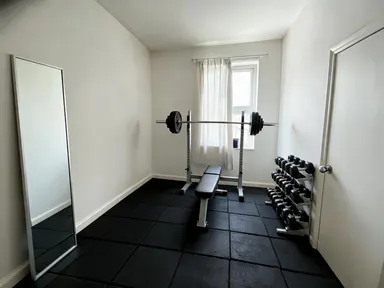
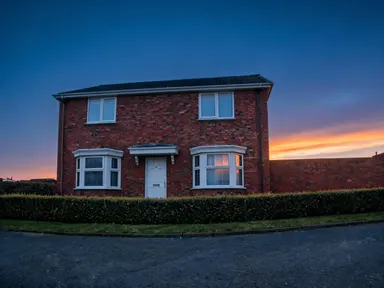
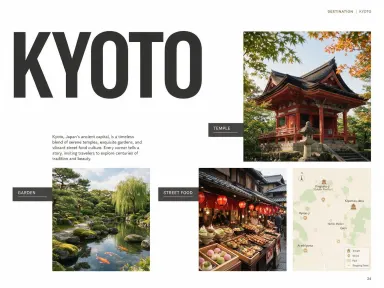
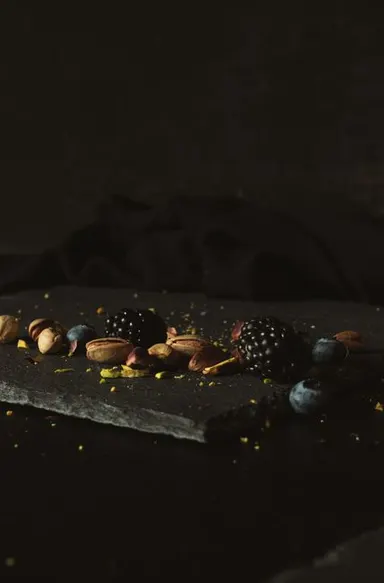
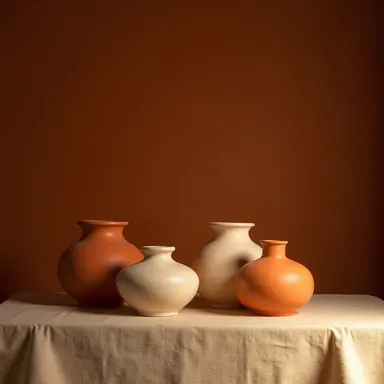
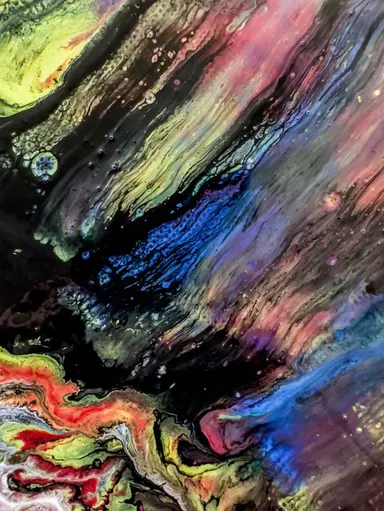
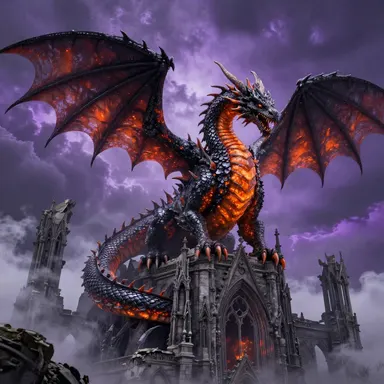
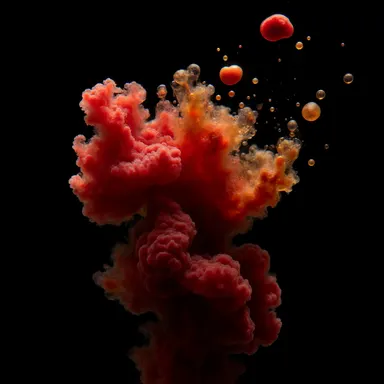
Made with this app
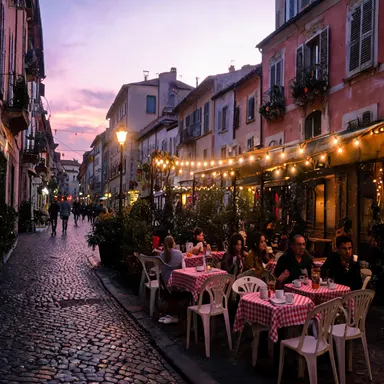
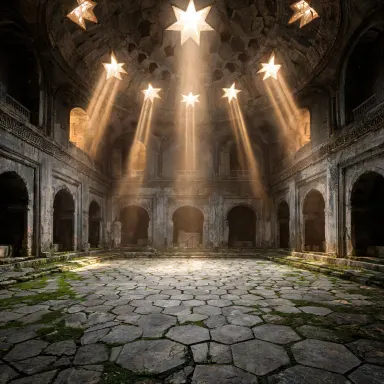
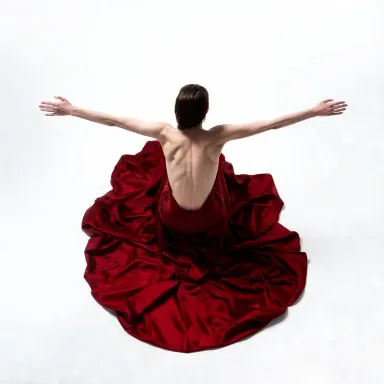
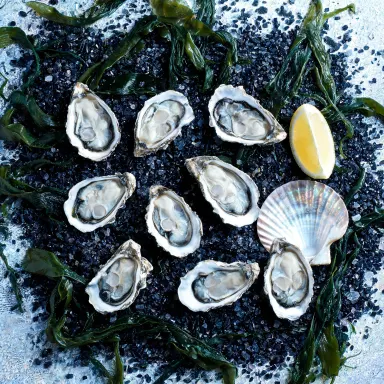
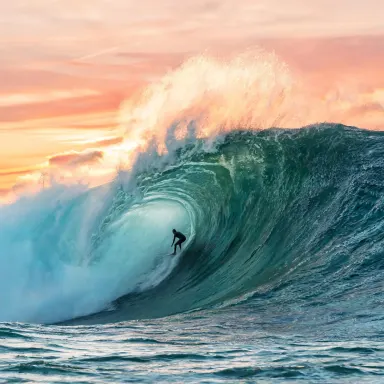
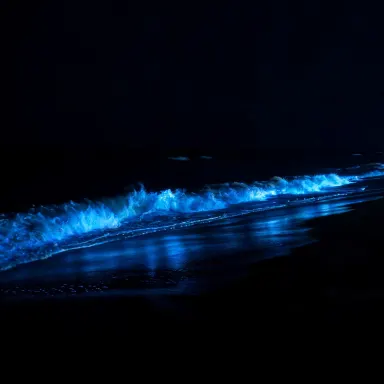
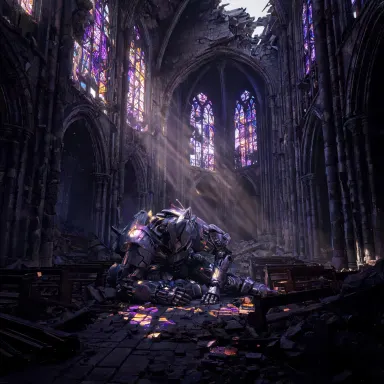
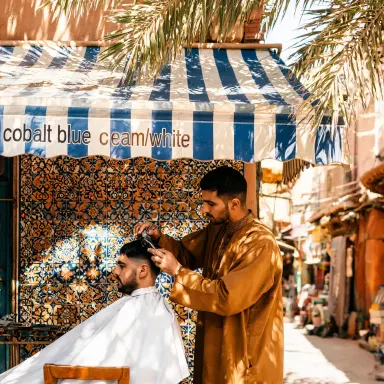
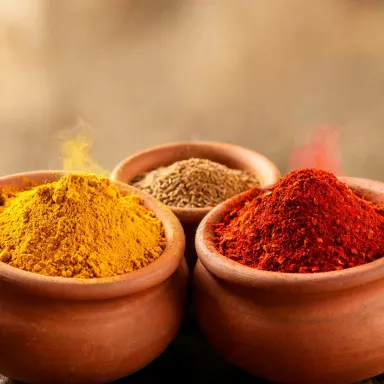
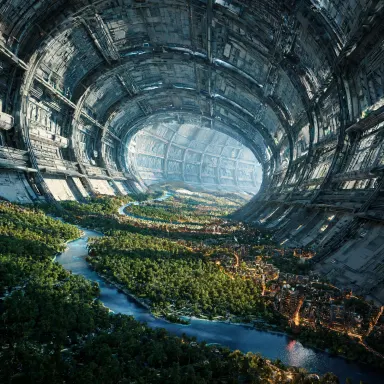
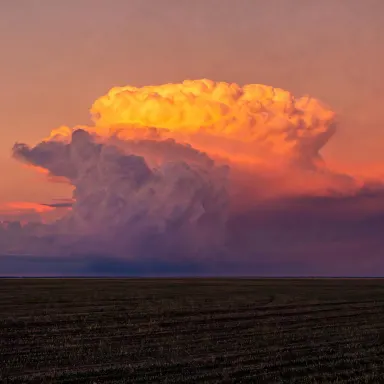
Seedream 5.0 Lite is a next-generation text-to-image model built for creators who need fast, high-quality visuals from detailed or complex prompts. Its Deep Thinking Mode applies multi-step logical reasoning to parse nuanced descriptions, while its clean text rendering capability makes it one of the few models that can place legible words directly inside an image. It suits social media teams, content marketers, and designers who need sharp drafts and bulk graphics at 1K+ resolution.
How to use this app
- 1
Describe what you want to create, or upload your source file.
- 2
Pick your options, then press Generate.
- 3
Watch your result appear in the gallery within moments.
- 4
Download, share, or generate again with a new idea.
What you can make
Social Media Graphics With Text
Seedream 5.0 Lite renders words cleanly inside images, so you can generate promotional banners, quote cards, or announcement graphics where the copy is actually readable. Set the Image Size to Landscape 16:9 for a standard feed banner and the text lands crisp, not blurry or warped.
Complex Scene Descriptions
When a prompt involves layered conditions, such as a specific lighting mood combined with a detailed setting and a precise color palette, Deep Thinking Mode works through the logic before rendering. This reduces the guesswork of breaking a complex idea into multiple simpler prompts.
Bulk Draft Generation
Use the Number of Images control to generate several variations of a concept in one session. This suits art directors who need a range of options to review before committing to a direction, without the cost of a full production render each time.
Style and Color Transfer Projects
The built-in Style and Color Transfer feature lets you describe a visual language in your prompt and have it applied consistently. This is useful for creating a cohesive set of assets across a campaign where brand color and aesthetic need to match across images.
High-Resolution Product Concepts
At 1K+ resolution output, Seedream 5.0 Lite produces images with enough detail to assess product packaging concepts, editorial illustrations, or print-ready mockups at a meaningful size before moving to final production tools.
Prompt ideas to try
Why creators use this app
- Deep Thinking Mode
- Perfect Text Rendering
- 1K+ Resolution
- Multi-Step Logical Reasoning
- Style & Color Transfer
Tips for better results
Use Deep Thinking Mode for Layered Prompts
When your description involves multiple conditions, such as a specific atmosphere, a color scheme, and readable text all in one image, write them out fully. Deep Thinking Mode is designed to parse that complexity rather than collapse it into a generic result.
Match Image Size to Your Output Format
Pick your Image Size control before generating rather than after. Square HD at 3072x3072 suits print or high-detail work; Landscape 16:9 suits banners and video thumbnails. Choosing correctly upfront avoids cropping a composition that was built for the wrong frame.
Describe Text Content Directly in Your Prompt
Because Seedream 5.0 Lite renders text cleanly inside images, you can specify the exact words you want to appear, their style, and their placement in plain language. Be precise about font character, such as serif or slab, and where in the frame the text should sit.
Generate Multiple Variations for Faster Review
Rather than running one image and iterating through prompt edits alone, use the Number of Images control to produce two or three variations of the same prompt side by side. This reveals how the model interprets ambiguous wording and surfaces the strongest direction quickly.
When to choose this app
Choose Seedream 5.0 Lite when your brief requires readable text inside the image, multi-layered scene logic, or high-resolution output from a single detailed prompt. AI Greeting Card and AI Meme Generator both place words into images, but each is a structured tool built around a fixed format, an occasion or a two-line joke. Seedream 5.0 Lite is an open canvas: any subject, any text, any composition, resolved through deep reasoning rather than a template. AI Wallpaper is optimized for phone-sized decorative compositions; Seedream 5.0 Lite handles everything from print-scale artwork to bulk social graphics in a single session.
Frequently asked questions
What makes text rendering in Seedream 5.0 Lite different from other image models?
Most image models treat text as visual texture, which is why words often appear scrambled or illegible. Seedream 5.0 Lite has a dedicated clean text rendering capability, meaning words you specify in your prompt are actually readable in the output. This makes it suitable for banners, posters, labels, and any image where copy must be legible.
What does Deep Thinking Mode actually do?
Deep Thinking Mode applies multi-step logical reasoning to your prompt before the image is generated. Instead of treating a long description as a flat list of keywords, the model works through the relationships between elements, such as how lighting interacts with a setting, or how a color rule should apply across foreground and background, and resolves conflicts before rendering.
Can I control the aspect ratio of my output?
Yes. The Image Size control on the page offers six options: Square HD at 3072x3072, Square at 1920x1920, Portrait 4:3, Portrait 16:9, Landscape 4:3, and Landscape 16:9. Pick the one that matches your intended use before you generate, since the model composes the scene to fill whichever frame you select.
How specific should my prompt be for best results?
More specific prompts produce more predictable results, especially when Deep Thinking Mode is engaged. Describe the subject, the environment, the lighting quality, any color constraints, and, if you want text in the image, the exact words and their visual style. Vague prompts work, but detailed ones let the model apply its reasoning rather than fill in blanks arbitrarily.
Is Seedream 5.0 Lite suitable for generating multiple assets in one session?
Yes, and it is one of the stated strengths of this app. The Number of Images control lets you request several outputs from a single prompt. This is practical for social media teams or designers who want a range of directions to review together rather than generating and evaluating one image at a time.
What does Style and Color Transfer mean in practice?
It means you can describe a visual style, such as muted Scandinavian illustration with a warm terracotta and cream palette, and the model will apply that aesthetic consistently across the image rather than blending it with unrelated defaults. This is useful when building a cohesive set of graphics that need to feel like they belong to the same visual system.
How much does it cost?
Each generation costs 1 credit. New accounts get free credits to try it out.
Which AI model powers this app?
This app runs on Seedream 5.0 Lite, available through Arteza with no separate account or setup.
Can I use the results commercially?
Yes. Content you generate is yours to use, subject to our content licenses.
How long does a generation take?
Most generations finish in under a minute, and you can watch progress live in the gallery.