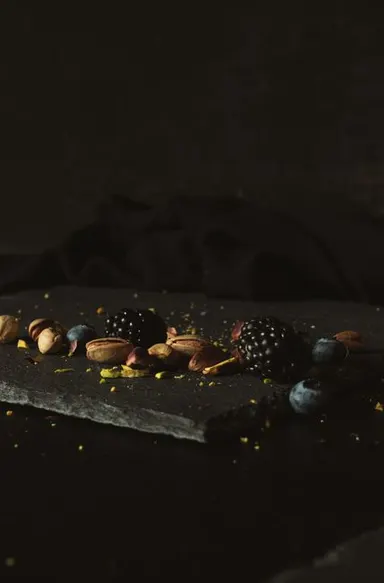
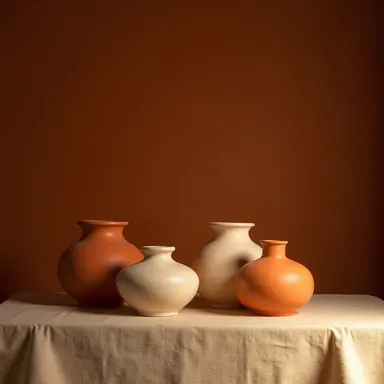
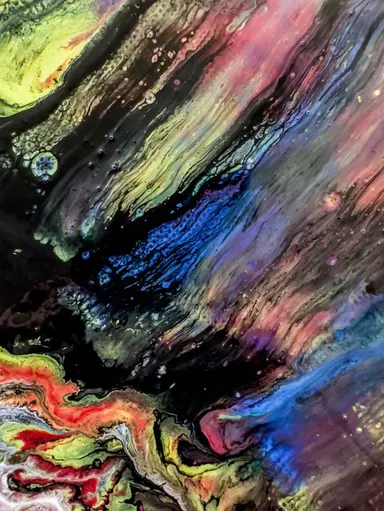
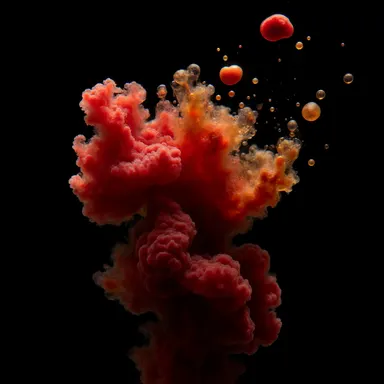
Made with this app
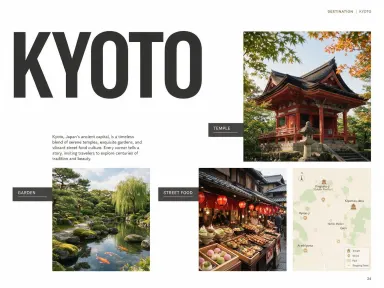
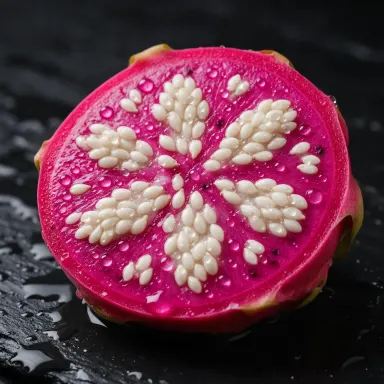

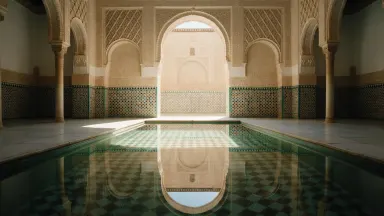


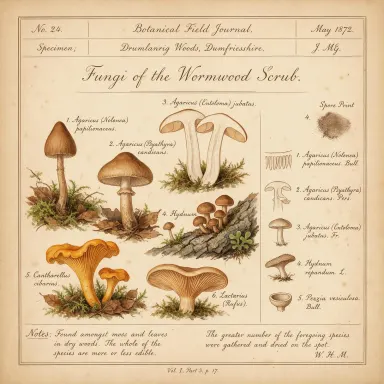

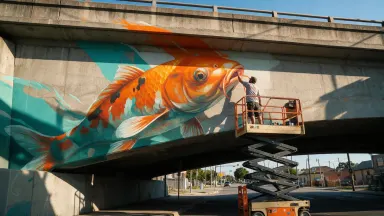
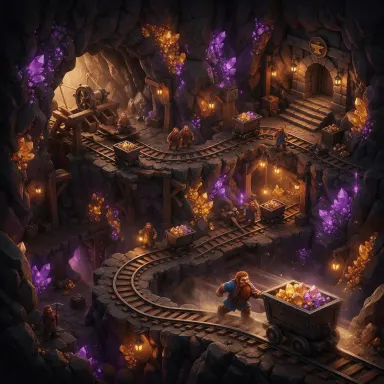


Seedream 5.0 Pro is Arteza's flagship text-to-image app built around deep-thinking prompt reasoning, making it the right tool for designers, brand teams, and content creators who work with complex or information-dense briefs. It renders native on-image text in 14 languages, handles structured layouts with precision, and supports grounded region-precise editing backed by up to 10 reference images. Outputs reach 2048x2048, and any still it generates can seed a Seedance video clip with minimal visual drift.
How to use this app
- 1
Describe what you want to create, or upload your source file.
- 2
Pick your options, then press Generate.
- 3
Watch your result appear in the gallery within moments.
- 4
Download, share, or generate again with a new idea.
What you can make
Multilingual Packaging and Labels
When a product label needs legible text in Japanese, Arabic, or German alongside English, Seedream 5.0 Pro renders all of it natively on the image rather than requiring post-processing. Dense ingredient lists, regulatory copy, and brand names stay typographically clean without a separate design pass.
Brand Campaign Visuals
Deep Thinking Mode parses layered brand briefs that reference tone, audience, color system, and messaging simultaneously. The model weighs those constraints together before generating, producing results that match complex creative direction instead of averaging it into generic imagery.
Precise Single-Element Editing
Grounded region-precise editing lets you swap a logo, recolor one product, or update a headline on a finished composition without disturbing the surrounding scene. Up to 10 reference images keep brand assets, lighting references, and style guides all in frame during the edit.
Seeding Seedance Video Clips
Because Seedream 5.0 Pro is the image counterpart to the Seedance video model, a still generated here transfers into a Seedance clip with less drift than stills from unrelated sources. This makes it the natural starting point for any project moving from static to motion.
Infographic and Data Layout Design
Structured design control handles grids, callout boxes, icon rows, and numbered lists that typically break other models. Pair this with on-image text support and you can generate a near-ready infographic template directly from a descriptive prompt.
Prompt ideas to try
Why creators use this app
- Deep Thinking Mode
- On-Image Text in 14 Languages
- Dense Layout and Structured Design Control
- Grounded Region-Precise Editing
- Up to 10 Reference Images
Tips for better results
Use Deep Thinking for Complex Briefs
When your prompt contains multiple competing requirements such as brand tone, layout structure, and multilingual text, activate Deep Thinking Mode. It reasons through the constraints before generating, which reduces the need for iterative corrections on dense or instruction-heavy prompts.
Load All References Upfront
The model accepts up to 10 reference images in edit mode. Providing your brand color palette, logo file, lighting reference, and style example simultaneously gives the model more anchors, which tightens adherence and reduces the need to re-run with added context.
Be Explicit About Text Language
When requesting on-image text, specify the language by name in the prompt, for example 'in Arabic' or 'in Korean,' even if the words themselves are already written in that script. Explicit language tags help the model apply correct typographic spacing and character rendering.
Isolate Edits with Precise Region Descriptions
For grounded region-precise editing, describe the element to change and its position clearly, such as 'the label on the bottle in the lower right.' Vague regional descriptions can bleed the edit into adjacent areas, so spatial specificity preserves the rest of the composition.
When to choose this app
Choose Seedream 5.0 Pro over Seedream 5.0 Lite when your project involves on-image text, structured layouts, or prompts with layered creative constraints that benefit from reasoning before generation. It also outperforms Seedream v3 and Seedream v4.5 on precise editing tasks that require holding multiple reference images in context. If you need maximum iteration speed on simple image concepts, those lighter siblings remain practical alternatives.
Frequently asked questions
Which languages can Seedream 5.0 Pro render as on-image text?
The model supports native on-image text in 14 languages. While the full list is not enumerated in the app specs, it is confirmed to include languages across Latin, CJK, Arabic, and Cyrillic scripts. For best results, name the target language explicitly in your prompt rather than relying solely on pasting the foreign-language words.
What does Deep Thinking Mode actually change about generation?
Deep Thinking Mode engages a reasoning step before the image is produced. The model interprets and weighs all elements of your prompt together, which is especially valuable for briefs that mix brand constraints, layout instructions, and stylistic direction. It reduces the likelihood of one requirement overriding another silently.
How do I use the 10 reference images effectively in an edit?
Upload references that each serve a distinct purpose: one for overall style, one for color palette, one for logo or branded asset, and so on. Redundant references waste slots without adding information. The model uses all provided images as anchors during the grounded region-precise editing process.
What is the maximum output resolution?
Seedream 5.0 Pro outputs up to 2048x2048 pixels. This makes it suitable for print-ready packaging mockups, high-resolution poster layouts, and source frames for Seedance video clips where a sharp still reduces motion blur artifacts during animation.
How does grounded region-precise editing differ from a full regeneration?
Region-precise editing targets only the described element within an existing image and leaves the remainder of the composition mathematically intact. A full regeneration creates an entirely new image from your prompt, which changes lighting, background, and unrelated elements even when you want only one thing to change.
Why is Seedream 5.0 Pro recommended as the starting point for Seedance video?
Seedream 5.0 Pro is architecturally paired with the Seedance video model. Stills generated here transfer into Seedance with less temporal drift, meaning moving subjects stay truer to the original composition and style. Using stills from unrelated image models can introduce inconsistencies in color, lighting, and subject form across video frames.
How much does it cost?
Each generation costs 3 credits. New accounts get free credits to try it out.
Which AI model powers this app?
This app runs on Seedream 5.0 Pro, available through Arteza with no separate account or setup.
Can I use the results commercially?
Yes. Content you generate is yours to use, subject to our content licenses.
How long does a generation take?
Most generations finish in under a minute, and you can watch progress live in the gallery.