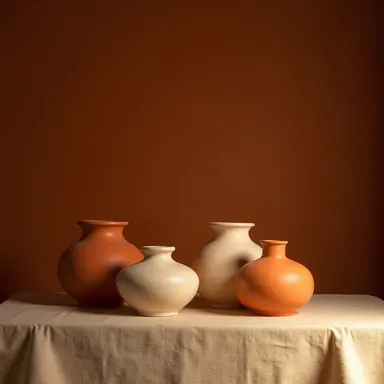
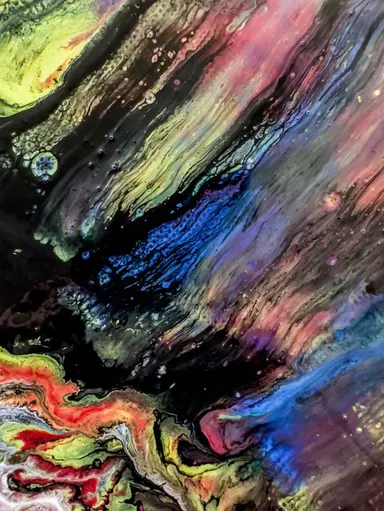
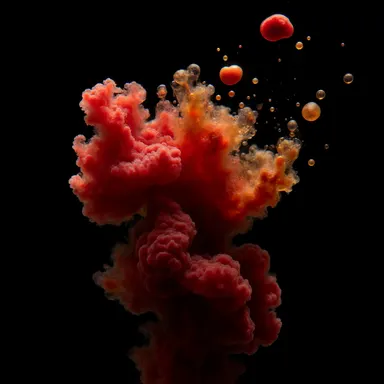
Made with this app



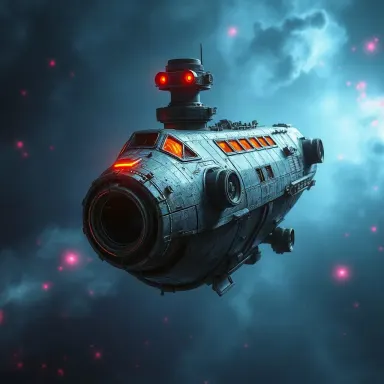





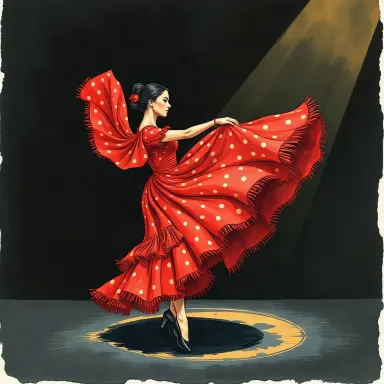

FLUX.1 Schnell is a text-to-image app built on Black Forest Labs' ultra-fast model, designed for anyone who needs images in under a second. Running at 1 to 4 inference steps, it trades exhaustive refinement for raw speed, making it the right tool for creative directors sketching layout ideas, developers stress-testing prompts in bulk, or designers iterating through dozens of visual directions before committing to a final render.
How to use this app
- 1
Describe what you want to create, or upload your source file.
- 2
Pick your options, then press Generate.
- 3
Watch your result appear in the gallery within moments.
- 4
Download, share, or generate again with a new idea.
What you can make
Rapid Concept Sketching
When a client brief arrives and you need ten visual directions before the afternoon standup, FLUX.1 Schnell lets you cycle through compositions, color palettes and subject treatments in minutes rather than hours. Each result lands in under a second, so the bottleneck becomes your ideas, not the tool.
Prompt Engineering and Testing
Refining a complex prompt often means running the same core description with small variable changes to see what sticks. Sub-second generation means you can audit modifier language, style tags and scene descriptions across dozens of variations without losing your train of thought between results.
Bulk Asset Drafting
Marketing teams producing large sets of social thumbnails, ad mockups or placeholder imagery benefit from generating many assets in a single session. FLUX.1 Schnell handles high-volume runs efficiently, giving teams a full draft library to review before selecting candidates for polish.
Storyboard and Moodboard Prototyping
Film, game and UX teams use quick image runs to populate storyboards or moodboards before production begins. Because FLUX.1 Schnell supports multiple aspect ratios, you can match the frame shape to your delivery format, whether that is widescreen, square or portrait.
Teaching and Workshop Use
Instructors running live prompting workshops need results that appear while the room is watching. The sub-second response of FLUX.1 Schnell keeps demonstrations moving and lets students see the effect of each prompt change in real time, without dead air between generations.
Prompt ideas to try
Why creators use this app
- Sub-second generation
- 1-4 inference steps
- Multiple aspect ratios
- Commercial use allowed
Tips for better results
Keep Prompts Focused
With only 1 to 4 inference steps, the model has less processing time to reconcile conflicting instructions. Prompts that describe one clear scene, a defined lighting condition and a single subject tend to produce more coherent results than prompts that pile on unrelated elements.
Use Aspect Ratio Intentionally
FLUX.1 Schnell supports multiple aspect ratios, so match the ratio to your end use before generating. Choosing the correct shape upfront avoids cropping artifacts and ensures the composition the model builds fits your actual layout or platform requirement.
Iterate in Batches
Because generation is sub-second, it is more efficient to run several prompt variants back to back and then compare than to over-engineer a single prompt. Treat each run as a draft, note what works, adjust one variable at a time and converge on the version you want to refine.
Respect the Resolution Ceiling
Output is capped at up to 1 megapixel. For drafts, moodboards and digital mockups this is more than sufficient. If a selected image needs to go to large-format print or high-resolution delivery, plan to re-generate the final version in a higher-resolution app once the concept is locked.
When to choose this app
Choose FLUX.1 Schnell when speed and volume matter more than maximum detail. FLUX.1 Dev offers high-quality image generation with fine control, which is the right call when a single carefully tuned image is the goal. FLUX Pro Ultra targets maximum quality at up to 2K resolution, suited for production-ready finals. FLUX.1 Schnell sits upstream of both: it is the tool for the exploratory phase, where you need to generate, evaluate and discard rapidly before investing in a slower, more deliberate render.
Frequently asked questions
What does '1 to 4 inference steps' mean in practice?
Inference steps are the number of passes the model makes to refine an image from noise into a coherent result. Most models require 20 to 50 steps. FLUX.1 Schnell is trained to produce usable images in just 1 to 4 steps, which is what enables sub-second generation without sacrificing recognizable quality for drafts and prototypes.
Is the output quality good enough for client presentations?
For concept presentations, moodboards and layout mockups, yes. The images are coherent and visually clear at up to 1 megapixel. They are not designed to match the fine detail of a slower, higher-step model. Use FLUX.1 Schnell to establish direction, then move to a more refined model for final deliverables if maximum detail is required.
Can I generate images in different shapes, like portrait or widescreen?
Yes. FLUX.1 Schnell supports multiple aspect ratios. You can select the shape that matches your use case before generating, which means the model composes the scene to fit that frame rather than producing a square that you later crop.
How specific do my text prompts need to be?
More specific prompts generally produce more predictable results. Because the model runs very few inference steps, it benefits from clear, unambiguous descriptions. Include subject, setting, lighting style and mood in a single coherent sentence rather than listing disconnected keywords.
What kinds of projects is this app not the best fit for?
If you need precise text rendered on the image, intricate fine details at high resolution, or deep creative control over every element, a model with more steps and higher output resolution will serve you better. FLUX.1 Schnell is optimized for speed and volume, not for pixel-perfect final production work.
How much does it cost?
Each generation costs 1 credit. New accounts get free credits to try it out.
Which AI model powers this app?
This app runs on FLUX.1 Schnell, available through Arteza with no separate account or setup.
Can I use the results commercially?
Yes. Content you generate is yours to use, subject to our content licenses.
How long does a generation take?
Most generations finish in under a minute, and you can watch progress live in the gallery.