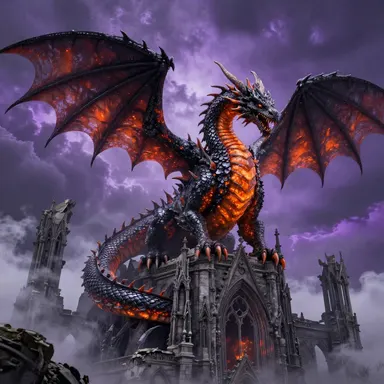
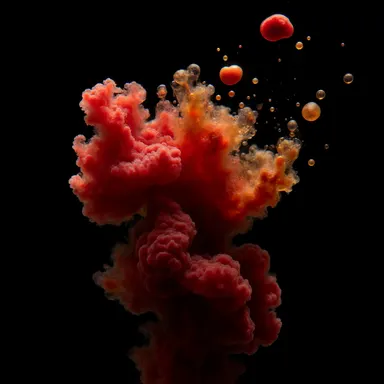
Made with this app
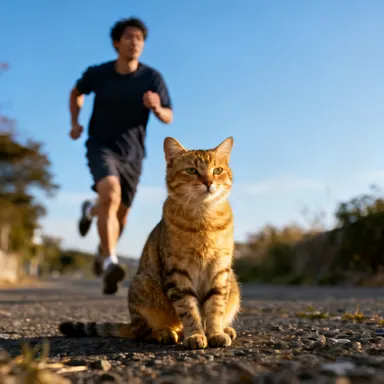


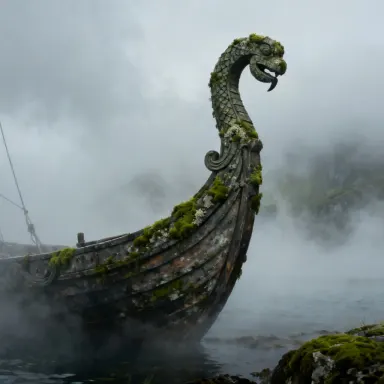

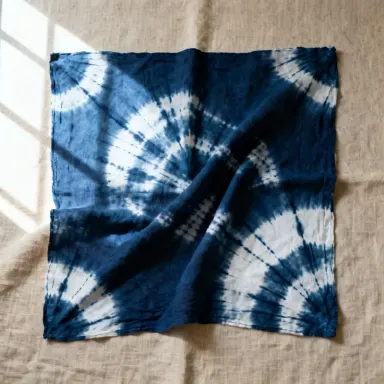


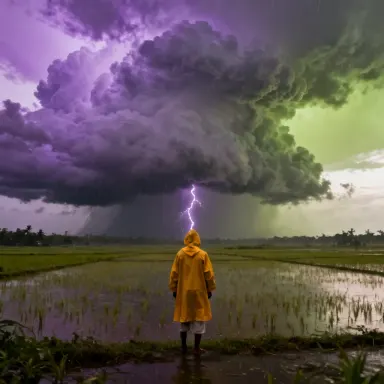
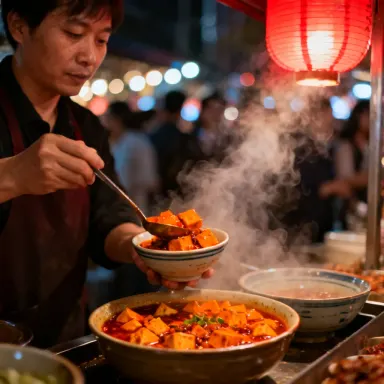

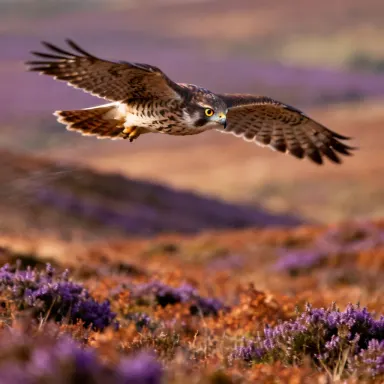
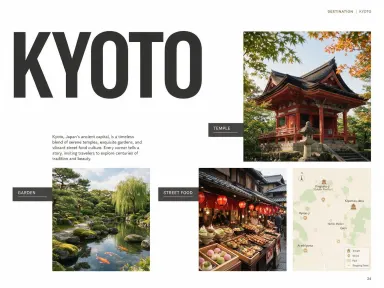
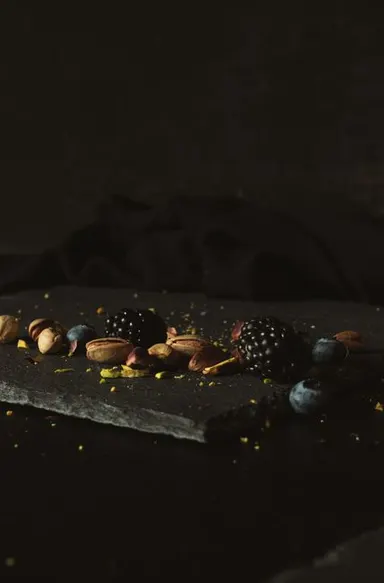
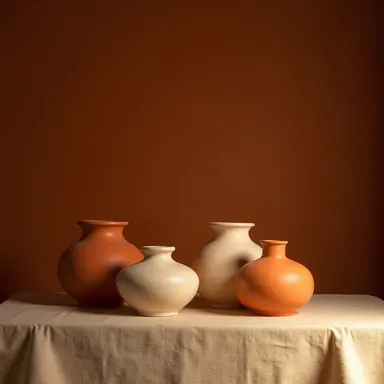
Seedream v3 is a text-to-image app built for creators who need reliable, high-quality image generation with precise control over how closely the output follows their prompt. By adjusting the guidance scale, you can dial the model between interpretive creativity and strict prompt adherence. Best suited for product mockups, editorial photography concepts, and photorealistic scenes, Seedream v3 delivers consistent aesthetic quality at up to 2048px across batches of up to four images per run.
How to use this app
- 1
Describe what you want to create, or upload your source file.
- 2
Pick your options, then press Generate.
- 3
Watch your result appear in the gallery within moments.
- 4
Download, share, or generate again with a new idea.
What you can make
Product Mockup Iteration
Generate up to four product mockup variations in a single batch, then use seed reproducibility to lock in a composition you like and refine only the surface details. This workflow cuts the back-and-forth of manual revision cycles when presenting packaging or label concepts to clients.
Editorial Photography Concepts
Art directors can describe a shot, lighting style, and mood in plain language and receive photorealistic editorial images at 2048px, large enough for layout placement. The strong prompt comprehension means nuanced scene descriptions translate accurately without repeated rephrasing.
Controlled Style Exploration
Use the guidance scale to range from a loose, interpretive rendering to a tightly literal one from the same prompt. Comparing outputs at different guidance values helps you find the aesthetic sweet spot before committing to a final direction.
Reproducible Visual Assets
When a project requires consistent visual language across multiple assets, saving a seed value lets you regenerate images with the same compositional character. This is especially useful for social media content series or multi-page editorial spreads.
Prompt ideas to try
Why creators use this app
- Text-to-Image
- Guidance Scale Control
- Multi-Image Batch
- Seed Reproducibility
Tips for better results
Tune Guidance Scale Deliberately
A higher guidance scale pushes the model to follow your prompt more literally, which works well for product shots and editorial scenes with specific requirements. Lower values give the model more creative latitude and can produce more painterly or atmospheric results from the same text.
Use Batch Mode to Compare
Generating four images at once costs the same per image as single generation. Use this to surface compositional variety from one prompt before committing. Small phrasing differences between runs become much easier to evaluate when you see four outputs side by side.
Save Seeds for Consistency
When an output matches your creative direction, record its seed value immediately. Reusing the seed with a slightly modified prompt lets you iterate on specific elements, such as lighting or color, while preserving the overall composition and character of the image.
Specify Size Early
Seedream v3 outputs up to 2048px, so if you need a large asset for print or high-resolution layout, set your target dimensions at the start of your session rather than upscaling a smaller output later. Prompting with aspect ratio context, such as landscape or portrait, also helps compositional framing.
When to choose this app
Seedream v3 is the right choice when you want dependable prompt accuracy and the ability to control the creativity-to-fidelity balance through guidance scale, without the complexity of newer model versions. Compared to Seedream 5.0 Pro or FLUX Pro Ultra, it offers a more straightforward generation experience suited to iterative workflows like product mockups and editorial concepting where reproducibility and batch comparison matter more than cutting-edge stylistic range.
Frequently asked questions
What does guidance scale actually change in my output?
Guidance scale controls how strictly the model interprets your prompt. Higher values produce images that closely match the literal description, which is useful for precise product or editorial briefs. Lower values allow the model more interpretive freedom, often resulting in more stylized or compositionally surprising outputs from the same text.
How does seed reproducibility work in practice?
Each generated image is tied to a seed value. If you save that value and rerun the same prompt with the same seed, Seedream v3 will reproduce a very similar composition and character. You can then make small prompt edits while keeping the seed fixed to refine specific details without losing the overall result you liked.
Can I generate images in landscape, portrait, and square formats?
Yes. Seedream v3 supports multiple output sizes up to 2048px, covering common aspect ratios. Specifying orientation or intended use in your prompt, such as horizontal banner or square product shot, helps the model frame the composition appropriately for your format.
Is Seedream v3 well suited for photorealistic outputs specifically?
Photorealistic images are one of the declared best-use cases for Seedream v3, alongside product mockups and editorial photography. The model's strong prompt comprehension means detailed scene descriptions, including lighting conditions, materials, and camera style references, translate reliably into the output rather than being interpreted loosely.
What happens when I run a batch of four images?
Seedream v3 generates up to four images from a single prompt submission, each with natural variation in composition, framing, and detail. This lets you evaluate multiple interpretations of the same idea at once. You can then pick the best result, save its seed, and continue refining from that starting point.
How specific can my prompts be before the model struggles to follow them?
Seedream v3 is built around strong prompt comprehension, so it handles detailed descriptions well, including multi-element scenes, specific lighting setups, and stylistic references. Very long prompts with conflicting instructions may reduce coherence, so it is better to be specific about the most important elements and use guidance scale to reinforce adherence.
How much does it cost?
Each generation costs 1 credit. New accounts get free credits to try it out.
Which AI model powers this app?
This app runs on Seedream v3, available through Arteza with no separate account or setup.
Can I use the results commercially?
Yes. Content you generate is yours to use, subject to our content licenses.
How long does a generation take?
Most generations finish in under a minute, and you can watch progress live in the gallery.