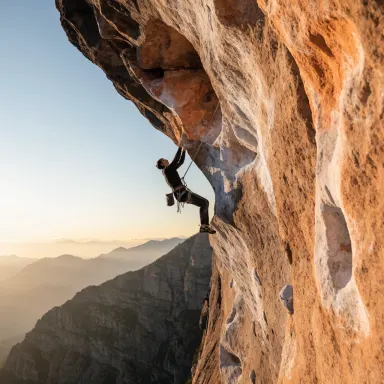
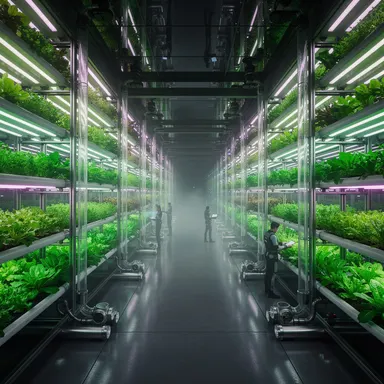
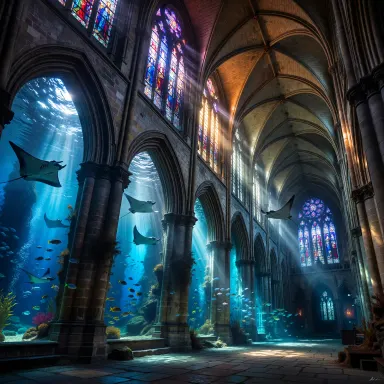
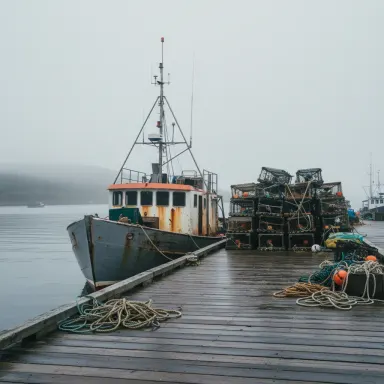
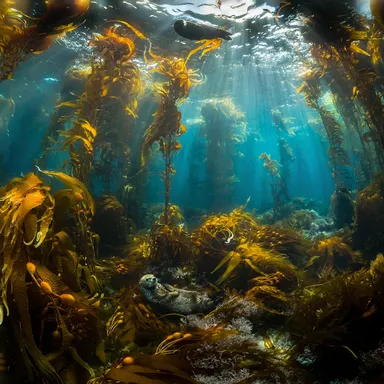
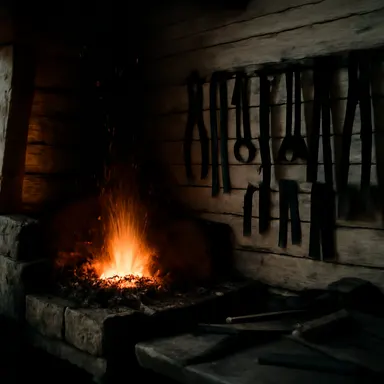
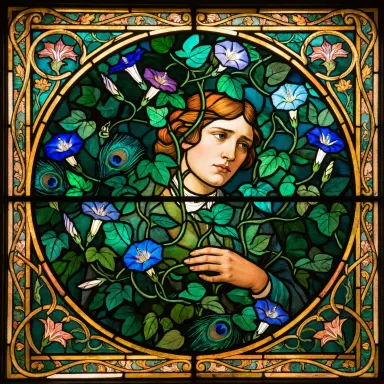
Made with this app
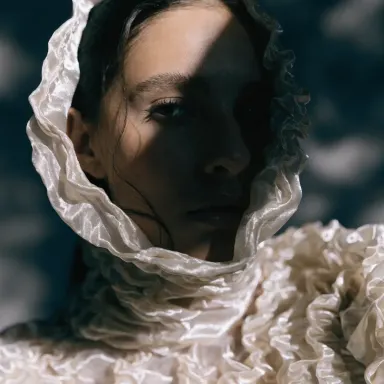
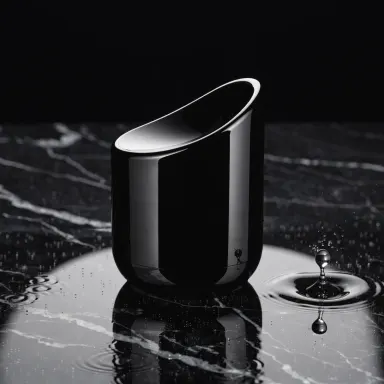
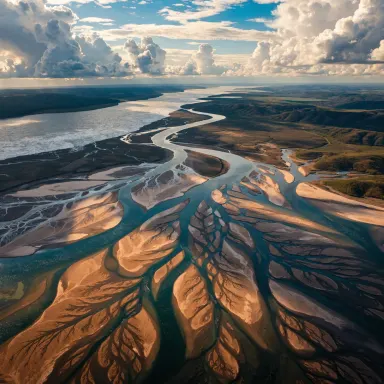
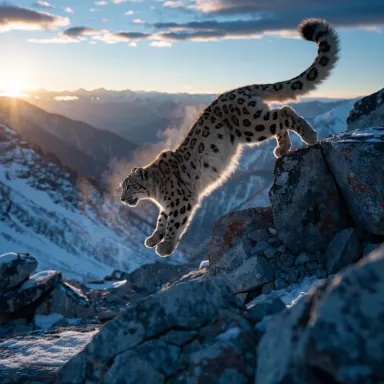
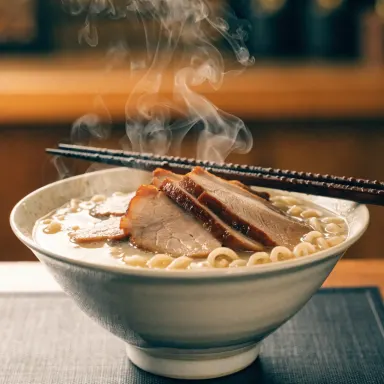
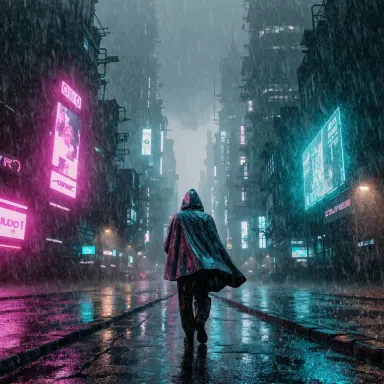
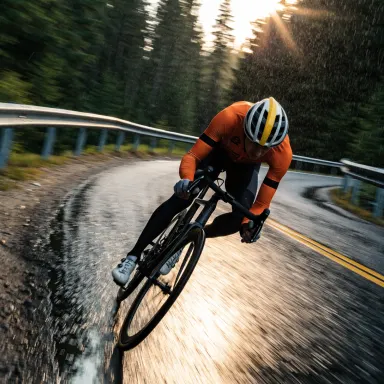
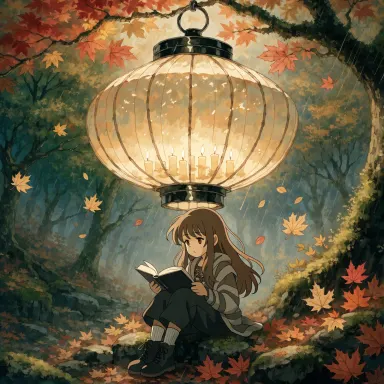
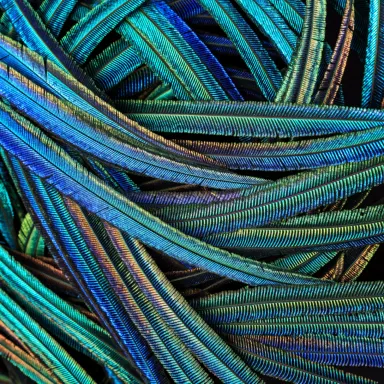
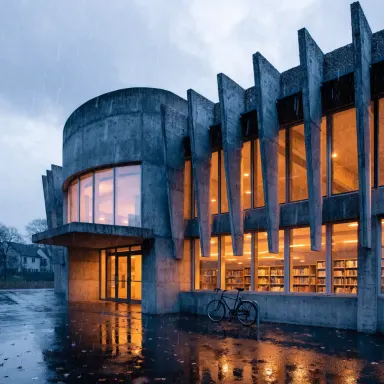

This app runs Recraft V4 Pro, the professional tier of the Recraft V4 architecture built for maximum fidelity output. It is designed for designers, art directors, and brand teams who need images that hold up at print scale, perform in advertising layouts, and slot cleanly into established brand systems. Six size presets cover the most common production formats without guesswork. If your output ends up in a client deck, a campaign, or a print run rather than a quick mood board, this is the right tool.
How to use this app
- 1
Describe what you want to create, or upload your source file.
- 2
Pick your options, then press Generate.
- 3
Watch your result appear in the gallery within moments.
- 4
Download, share, or generate again with a new idea.
What you can make
Print Campaign Hero Images
When an image needs to anchor a full-page magazine ad or a large-format poster, Recraft V4 Pro delivers the detail density that survives high-resolution print. Crisp edges, consistent tonal range, and structural coherence across the frame make it a reliable starting point for production-ready advertising visuals.
Brand System Visual Assets
Building a cohesive visual identity requires imagery that stays consistent in style, palette, and mood. Recraft V4 Pro handles that fidelity ceiling, letting brand teams generate hero images, pattern elements, and supporting visuals that feel like they belong to the same system.
Advertising Concept Presentation
Presenting creative concepts to clients demands images that look finished, not rough. The maximum quality output of Recraft V4 Pro means your concept boards arrive with the visual weight of produced work, helping stakeholders evaluate ideas without mentally accounting for polish yet to come.
Packaging and Product Mockup Imagery
Packaging design lives or dies on fine detail: texture, color accuracy, and legibility at close range. Recraft V4 Pro produces images with enough fidelity to use directly in packaging mockups, reducing the gap between AI-generated reference and final comp.
Editorial and Lifestyle Photography Replacement
Art directors sourcing lifestyle imagery for editorial spreads or e-commerce can use Recraft V4 Pro to generate scenes that match a brief precisely, avoiding the compromise of stock. The pro-tier output holds up when placed alongside photographed content on the same page.
Prompt ideas to try
Why creators use this app
- Pro-tier fidelity
- Advertising and print
- Brand systems
- Five size presets
Tips for better results
Match Preset to Final Format
Recraft V4 Pro offers six size presets. Before generating, identify the exact format your asset needs: portrait for print, landscape for banners, square for social or packaging. Choosing the right preset at generation time preserves composition intent and avoids cropping that breaks your layout.
Specify Negative Space Deliberately
For advertising and brand work, you almost always need room for type or a logo. Describe the negative space explicitly in your prompt, such as noting a clean background zone at the top or a minimal left third. Recraft V4 Pro will respect compositional cues stated clearly in the prompt.
Name Materials and Finishes Precisely
Maximum fidelity means the model can render fine surface detail: brushed metal, matte paper, soft leather, frosted glass. Use precise material language in your prompt. The more specific the surface description, the more the output will reflect actual production material qualities rather than generic texture.
Use Lighting as a Brand Variable
Lighting consistency ties brand imagery together. Describe your preferred lighting setup in every prompt using the same terms: soft diffused studio light, single hard source, natural golden hour. Recraft V4 Pro responds to lighting direction with enough accuracy to make it a repeatable brand parameter.
When to choose this app
Choose this app when the output has to survive professional scrutiny at print scale or in a polished advertising context. Compared to Seedream v3 or FLUX.1 Schnell, Recraft V4 Pro is optimized specifically for maximum fidelity rather than speed or general versatility. If your deliverable is a client-facing asset, a campaign visual, or anything going to a printer or a large-format display, the quality ceiling here is meaningfully higher.
Frequently asked questions
What do the six size presets cover and can I use custom dimensions?
The six presets are fixed size options selected to cover the most common production formats for advertising, print, and digital brand work. Custom dimensions outside those presets are not available in this app. Selecting the preset that most closely matches your final output format before generating will give you the best compositional results.
How does Recraft V4 Pro handle text within generated images?
Recraft V4 Pro is a professional-tier image model with strong rendering fidelity, but short legible text elements in a scene can still be inconsistent depending on complexity and placement. For layouts where precise text is critical, generate the image with clean negative space and add typography separately in your design tool.
Is this app suitable for generating images that will be used in physical print production?
Recraft V4 Pro is described as print-ready and is built for advertising and high-end design workflows. The maximum quality setting produces images appropriate for use as print references or production-stage comps. Final color profiling and resolution scaling for specific press specifications should still be handled in your standard prepress process.
Can I use this app to maintain visual consistency across a set of brand images?
Yes, this is one of the declared strengths of Recraft V4 Pro. By keeping your prompt language, lighting descriptions, color references, and compositional instructions consistent across generations, you can produce a set of images that reads as a unified brand system. It requires deliberate prompt discipline rather than automatic style locking.
How does the 10 to 25 second generation time affect a production workflow?
For high-fidelity professional output, the 10 to 25 second range is a reasonable trade-off. This app is not intended for rapid iteration at volume. Plan to use it at the stage where you are refining toward a final asset rather than exploring early concepts, which is better suited to faster sibling apps.
What types of prompts get the most out of Recraft V4 Pro compared to standard image generators?
Prompts that specify material surfaces, precise lighting setups, compositional structure, and end-use context perform best. Because this model targets advertising and brand work, it responds well to production-aware language: describing a scene as a campaign visual, naming a surface finish, or indicating where type will sit all push output quality meaningfully higher.
How much does it cost?
Each generation costs 4 credits. New accounts get free credits to try it out.
Which AI model powers this app?
This app runs on Recraft V4 Pro, available through Arteza with no separate account or setup.
Can I use the results commercially?
Yes. Content you generate is yours to use, subject to our content licenses.
How long does a generation take?
Most generations finish in under a minute, and you can watch progress live in the gallery.