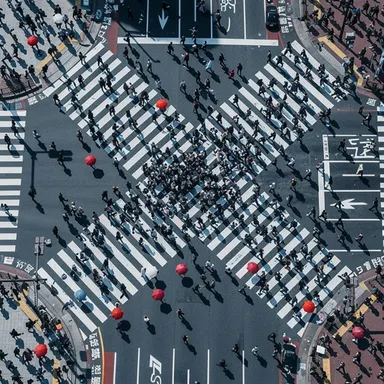
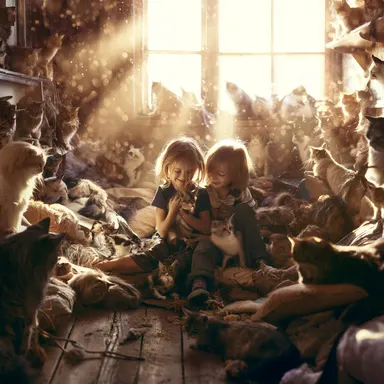
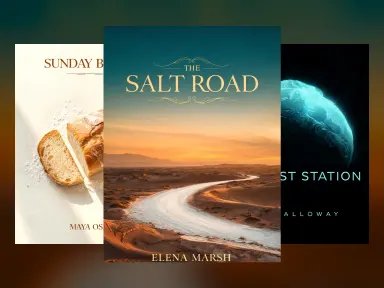
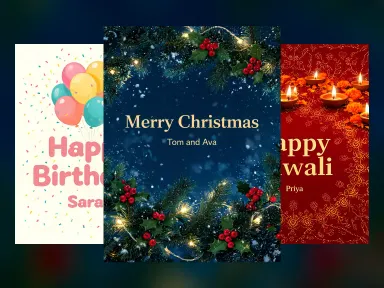
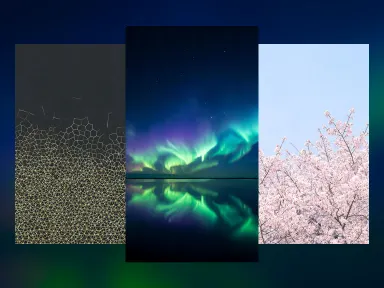
Made with this app
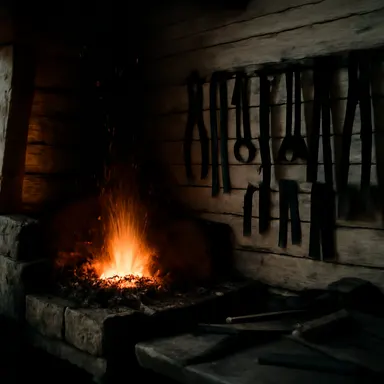
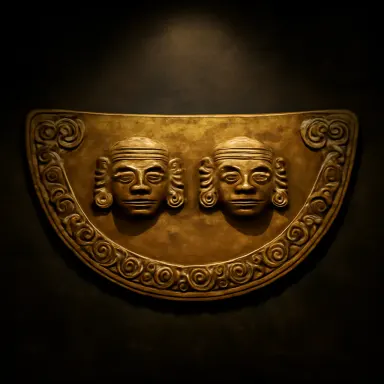


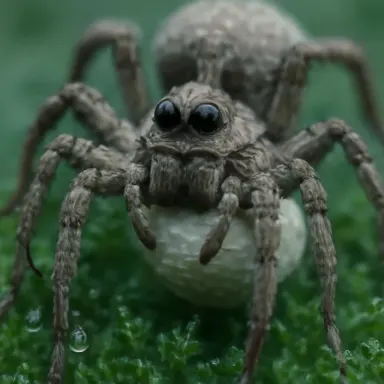
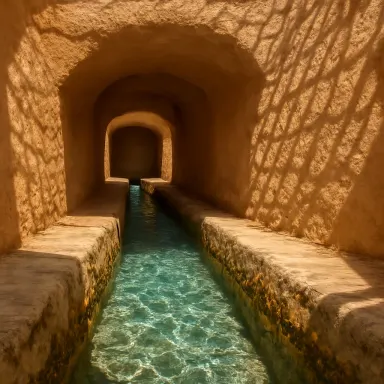
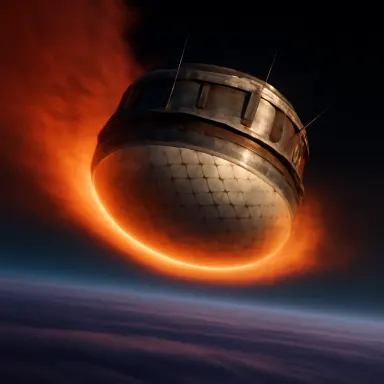
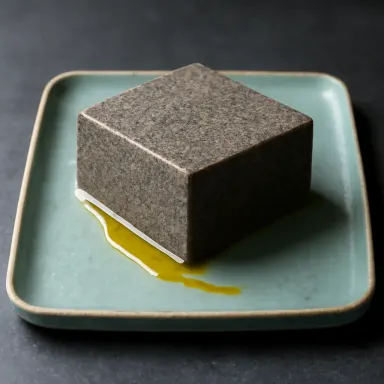
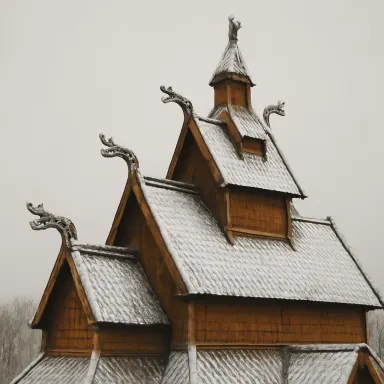
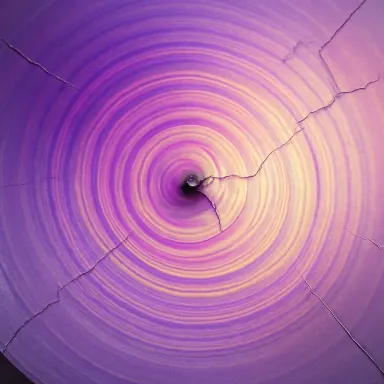

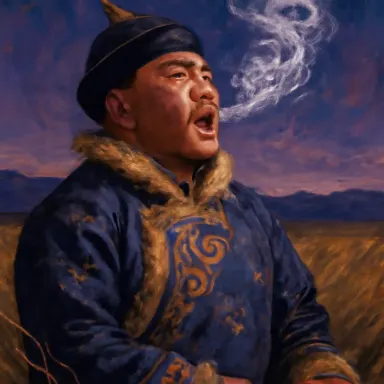
This app brings GPT Image 1 by OpenAI to Arteza's creative studio, offering text-to-image generation built around precise instruction following, iterative image editing, and support for complex multi-step prompts. It suits designers, marketers, and content creators who need a model that interprets detailed or layered directions accurately rather than producing generic results. Whether you are refining a scene through successive edits or describing a composition with multiple specific constraints, GPT Image 1 is built to track and execute those requirements across a wide range of visual styles.
How to use this app
- 1
Describe what you want to create, or upload your source file.
- 2
Pick your options, then press Generate.
- 3
Watch your result appear in the gallery within moments.
- 4
Download, share, or generate again with a new idea.
What you can make
Detailed Scene Composition
When a prompt requires multiple simultaneous constraints, such as specific lighting, a named art style, particular subject placement, and a background detail, GPT Image 1 holds all those instructions together. It is well suited for creative directors who routinely write long, layered briefs and need a model that does not drop elements.
Iterative Image Editing
Because editing is natively supported, you can generate a base image and then submit follow-up instructions to adjust colors, swap objects, change backgrounds, or refine facial expressions without starting over. This loop cuts revision time significantly for product mockups and social assets.
Multi-Style Concept Exploration
GPT Image 1 handles versatile styles, so a brand team can test the same campaign concept rendered as a flat illustration, a photorealistic scene, and a vintage poster in sequence. Each request stays faithful to the shared concept while shifting only the stylistic parameters you specify.
Precise Text and Layout in Images
Strong instruction following makes this model useful for generating images that include readable labels, signage, or text overlays positioned exactly as described. Packaging mockups, storefront visuals, and event flyers benefit from a model that treats positional and typographic instructions as firm requirements.
Step-by-Step Visual Storytelling
Multi-step prompt support lets you build a visual narrative panel by panel, carrying consistent character details and setting cues from one generation to the next. Illustrators and storyboard artists can describe each beat with incremental changes rather than rewriting the entire scene each time.
Prompt ideas to try
Why creators use this app
- Strong instruction following
- Image editing
- Versatile styles
- Multi-step
Tips for better results
Front-Load Your Constraints
GPT Image 1 is built for instruction following, so place your most critical requirements at the start of the prompt. Mention subject, style, lighting, and composition before adding secondary details. The model tracks specifics well, but leading with priorities helps it weight them correctly.
Use Editing Instead of Re-Prompting
Because editing is supported, resist the urge to write an entirely new prompt when a result is close but not perfect. Submit a targeted edit instruction describing only what should change. This preserves what is already working and avoids introducing unintended variation across the whole image.
Be Explicit About Style References
Versatile styles means the model will interpret ambiguous style cues loosely. Name the style category precisely, such as flat vector, oil painting, isometric pixel art, or editorial photography, so the model commits to one direction rather than blending influences you did not intend.
Break Complex Scenes Into Steps
Multi-step prompt support is a genuine feature here. If your final image has many moving parts, describe the core scene first, generate it, then add layers through follow-up prompts. This staged approach gives you checkpoints and reduces the chance of the model misinterpreting a long single prompt.
When to choose this app
Choose this app over Seedream v3 or FLUX.1 Schnell when your workflow demands precise adherence to detailed instructions, in-session image editing, or prompts that chain multiple requirements together. Those models prioritize speed or stylistic output, while GPT Image 1 is optimized for accuracy and iterative control, making it the right tool when the specifics of the brief matter more than raw generation pace.
Frequently asked questions
What does editing support actually mean in this app?
After generating an image, you can submit a follow-up text instruction describing what to change, such as swapping an object, adjusting colors, or altering the background. GPT Image 1 applies the edit while preserving the rest of the composition, so you do not need to regenerate from scratch every time a detail needs adjustment.
How long and detailed can my prompts be?
GPT Image 1 is specifically built for complex multi-step prompts, so you can include multiple scene constraints, stylistic parameters, compositional directions, and secondary details in a single prompt. The model is designed to track and honor layered instructions rather than reducing them to the most obvious interpretation.
Which visual styles does this app handle well?
The model covers versatile styles including photorealistic, flat illustration, vector, painterly, vintage, isometric, and editorial. Being explicit about the style name in your prompt produces more consistent results than using vague descriptors like modern or artistic, since the model will commit more accurately to a named category.
Is this app suitable for generating images that include readable text?
Yes. GPT Image 1 handles text within images more reliably than many generative models, thanks to its strong instruction following. Signage, labels, poster typography, and short phrases positioned as described in the prompt are areas where this model performs better than alternatives focused purely on aesthetic output.
Can I maintain consistency across multiple generations in the same session?
You can carry details forward by referencing your previous result in each follow-up prompt and being explicit about what should remain unchanged. While the model does not lock in character or scene data automatically, its instruction-following strength means consistent textual descriptions reliably reproduce key elements across successive generations.
What types of projects are a poor fit for this app?
If you need the highest possible output resolution or are prioritizing raw aesthetic quality over instructional precision, sibling apps like Seedream 5.0 Pro may serve you better. This app excels at doing exactly what you describe rather than producing impressively rendered images that interpret prompts loosely.
Which AI model powers this app?
This app runs on GPT Image 1, available through Arteza with no separate account or setup.
Can I use the results commercially?
Yes. Content you generate is yours to use, subject to our content licenses.
How long does a generation take?
Most generations finish in under a minute, and you can watch progress live in the gallery.