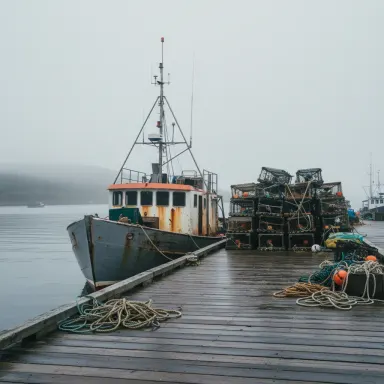
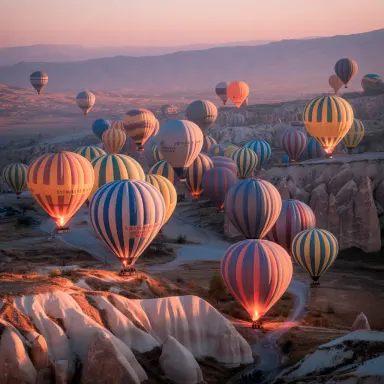
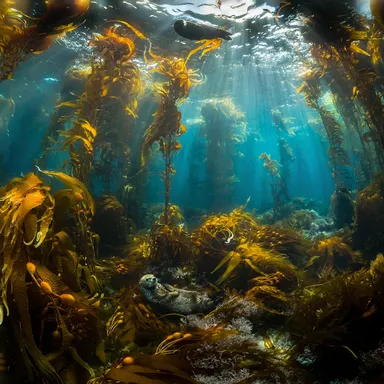
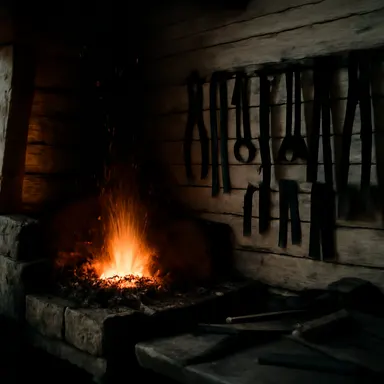
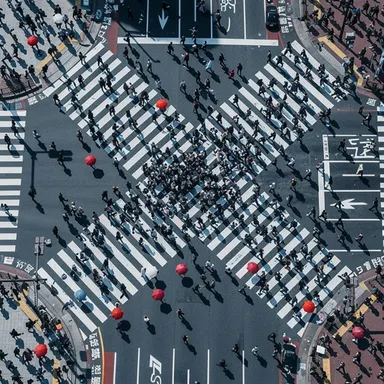
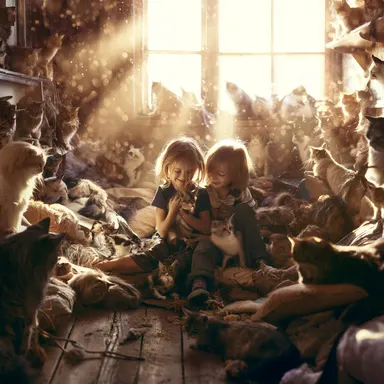
Made with this app
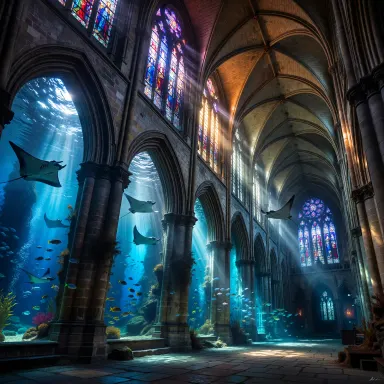
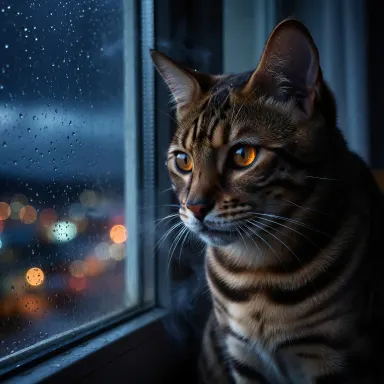

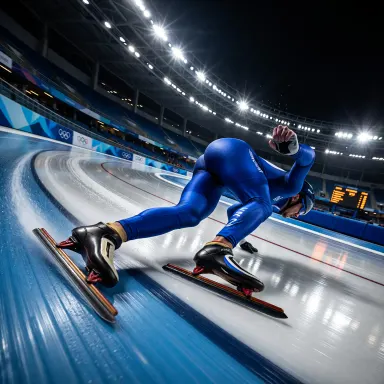
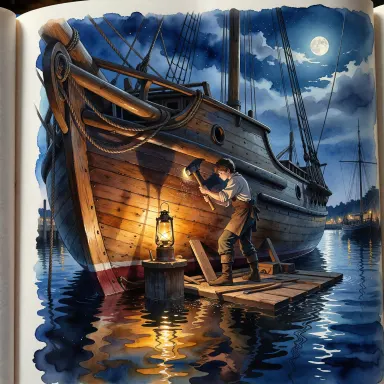
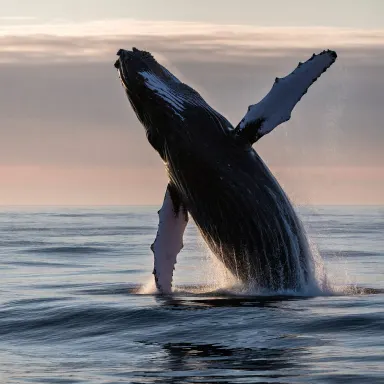
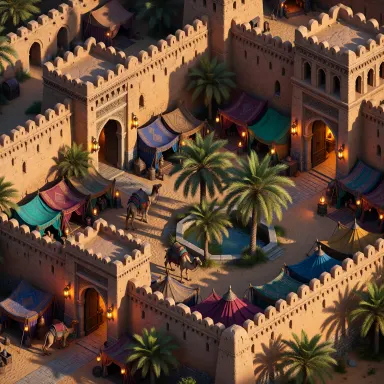
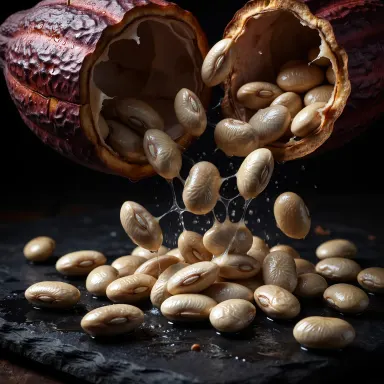
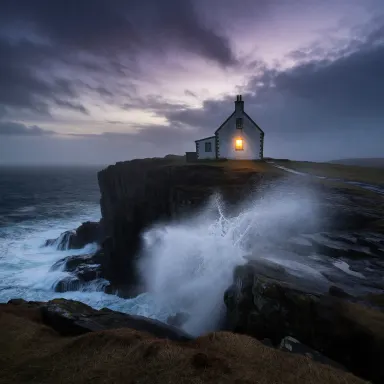
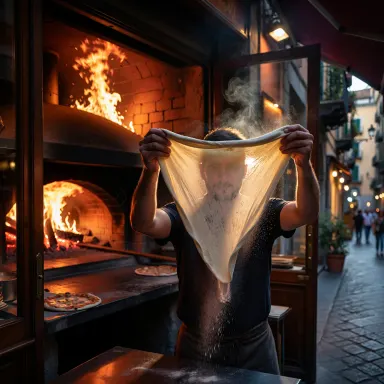
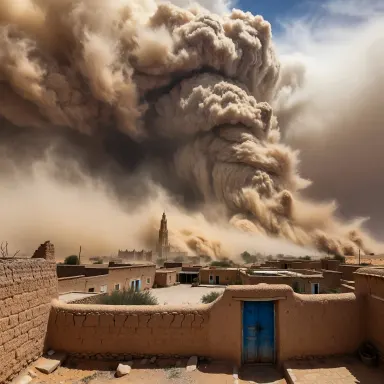
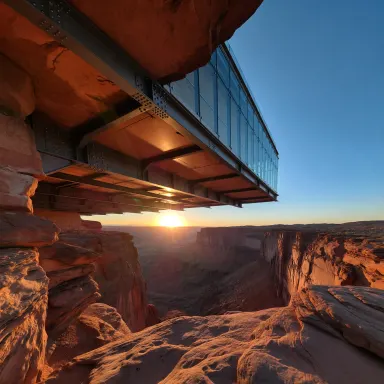
ImagineArt 1.5 Pro is a text-to-image app built for professionals who need native 4K output and strong photorealism without post-processing workarounds. It targets marketers, creative directors, and commercial photographers who require print-ready or high-resolution digital stills from a text prompt. The model delivers premium-quality images across nine aspect ratios, making it a practical production tool for campaigns, product visuals, editorial work, and brand creative that demands pixel density and lifelike rendering.
How to use this app
- 1
Describe what you want to create, or upload your source file.
- 2
Pick your options, then press Generate.
- 3
Watch your result appear in the gallery within moments.
- 4
Download, share, or generate again with a new idea.
What you can make
Marketing Campaign Imagery
Brand teams can generate hero images for digital and print campaigns at native 4K resolution. ImagineArt 1.5 Pro renders product context, lifestyle scenes, and brand environments with the photorealism needed to meet agency and publisher standards without a full photography shoot.
Product Visualization
Describe a product placement scene in detail and receive a photorealistic 4K still suitable for e-commerce listings, pitch decks, or packaging mockups. The model handles lighting, surface texture, and environmental context with professional fidelity.
Editorial and Magazine Layouts
Art directors working on editorial spreads need images that hold up at large print sizes. ImagineArt 1.5 Pro's native 4K output and nine aspect ratios cover portrait covers, landscape spreads, and square social crops from a single generation workflow.
Architecture and Interior Renders
Generate photorealistic interior or exterior scenes for real estate listings, design proposals, or renovation concepts. The model's photorealism renders materials like concrete, wood, and glass with convincing depth and accurate ambient lighting.
Creative Portrait and Headshot References
Photographers and retouchers can use ImagineArt 1.5 Pro to generate detailed lighting and composition references for portrait sessions. High-resolution output lets art directors review fine details including skin texture, catchlights, and background bokeh before a shoot.
Prompt ideas to try
Why creators use this app
- Native 4K output
- Strong photorealism
- Professional grade
- Nine aspect ratios
Tips for better results
Specify Lighting and Lens Details
ImagineArt 1.5 Pro responds well to photography-style language. Including terms like focal length, aperture, and light source type pushes the photorealism further. For example, referencing 85mm portrait lens or soft diffused window light gives the model clear rendering direction.
Use Aspect Ratios Intentionally
With nine aspect ratios available, choose the ratio that matches your final output before generating. A 9:16 vertical for a social story or a 16:9 landscape for a website banner will produce a more usable result than cropping a square image after the fact.
Anchor Prompts with Surface and Material Language
For product and interior scenes, name specific materials: brushed aluminum, aged oak, raw concrete, or polished marble. ImagineArt 1.5 Pro's photorealism strength includes accurate material rendering, and precise material descriptors reduce vague or generic outputs.
Treat 4K Output as a Production Asset
Because the model generates at native 4K, you can plan for crops, zooms, and detailed retouching downstream. Compose prompts for a wider scene than your final frame and use the extra resolution to crop precisely in your design or photo editing workflow.
When to choose this app
Choose ImagineArt 1.5 Pro when your primary requirement is print-ready or large-format photorealism at native 4K resolution. If you are working on fast concept exploration, FLUX.1 Schnell is better suited to speed over resolution. If you need stylized or illustrated aesthetics rather than photographic fidelity, Seedream v3 or Seedream v4.5 may serve creative directions that ImagineArt 1.5 Pro is not optimized for.
Frequently asked questions
What does native 4K output mean for my final image files?
Native 4K means ImagineArt 1.5 Pro renders images at 4K resolution during generation rather than upscaling a lower-resolution output afterward. This preserves detail, texture sharpness, and color fidelity across the full image, making the file suitable for large print formats, high-density displays, and detailed retouching without quality loss.
Which aspect ratios are available and how do I choose the right one?
ImagineArt 1.5 Pro supports nine aspect ratios covering common use cases including widescreen, portrait, square, and ultrawide formats. Select the ratio that matches your intended output channel before generating. Choosing the correct ratio upfront avoids awkward crops and ensures the composition fills the frame as intended.
How photorealistic is the output compared to actual photography?
ImagineArt 1.5 Pro is described as professional grade with strong photorealism, meaning it handles lighting, texture, and depth convincingly for most marketing and editorial contexts. Results vary with prompt specificity. Complex multi-person scenes or unusual lighting setups may require prompt iteration to reach the desired level of realism.
Can I use this app for print production without additional upscaling?
Yes. Native 4K output is designed to meet the pixel density requirements of many print formats without a separate upscaling step. For very large format printing such as billboards, you may still want to verify final DPI requirements against your printer specifications, but standard magazine and poster sizes are well within range.
What types of subjects does ImagineArt 1.5 Pro handle best?
The model is optimized for photorealism, marketing creative, and 4K stills. It performs particularly well on product scenes, architectural renders, lifestyle photography, editorial portraits, and nature or landscape imagery where accurate material, lighting, and environmental rendering are priorities.
How specific should my prompt be to get a production-ready result?
More specific prompts consistently produce better results. Include subject details, setting, lighting type, camera style references, and the intended mood or tone. Vague prompts can yield competent but generic images. Treating your prompt like a photography brief with scene, lighting, and lens instructions makes the most of the model's photorealism capabilities.
How much does it cost?
Each generation costs 1 credit. New accounts get free credits to try it out.
Which AI model powers this app?
This app runs on ImagineArt 1.5 Pro, available through Arteza with no separate account or setup.
Can I use the results commercially?
Yes. Content you generate is yours to use, subject to our content licenses.
How long does a generation take?
Most generations finish in under a minute, and you can watch progress live in the gallery.