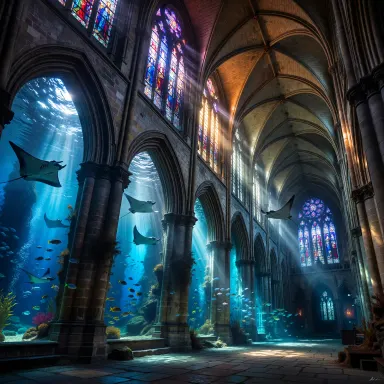
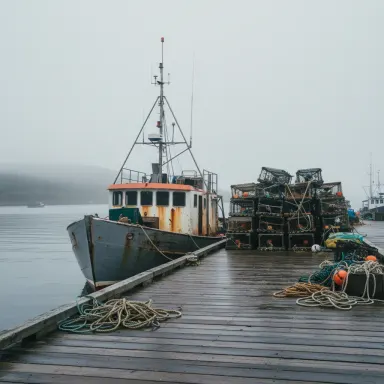
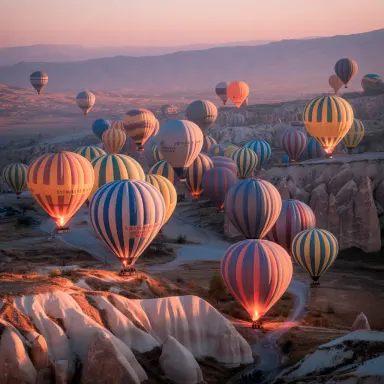
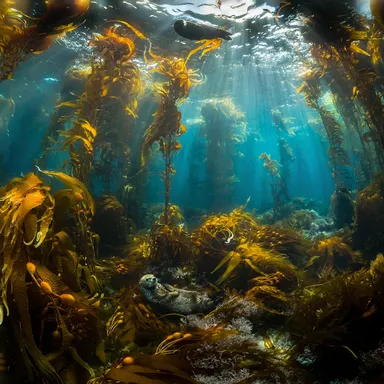
Made with this app
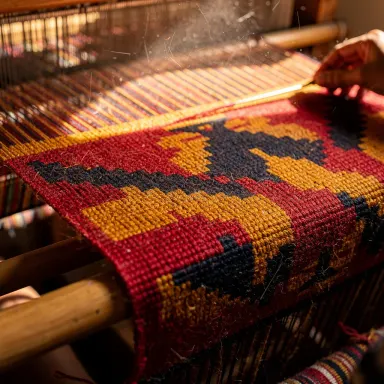

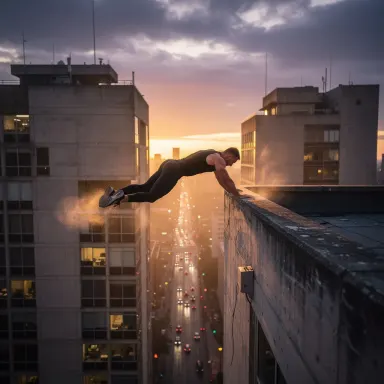
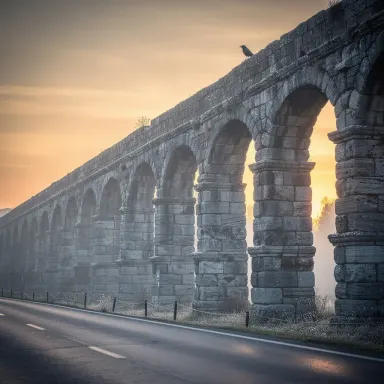
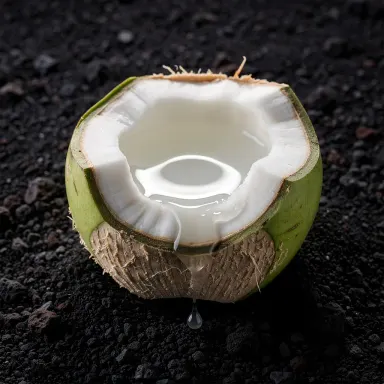
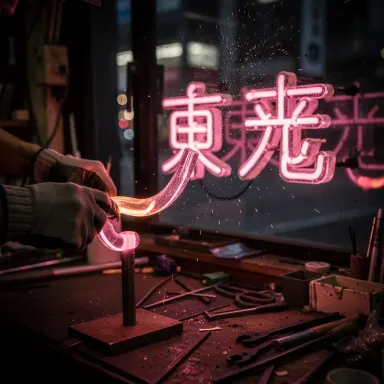
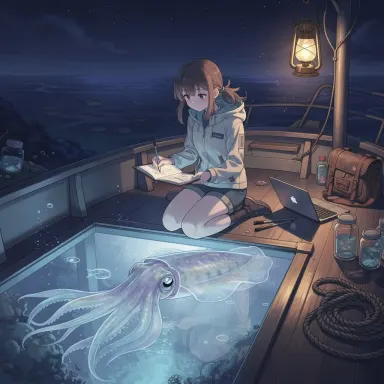
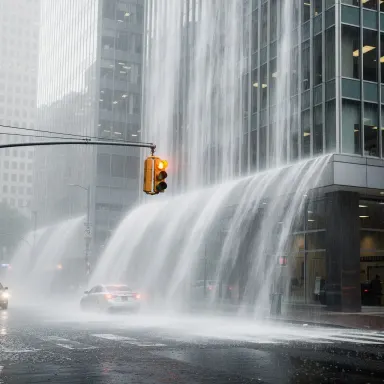
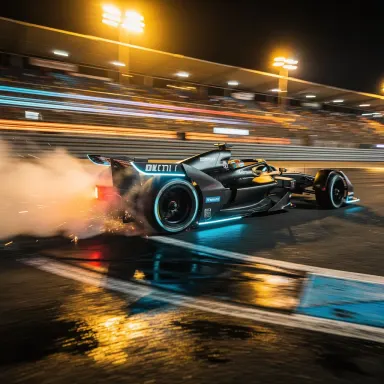
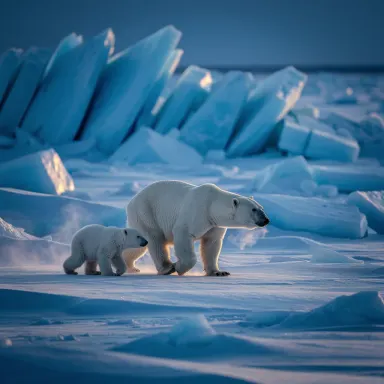

FLUX.2 Max is Arteza's highest-fidelity text-to-image app, built on the maximum-quality tier of Black Forest Labs' FLUX.2 architecture. It is designed for creators who need production-ready output: hero images for landing pages, advertising visuals, detailed product renders, and any work where sharpness and accuracy cannot be compromised. With six size presets and generation times between 10 and 25 seconds, it suits professionals who prioritize image quality over rapid iteration.
How to use this app
- 1
Describe what you want to create, or upload your source file.
- 2
Pick your options, then press Generate.
- 3
Watch your result appear in the gallery within moments.
- 4
Download, share, or generate again with a new idea.
What you can make
Hero Images for Landing Pages
When a single image anchors an entire webpage, detail and fidelity carry the brand. FLUX.2 Max renders sharp edges, accurate textures, and consistent lighting that hold up at full-screen widths, making it the right tool for above-the-fold visuals where quality is non-negotiable.
Advertising and Campaign Visuals
Advertising graphics demand images that read clearly at a glance and reproduce cleanly across print and digital formats. FLUX.2 Max production quality ensures that typography, product details, and compositional elements remain crisp, reducing the retouching work needed before a campaign goes live.
Detailed Product and Material Renders
Showing fine material qualities, such as fabric weave, surface grain, or gloss finish, requires a model that resolves micro-detail without artifacting. FLUX.2 Max handles these renders with the fidelity needed to present products convincingly in e-commerce and catalog contexts.
Art Direction and Concept Approval
When presenting a visual concept to a client or stakeholder, low-fidelity drafts can undermine confidence in the idea. FLUX.2 Max produces finalized-looking imagery that communicates the full creative vision, making approval conversations more productive.
Editorial and Publishing Illustration
Magazine spreads, book covers, and editorial features require imagery that competes with commissioned photography. FLUX.2 Max sharp detail and production quality output provides the visual weight and resolution that editorial contexts demand.
Prompt ideas to try
Why creators use this app
- Maximum FLUX.2 fidelity
- Production quality
- Sharp detail
- Six size presets
Tips for better results
Use the Right Size Preset
FLUX.2 Max offers six size presets, so match the preset to your intended output. A landscape preset suits hero banners and social covers; a portrait preset suits mobile ads and editorial verticals. Choosing correctly from the start avoids cropping that loses detail.
Describe Material and Light Precisely
Because FLUX.2 Max resolves fine detail, your prompt should specify surface qualities and lighting conditions. Words like 'brushed aluminum,' 'soft diffused studio light,' or 'specular highlight on glass' give the model the information it needs to render the exact texture you want.
Treat Each Generation as Near-Final
At production quality, FLUX.2 Max output typically requires less post-processing than lower-fidelity models. Write a thorough prompt once rather than iterating repeatedly, since the model can capture complex compositions and fine detail from a well-specified description.
Specify Compositional Intent
For hero and advertising images, include layout cues in your prompt, such as 'subject centered with negative space on the left for text overlay' or 'rule-of-thirds composition.' FLUX.2 Max will respect compositional guidance, saving design time downstream.
When to choose this app
Choose FLUX.2 Max over FLUX.1 Schnell or FLUX.1 Dev when the image will be used publicly in advertising, publishing, or on a branded website, and when output quality cannot be compromised by speed. Unlike Seedream 5.0 Lite, which suits rapid concept exploration, FLUX.2 Max is calibrated for final-stage production work where every pixel will be scrutinized.
Frequently asked questions
How does FLUX.2 Max differ from FLUX.1 Dev within Arteza?
FLUX.2 Max is the maximum-fidelity tier of the newer FLUX.2 architecture by Black Forest Labs, intended for production and advertising work. FLUX.1 Dev is an earlier-generation model suited for development and experimentation. FLUX.2 Max produces sharper detail and higher overall image quality appropriate for final deliverables.
What are the six size presets and which should I use?
The six presets cover common aspect ratios for different output contexts, including landscape formats for web banners and portrait formats for mobile and editorial use. Choose the preset that matches your intended canvas before generating, since the model renders natively at that ratio for optimal detail distribution.
Is FLUX.2 Max suitable for text-heavy advertising images?
FLUX.2 Max can render compositional space for overlaid text, but like most image-generation models it is not designed to produce accurate readable body copy within the image itself. Use it to create the visual background and composition, then add typography in a design tool afterward.
Can I use FLUX.2 Max for iterative concepting, or is it better reserved for final work?
Its 10-to-25-second generation time makes rapid iteration slower than with faster models. It is most efficient when used after concept direction is confirmed, to produce near-final or final-quality images. For early-stage exploration, a faster sibling app is a more practical choice.
What prompt length works best with FLUX.2 Max?
Medium-to-long prompts with specific detail tend to perform well because the model has the capacity to resolve everything described. Including subject, environment, lighting, material qualities, and compositional intent in one prompt gives FLUX.2 Max the full specification it needs to deliver production-grade results.
Does FLUX.2 Max handle photorealistic and illustrated styles equally well?
FLUX.2 Max performs strongly across both photorealistic and stylized or illustrated outputs because its maximum-fidelity architecture resolves detail regardless of aesthetic. Specifying the style clearly in your prompt, such as 'photorealistic advertising render' or 'detailed editorial illustration,' guides the output in the direction you need.
How much does it cost?
Each generation costs 2 credits. New accounts get free credits to try it out.
Which AI model powers this app?
This app runs on FLUX.2 Max, available through Arteza with no separate account or setup.
Can I use the results commercially?
Yes. Content you generate is yours to use, subject to our content licenses.
How long does a generation take?
Most generations finish in under a minute, and you can watch progress live in the gallery.