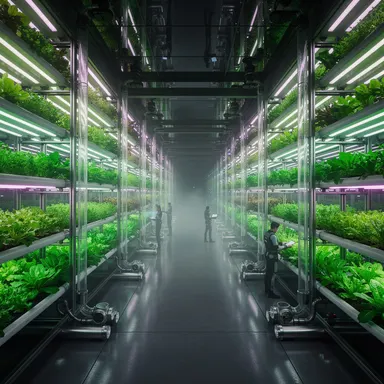
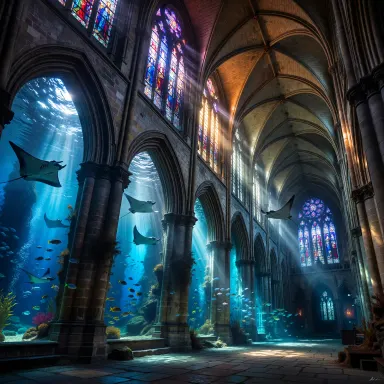
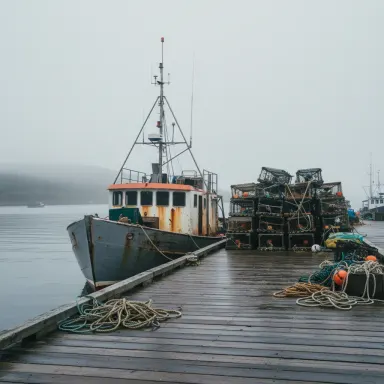
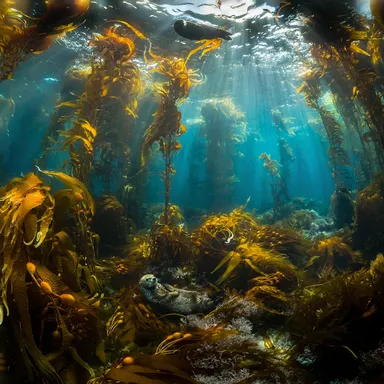
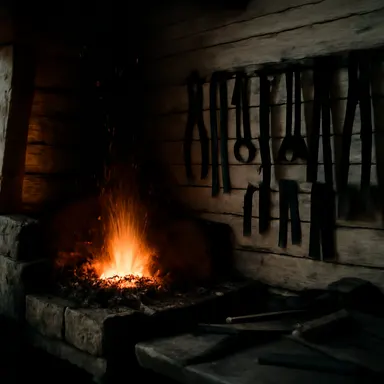
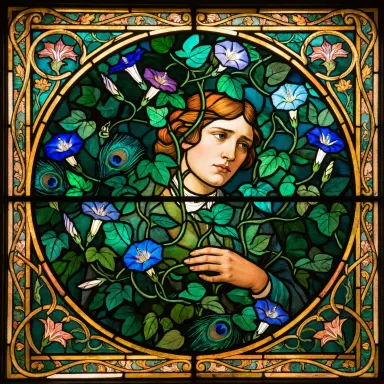
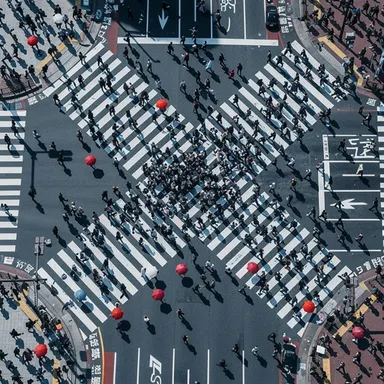
Made with this app


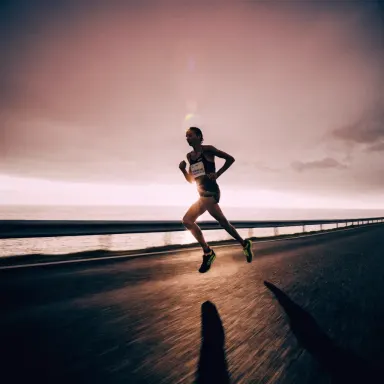
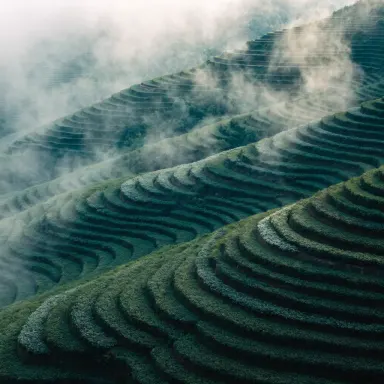
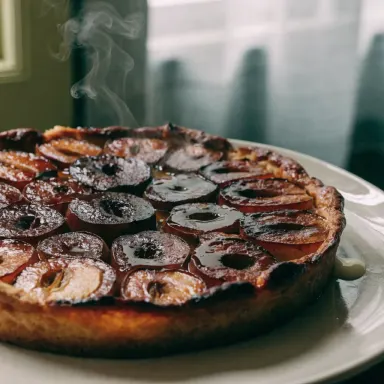
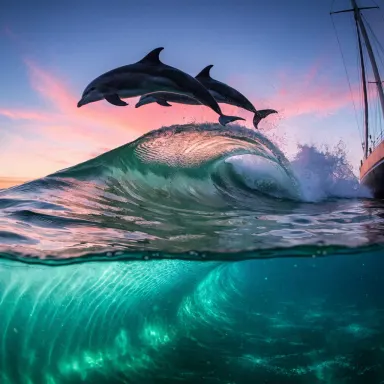
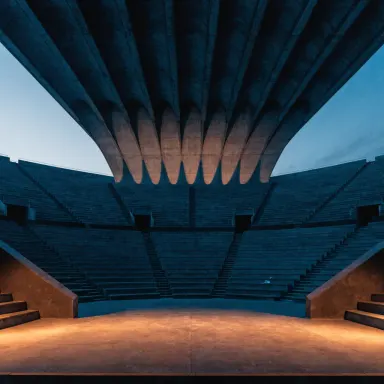
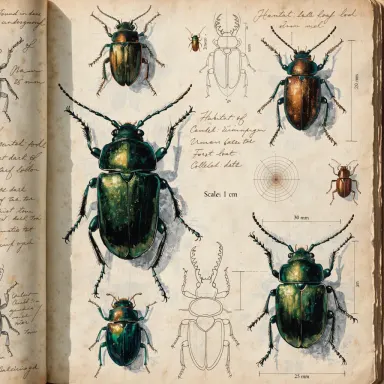
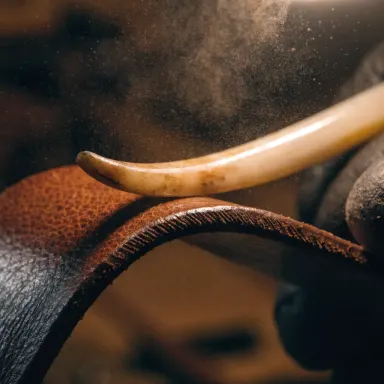
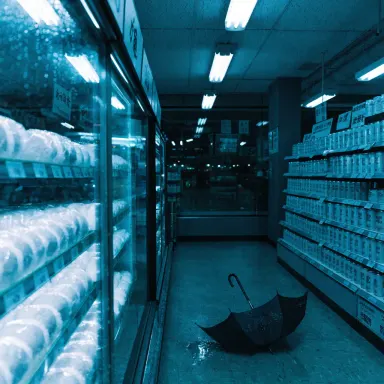
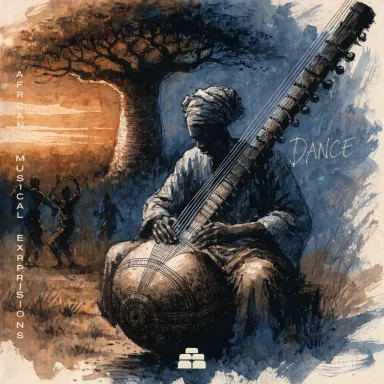
Recraft V4.1 is a text-to-image app built for designers, brand teams, and product marketers who need visuals that look intentional rather than generated. Its refined generation engine emphasizes crisp detail and reliable prompt adherence, meaning the composition, colors, and subject matter you describe tend to arrive intact. Six size presets cover common design formats without manual cropping. If your output is destined for a client deck, a product listing, or a brand asset library, this is the right starting point.
How to use this app
- 1
Describe what you want to create, or upload your source file.
- 2
Pick your options, then press Generate.
- 3
Watch your result appear in the gallery within moments.
- 4
Download, share, or generate again with a new idea.
What you can make
Product Shot Prototyping
Before committing to a photo shoot, use Recraft V4.1 to generate clean, photorealistic product mockups. The model's crisp detail rendering makes surface textures, packaging copy, and reflective materials legible, giving stakeholders a credible preview to approve before production begins.
Brand Visual Consistency
When a brand guide specifies exact color palettes, typography contexts, or compositional rules, prompt adherence matters enormously. Recraft V4.1 follows detailed descriptive prompts closely, letting brand teams iterate on hero images, banners, and social visuals that stay on-brand across multiple generations.
Design Asset Creation
Graphic designers can generate background textures, icon compositions, hero illustrations, and UI placeholder imagery. The six size presets align outputs to common canvas dimensions, reducing the manual resizing step that typically follows AI generation.
E-Commerce Lifestyle Imagery
Recraft V4.1 handles the kind of styled, context-rich imagery that e-commerce listings require: a candle on a marble surface, a bag in an editorial setting, a supplement bottle against clean negative space. Detail quality holds up at the sizes buyers actually see on product pages.
Pitch Deck and Presentation Visuals
Consultants and founders needing polished conceptual visuals for slide decks can describe a scene precisely and receive a composed, professional image. Because prompt adherence is dependable, last-minute revisions to subject or style translate directly into the output without surprising deviations.
Prompt ideas to try
Why creators use this app
- Refined Recraft generation
- Crisp detail
- Reliable prompt adherence
- Five size presets
Tips for better results
Use Size Presets Intentionally
Recraft V4.1 offers six size presets, so select the one that matches your destination format before generating. Choosing the correct aspect ratio upfront preserves compositional integrity and saves you from cropping out key subject matter after the fact.
Be Specific About Surface and Lighting
The model's crisp detail strength shows most clearly when your prompt specifies material surfaces and lighting conditions. Terms like diffused studio lighting, matte finish, or soft shadow give the model concrete rendering targets and produce sharper, more usable results.
Anchor Prompts With a Visual Role
Start your prompt by stating what the image is for: product shot, brand hero, background texture. This framing cue aligns the model's composition and tone choices with your actual design intent, making reliable prompt adherence work in your favor from the first generation.
Iterate on Color and Mood Separately
Because prompt adherence is dependable, you can isolate variables. Generate one version with a defined color palette, then swap the mood descriptor while keeping everything else constant. This methodical approach produces a coherent set of brand visuals faster than starting fresh each time.
When to choose this app
Choose Recraft V4.1 over Seedream v3 or FLUX.1 Schnell when your primary concern is prompt fidelity and design-ready detail rather than raw generation speed or stylistic experimentation. It is the right app when the output must hold up at professional print or screen resolution, follow a precise brief, and arrive in a format that fits standard design canvases without rework.
Frequently asked questions
How closely does Recraft V4.1 follow a detailed prompt?
Reliable prompt adherence is a core design goal of the model. Subject matter, compositional direction, color descriptors, and style qualifiers tend to carry through into the output. Very long or contradictory prompts can still create tension, so keeping instructions internally consistent produces the best alignment.
What are the six size presets and how do I choose between them?
The presets cover common design format ratios, including square, portrait, and landscape orientations. Choose based on where the image will be placed: square for social posts and product thumbnails, landscape for banners and headers, portrait for mobile screens or editorial placements. The app surfaces the options at generation time.
Is Recraft V4.1 suitable for generating typography or text within images?
The model is optimized for design assets and brand visuals, which sometimes include styled text. Short, simple text elements included in a prompt can appear legibly, but for complex typographic layouts you should plan to add final copy in your design tool after generation.
How does the crisp detail quality affect usability for print materials?
The very high quality rating and crisp detail rendering mean outputs hold up well when placed in layouts destined for print. They work reliably as hero imagery, background visuals, or product reference shots in print-bound decks, though final resolution requirements should still be verified against your specific output specs.
Can I use this app to create a consistent series of visuals for a single brand?
Yes, and this is one of Recraft V4.1's practical strengths. Because prompt adherence is dependable, you can anchor a base prompt with consistent style, color, and compositional descriptors and then vary only the subject across a batch. The results share a coherent visual language suited to brand asset libraries.
What kinds of subjects or scenes does Recraft V4.1 handle less well?
The model is tuned for design assets, product shots, and brand visuals rather than highly expressive or painterly artwork. Requests for loose gestural illustration styles, complex multi-figure narrative scenes, or heavy stylization may produce more variable results than clean, well-described design-oriented compositions.
How much does it cost?
Each generation costs 1 credit. New accounts get free credits to try it out.
Which AI model powers this app?
This app runs on Recraft V4.1, available through Arteza with no separate account or setup.
Can I use the results commercially?
Yes. Content you generate is yours to use, subject to our content licenses.
How long does a generation take?
Most generations finish in under a minute, and you can watch progress live in the gallery.