Made with this app

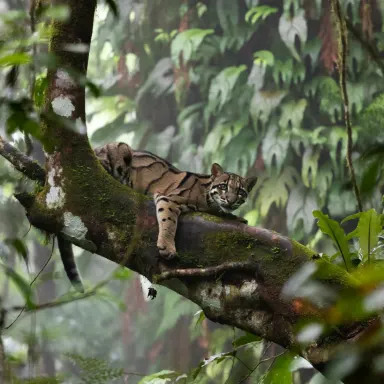


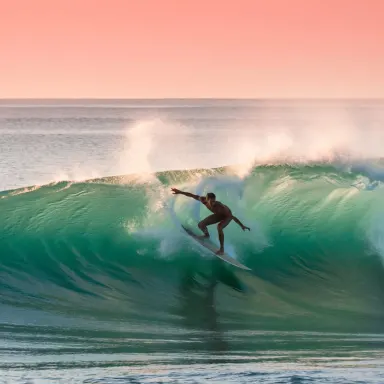
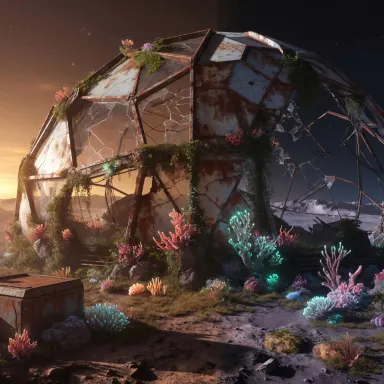

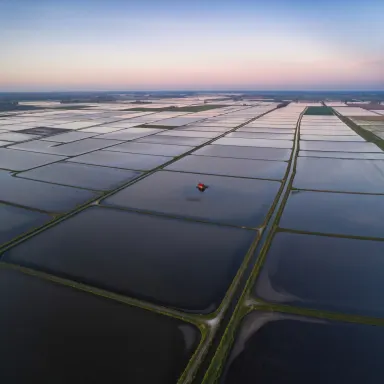

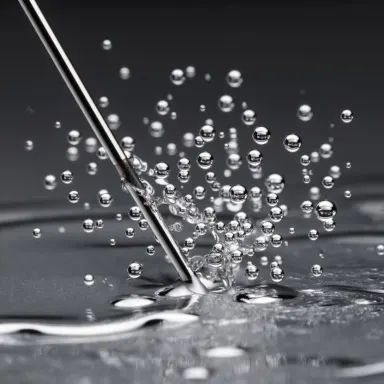
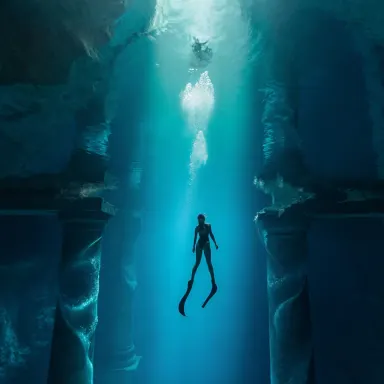
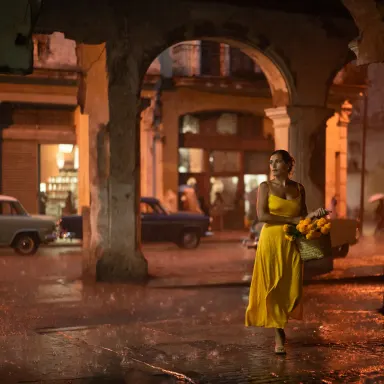
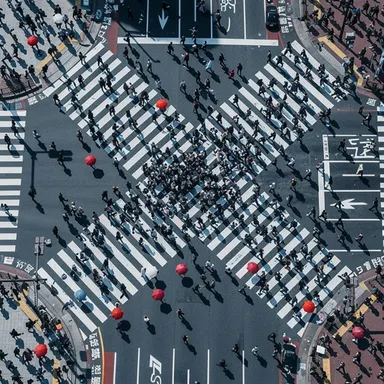
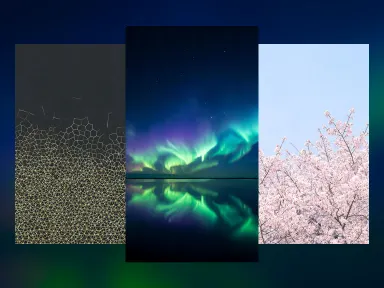
ImagineArt 2.0 is a text-to-image app built for creators who need photorealistic, cinematic-quality output from a single prompt. Powered by a visual reasoning model, it interprets scene descriptions with compositional intelligence, producing images that reflect professional photography standards, dramatic lighting, and lifelike detail. It is best suited for photographers, art directors, marketers, and visual storytellers who require premium results without post-processing workarounds.
How to use this app
- 1
Describe what you want to create, or upload your source file.
- 2
Pick your options, then press Generate.
- 3
Watch your result appear in the gallery within moments.
- 4
Download, share, or generate again with a new idea.
What you can make
Product and Commercial Photography
Brand teams can generate studio-quality product visuals with controlled lighting and photorealistic textures. ImagineArt 2.0 renders surface materials, shadows, and depth of field with the consistency expected from a professional product shoot, reducing the need for physical staging.
Cinematic Scene Visualization
Directors, screenwriters, and storyboard artists can translate scene descriptions into fully realized cinematic frames. The model applies visual reasoning to interpret mood, camera angle, and atmospheric effects, delivering images that read like production stills rather than digital illustrations.
Portrait and Editorial Work
ImagineArt 2.0 renders human subjects with lifelike skin tones, natural expressions, and believable environmental context. Editorial teams and portrait photographers can use it to prototype cover concepts, fashion lookbooks, or character references at a professional grade.
Architectural and Interior Visualization
Architects and interior designers can describe spaces and receive photorealistic renders with accurate light behavior, material finishes, and spatial proportions. The cinematic effects layer adds mood and atmosphere that generic render tools rarely achieve without manual compositing.
Environmental and Landscape Composition
Travel brands, game developers, and concept artists can generate sweeping landscapes with rich atmospheric detail. ImagineArt 2.0 handles complex natural scenes including dynamic skies, water reflections, and foliage density with a level of realism suited to professional publication.
Prompt ideas to try
Why creators use this app
- Visual reasoning
- Cinematic effects
- Lifelike realism
- Professional grade
Tips for better results
Specify Camera and Lens Details
ImagineArt 2.0 responds to photography-specific language. Mentioning focal length, film format, or camera model in your prompt activates its visual reasoning to simulate realistic optics, including depth of field, bokeh, and lens distortion, rather than defaulting to a generic render style.
Describe Lighting with Precision
The model excels at interpreting complex lighting setups. Instead of writing 'good lighting,' specify the source, direction, and quality: golden hour side light, overcast diffused fill, or three-point studio setup. This directly influences the cinematic effect and realism of the output.
Include Atmospheric and Mood Cues
ImagineArt 2.0 uses visual reasoning to translate mood descriptors into compositional choices. Words like 'desolate,' 'intimate,' or 'grand' influence framing and color grading. Pair mood language with concrete scene details for the most coherent cinematic results.
Reference Established Visual Styles
Referencing a photography genre, film era, or publication style helps the model anchor its photorealistic output. Terms like 'Magnum Photos documentary style,' 'anamorphic sci-fi cinematography,' or 'Vogue Italia editorial' give the visual reasoning layer a strong directional signal.
When to choose this app
Choose ImagineArt 2.0 when your primary goal is photorealistic, cinematic output that reads as a professional photograph or production still. Compared to FLUX.1 Schnell, which prioritizes generation speed over detail, or Seedream v3, which suits a broader range of stylistic outputs, ImagineArt 2.0 applies visual reasoning specifically tuned for lifelike realism, making it the strongest option for commercial, editorial, and cinematic work where image credibility is non-negotiable.
Frequently asked questions
What does 'visual reasoning' mean in ImagineArt 2.0 and how does it affect my images?
Visual reasoning means the model interprets compositional relationships, not just keyword lists. It considers how lighting, subject placement, depth, and atmosphere interact within a scene. The result is output that reflects coherent spatial logic rather than a surface-level assembly of described elements.
Is ImagineArt 2.0 suitable for generating human portraits with realistic skin and expressions?
Yes. The model's lifelike realism feature handles human subjects with accurate skin tone gradation, natural facial structure, and contextually believable expressions. It performs well for editorial portraits, character concepts, and professional headshot prototypes when prompts include lighting and environment detail.
Can I use ImagineArt 2.0 for product visualization without a physical product shoot?
It is well suited for this. The photorealistic style and cinematic effects allow the model to render product surfaces, materials, and studio lighting convincingly. Prompts that specify surface texture, background, and lighting setup yield results comparable to professional product photography references.
How specific should my prompts be to get the best output from ImagineArt 2.0?
More specificity consistently improves results. The visual reasoning model responds to detailed scene descriptions including light source, camera perspective, time of day, and subject context. Vague prompts will produce competent images, but granular prompts unlock the model's full professional-grade capability.
Does ImagineArt 2.0 handle complex multi-element scenes well?
Yes. The visual reasoning layer helps the model manage compositional complexity, placing multiple elements in spatially coherent relationships rather than crowding or distorting the frame. Scenes with foreground subjects, midground context, and background atmosphere tend to render with strong depth separation.
What image style does ImagineArt 2.0 default to if I do not specify a style in my prompt?
The model defaults to a photorealistic rendering style, its declared base output mode. Without additional style guidance, it tends toward clean, well-lit realism. Adding cinematic, editorial, or genre-specific language in your prompt shifts it toward more dramatic or stylized interpretations within that realist foundation.
How much does it cost?
Each generation costs 1 credit. New accounts get free credits to try it out.
Which AI model powers this app?
This app runs on ImagineArt 2.0, available through Arteza with no separate account or setup.
Can I use the results commercially?
Yes. Content you generate is yours to use, subject to our content licenses.
How long does a generation take?
Most generations finish in under a minute, and you can watch progress live in the gallery.