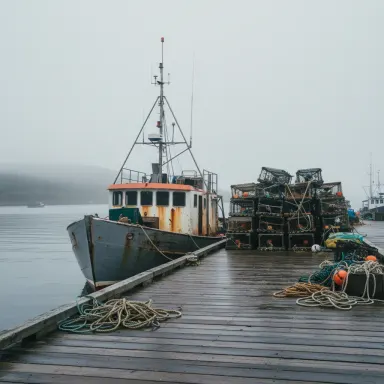
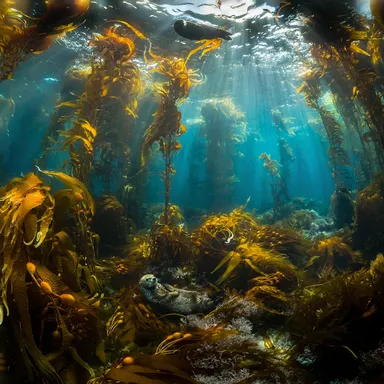
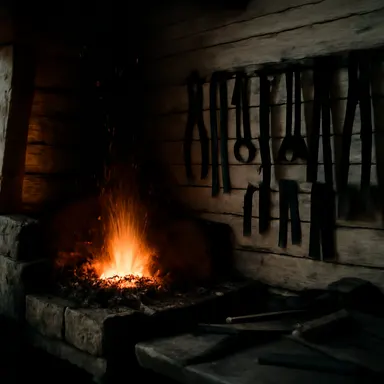
Made with this app
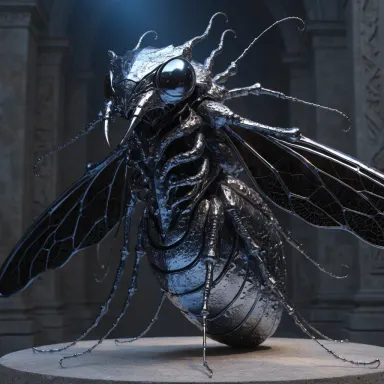
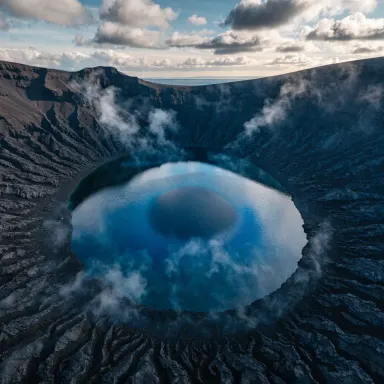
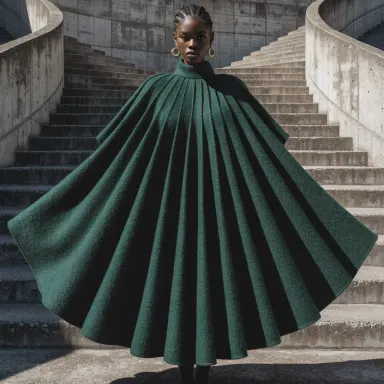
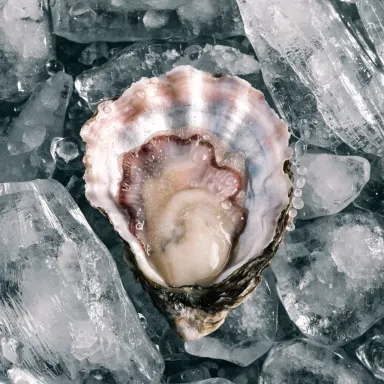
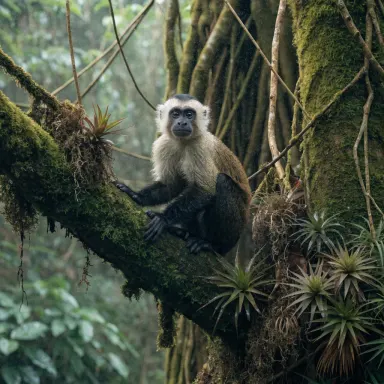
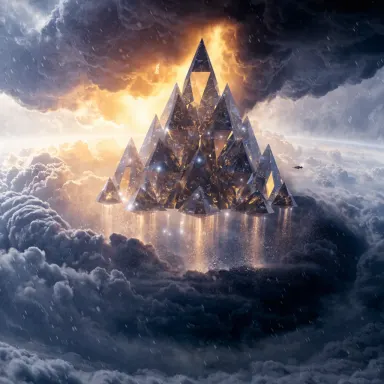
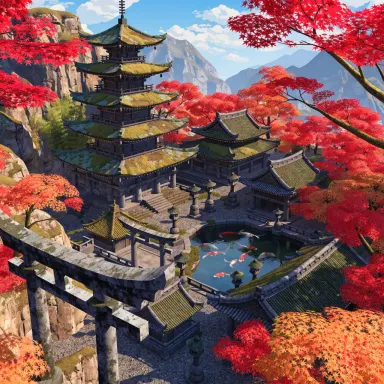
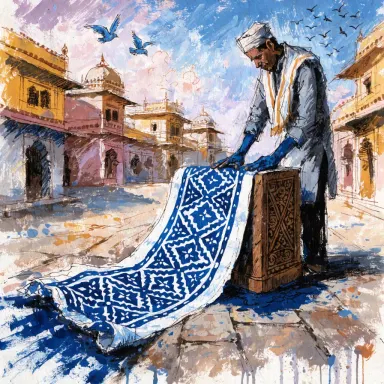
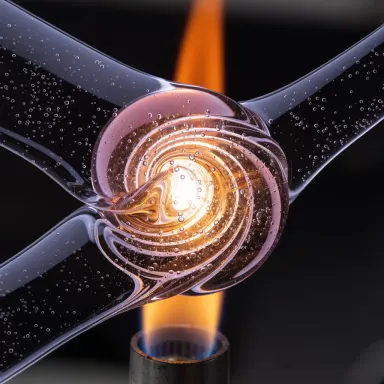
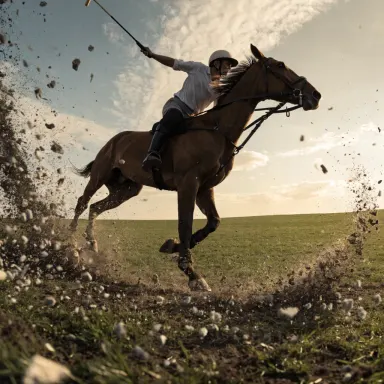
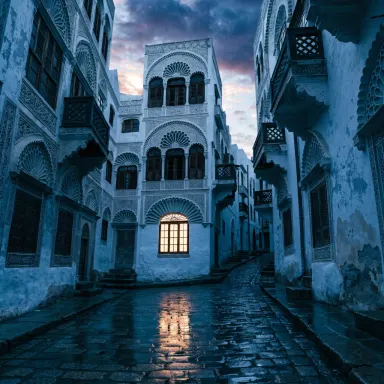
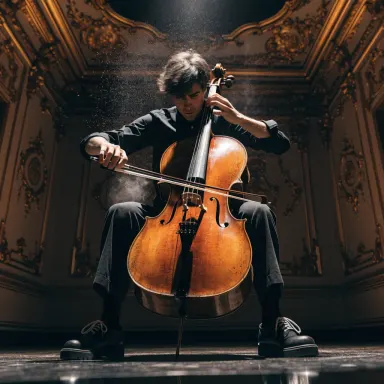
Recraft V4 is a text-to-image app built for designers, brand teams, and product marketers who need generation-ready visuals with precise detail and reliable prompt adherence. Powered by the latest Recraft generation, it translates written briefs into sharp design assets, clean product shots, and polished brand visuals across six size presets, making it a practical tool for anyone who needs images that slot directly into professional workflows without heavy post-processing.
How to use this app
- 1
Describe what you want to create, or upload your source file.
- 2
Pick your options, then press Generate.
- 3
Watch your result appear in the gallery within moments.
- 4
Download, share, or generate again with a new idea.
What you can make
Product Shot Creation
When a marketing team needs a lifestyle product image without a photoshoot, Recraft V4 renders high-detail product visuals with accurate surface textures, lighting, and backgrounds. Its strong prompt adherence means the product description translates reliably into an image that matches the brief.
Brand Visual Development
Brand designers can generate cohesive visual concepts for mood boards, pitch decks, or campaign mockups. Recraft V4 holds onto specific color, style, and composition instructions tightly, reducing the rounds of iteration needed to arrive at an on-brand result.
Design Asset Production
Graphic designers sourcing hero images, section backgrounds, or icon-adjacent illustrations benefit from the sharper detail Recraft V4 delivers. Clean edges and fine texture mean assets require less masking and cleanup before dropping into layouts.
Size-Specific Content Formatting
With six size presets, teams producing content across multiple placements, such as social banners, website headers, and print crops, can generate correctly proportioned images for each format in a single session rather than cropping and rescaling after the fact.
Packaging and Label Concepts
Product developers exploring label artwork or packaging visuals can describe materials, shapes, typography placement, and color palettes in a prompt. Recraft V4's detail fidelity makes the resulting concepts closer to production-ready than most generative alternatives.
Prompt ideas to try
Why creators use this app
- Latest Recraft generation
- Sharper detail
- Strong prompt adherence
- Five size presets
Tips for better results
Use Specific Material Language
Recraft V4's sharper detail responds well to precise surface descriptions. Rather than writing 'leather bag,' write 'pebbled full-grain leather tote with brass hardware.' The model resolves fine textures accurately when the prompt gives it clear material references.
Match Preset to Final Placement
Select the size preset that corresponds to your actual output destination before generating. Recraft V4's six presets are designed to produce correctly composed images for each ratio, so choosing the right one upfront avoids awkward cropping of key subject matter.
Anchor Style with Reference Terms
Include photography or design style terms such as 'editorial,' 'commercial product photography,' or 'flat graphic illustration' to guide overall aesthetic. Strong prompt adherence means these terms carry real weight and steer composition, lighting, and color treatment reliably.
Describe Negative Space Deliberately
For design assets that need room for text overlays or cropping, include instructions about background simplicity and empty areas. Specifying 'clean white background with negative space on the left third' gives Recraft V4 enough information to preserve usable layout room.
When to choose this app
Choose this app over FLUX.1 Schnell or FLUX.1 Dev when your output has to meet design or brand standards rather than serving as a quick draft or experimental concept. Recraft V4 prioritizes detail fidelity and prompt precision, which matters when images go directly into client decks, product listings, or campaign materials. It also outperforms Seedream v3 for commercially structured visuals where surface detail, composition control, and format sizing are non-negotiable requirements.
Frequently asked questions
How well does Recraft V4 follow complex, multi-part prompts?
Strong prompt adherence is a core feature of Recraft V4, meaning it handles prompts that specify multiple elements simultaneously, such as subject, material, lighting, color palette, and background, more reliably than earlier generations. Very detailed prompts generally produce better results here than shorter, vague ones.
What are the six size presets and how do I choose between them?
The six presets cover common aspect ratios used across digital and print contexts. Choose based on your final placement: square for social posts, landscape for banners or website headers, portrait for mobile or poster formats. Generating at the intended ratio produces better composition than resizing afterward.
Is Recraft V4 suitable for generating images with fine typography or text elements?
Recraft V4's sharper detail generation improves legibility of simple text elements compared to many generative models, but complex typographic layouts remain difficult for any text-to-image model. For best results, use it to generate the visual composition and add precise text in your design tool afterward.
Can I use this app for product shots without access to a physical product?
Yes, this is one of Recraft V4's stated strengths. Describing product shape, material, finish, color, and environment in detail allows the model to produce product shot concepts suitable for early marketing materials, concept reviews, or placeholder visuals before physical samples are available.
How does the quality level affect what kinds of projects this suits?
Recraft V4 is rated Very High quality, which means it resolves fine detail, edge sharpness, and surface variation at a level appropriate for client-facing design work. It is better suited to professional deliverables than to rapid ideation sessions where volume matters more than polish.
What types of visual styles does Recraft V4 handle best?
The model performs particularly well on design-adjacent styles: clean commercial photography, flat graphic illustration, minimalist brand aesthetics, and product-focused compositions. Highly abstract or painterly styles are possible but the model's strength is precision and structure rather than loose expressive variation.
How much does it cost?
Each generation costs 1 credit. New accounts get free credits to try it out.
Which AI model powers this app?
This app runs on Recraft V4, available through Arteza with no separate account or setup.
Can I use the results commercially?
Yes. Content you generate is yours to use, subject to our content licenses.
How long does a generation take?
Most generations finish in under a minute, and you can watch progress live in the gallery.