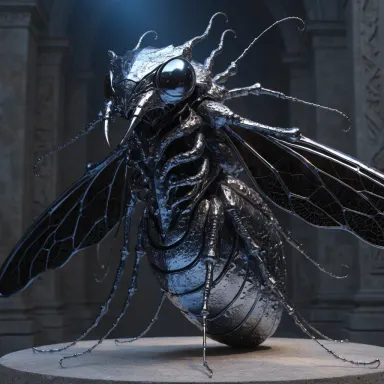
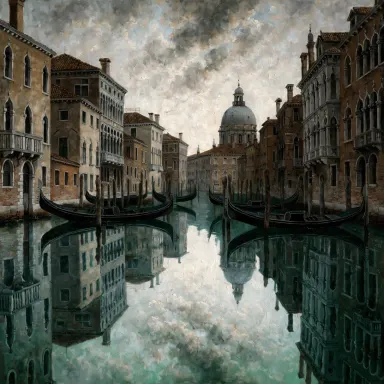
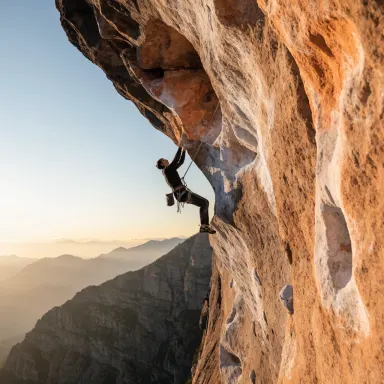
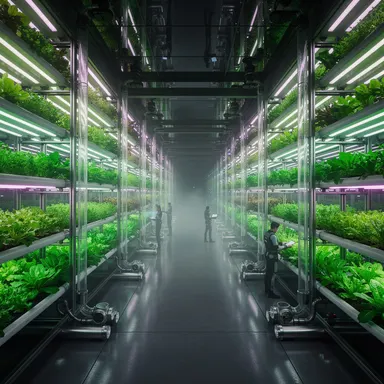
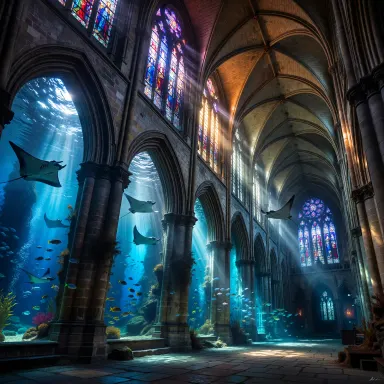
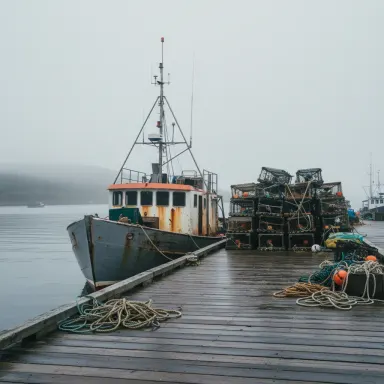
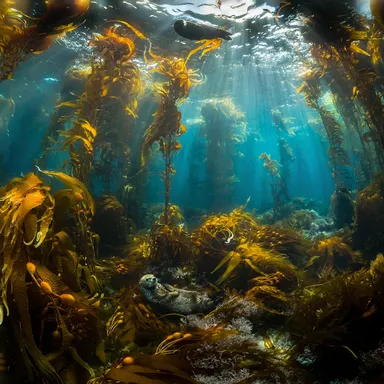
Made with this app
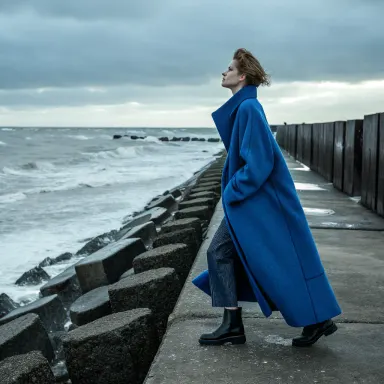
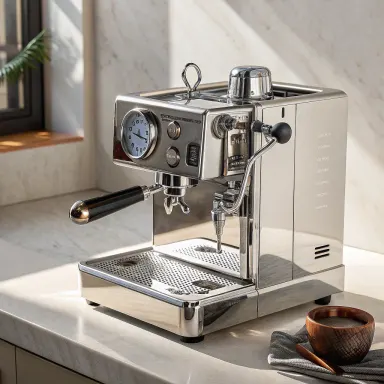

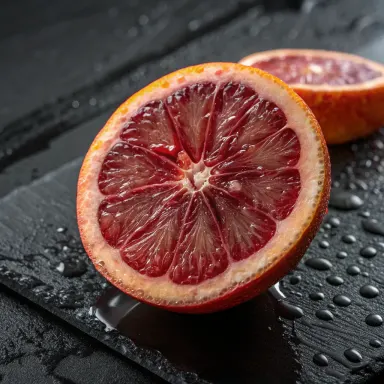
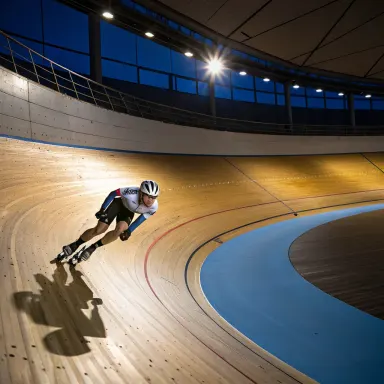
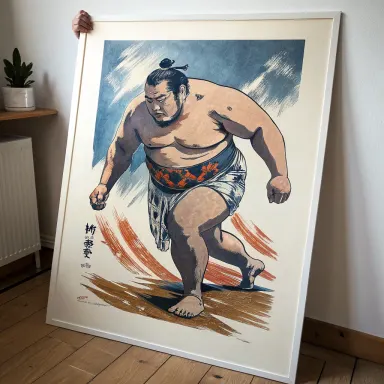
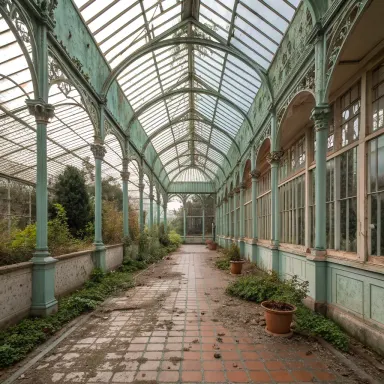
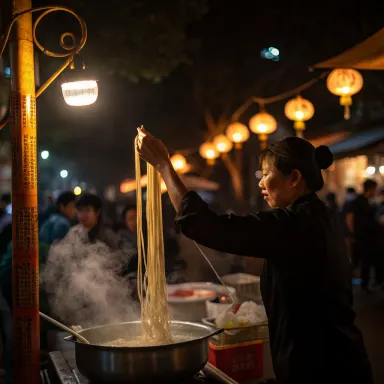

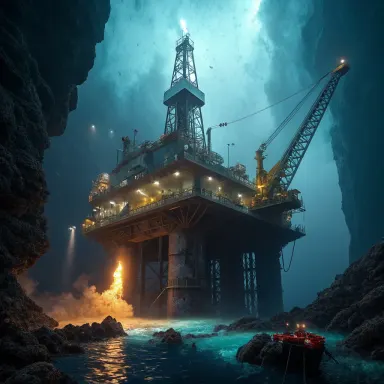
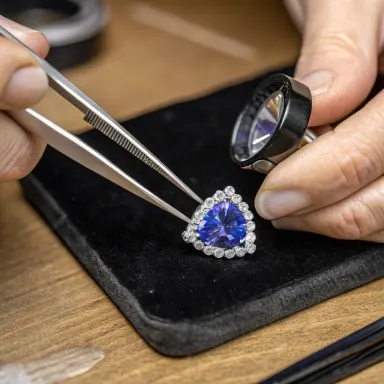
The Recraft V3 app on Arteza is built for designers and brand teams who need polished, production-ready visuals rather than casual illustrations. Powered by Recraft V3, it specializes in design-focused image generation with refined lighting, coherent brand system support, and the rare ability to export SVG vector output, making it the right tool when your work lands in Figma, on merchandise, or in a brand style guide rather than just on a mood board.
How to use this app
- 1
Describe what you want to create, or upload your source file.
- 2
Pick your options, then press Generate.
- 3
Watch your result appear in the gallery within moments.
- 4
Download, share, or generate again with a new idea.
What you can make
Logo and Wordmark Creation
Recraft V3 handles the geometric precision and clean lines that logos demand. Use it to generate multiple logo concepts for a new brand, then export the result as an SVG to scale cleanly from a business card to a billboard without any quality loss.
Brand System Asset Libraries
When a project requires icons, badges, and spot illustrations that share a consistent visual language, Recraft V3's brand system support keeps style coherent across every asset. Generate a full set of matching UI icons or marketing graphics in one session.
Packaging and Print Mockup Graphics
The refined lighting capabilities make product-adjacent graphics look intentional rather than generated. Create label art, pattern tiles, or decorative elements with believable light and shadow that integrates naturally into packaging mockups.
Vector Illustrations for Web and App UI
Designers building web products often need lightweight, scalable spot illustrations. Recraft V3's SVG output means illustrations drop directly into a codebase or design file without rasterization artifacts, saving the manual recreation step.
Pitch Deck and Presentation Graphics
Crisp, design-forward visuals make presentations more persuasive. Use Recraft V3 to generate high-quality diagrams, conceptual graphics, and stylized icons that align with a brand palette and hold up at full-screen projection size.
Prompt ideas to try
Why creators use this app
- Design-focused
- SVG vector output
- Brand systems
- Refined lighting
Tips for better results
Specify Vector Intent Explicitly
When you need SVG output, include terms like flat vector, clean vector lines, or no gradients in your prompt. These cues guide Recraft V3 toward compositions that translate well into scalable vector format and avoid complex photorealistic detail that degrades in SVG.
Define Your Brand Colors Precisely
Recraft V3's brand system support responds well to specific color descriptions. Name exact tones such as dusty sage green, warm off-white, and slate navy rather than generic terms like green or blue to get assets that fit an existing brand palette on the first attempt.
Use Lighting Descriptors for Depth
To take advantage of refined lighting, add directional or quality cues: soft diffused light from upper left, dramatic side lighting, or flat even studio light. This separates results from generic AI outputs and gives design assets a more intentional, crafted appearance.
Reference Established Design Styles
Recraft V3 supports multiple styles, so anchoring your prompt to a recognized design movement, such as Swiss grid, Bauhaus, mid-century modern, or flat design, gives the model a strong stylistic framework and produces more consistent results across a batch of related assets.
When to choose this app
Choose the Recraft V3 app when your output needs to live inside a design system rather than stand alone as a single image. Unlike FLUX.1 Schnell or FLUX.1 Dev, which excel at photorealistic and editorial imagery, Recraft V3 is purpose-built for logos, icons, and brand assets where vector scalability and visual consistency across a set matter more than photographic realism. If Seedream v3 or Seedream 5.0 Pro are the right tools for portrait and lifestyle photography, Recraft V3 is the right tool for anything heading into a design file.
Frequently asked questions
Can I actually use the SVG output directly in design software?
Yes. Recraft V3 produces SVG vector output that is compatible with standard design tools. You can import the file into applications like Figma, Illustrator, or Inkscape and scale it to any size. For best results, prompt for flat or geometric compositions, since highly complex imagery produces denser SVG code.
How does brand system support work in practice?
Brand system support means Recraft V3 is tuned to generate assets that hold a consistent visual style when you produce multiple images with similar prompts. By keeping your color, style, and compositional descriptions consistent across a session, you can build a cohesive set of icons, illustrations, or graphics that feel like they belong together.
What style options are available for this app?
Recraft V3 supports multiple styles spanning vector illustration, realistic rendering, and design-oriented treatments. Specifying a style in your prompt, such as flat design, isometric, or line art, steers the model toward that aesthetic. Experimenting with style descriptors is the most reliable way to discover which options suit your project.
Is this app suitable for generating photorealistic product photography?
Recraft V3 can produce high-quality imagery with refined lighting, but it is primarily optimized for design assets rather than photorealistic photography. For lifestyle images, portraits, or highly photographic results, sibling apps like Seedream 5.0 Pro are better aligned with that use case.
How specific should my prompt be for logo generation?
Very specific prompts produce better logo results. Include the industry, intended mood, color palette, any text elements, and stylistic references such as geometric, emblem, or wordmark. Vague prompts like modern logo tend to return generic output, while detailed prompts give Recraft V3 enough parameters to generate something closer to a real design brief.
Can Recraft V3 handle multi-element compositions like icon sets?
It performs well on single-image compositions, and you can generate matching icons by reusing consistent style and palette descriptors across multiple prompts. For a true icon set, prompt each icon individually with identical style parameters rather than asking for all icons in one image, which typically produces cleaner, more uniform results.
How much does it cost?
Each generation costs 1 credit. New accounts get free credits to try it out.
Which AI model powers this app?
This app runs on Recraft V3, available through Arteza with no separate account or setup.
Can I use the results commercially?
Yes. Content you generate is yours to use, subject to our content licenses.
How long does a generation take?
Most generations finish in under a minute, and you can watch progress live in the gallery.