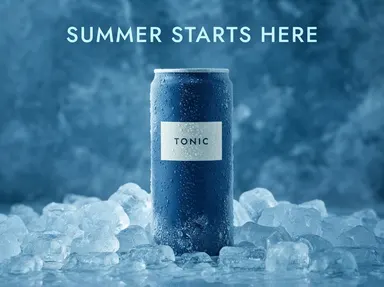
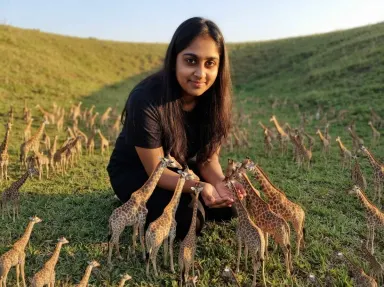
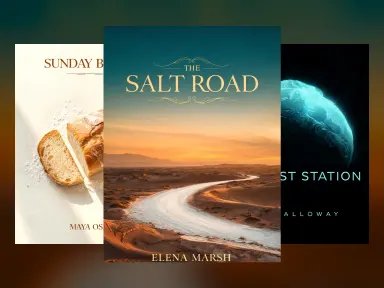
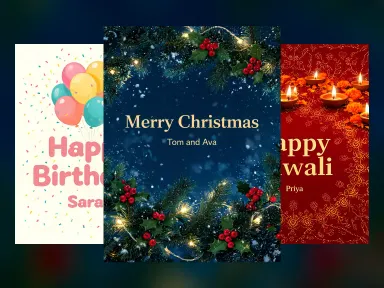
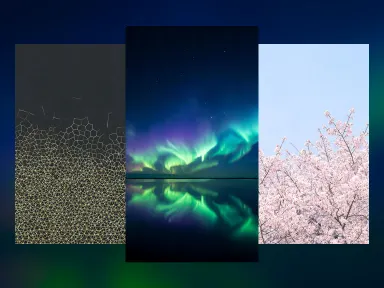
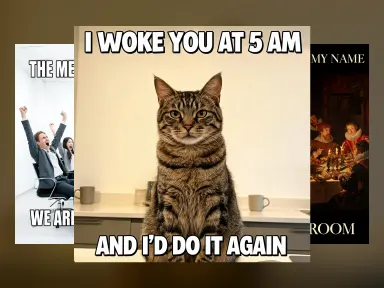
Made with this app

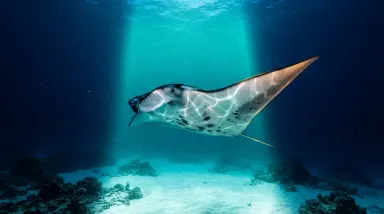
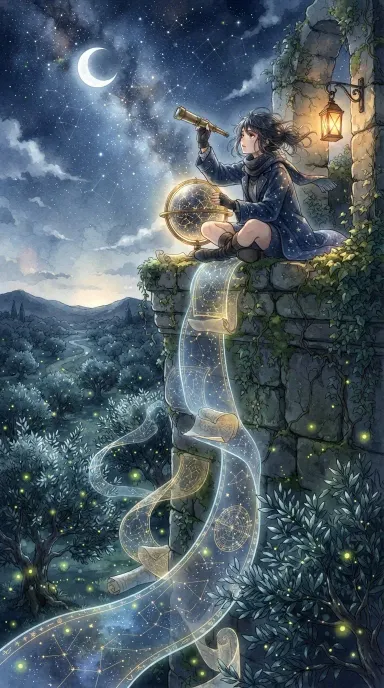
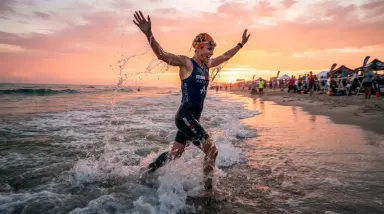
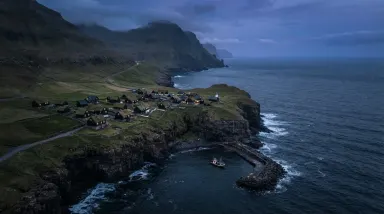
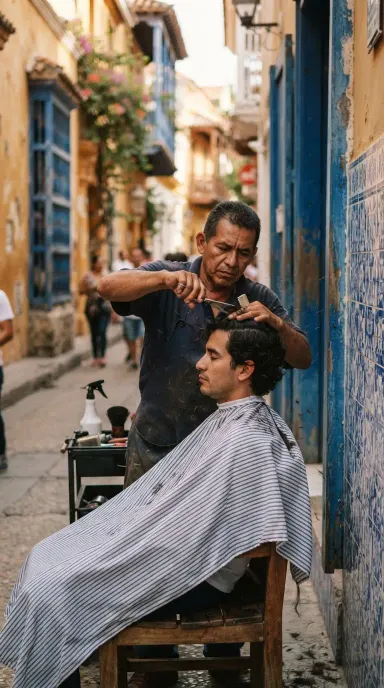
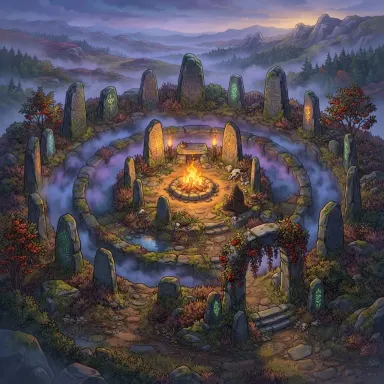
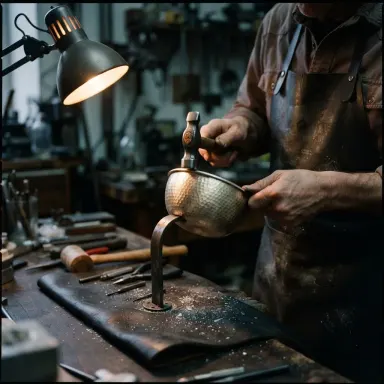
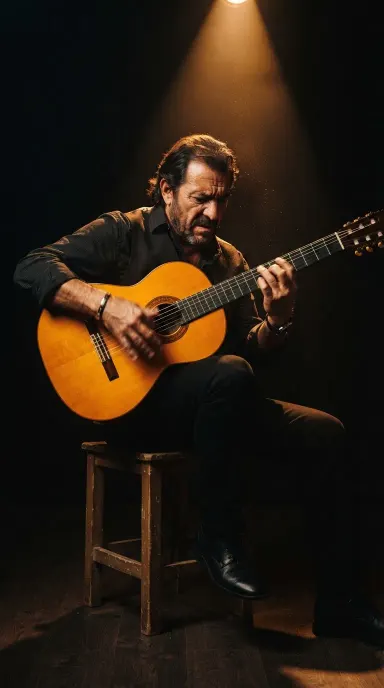
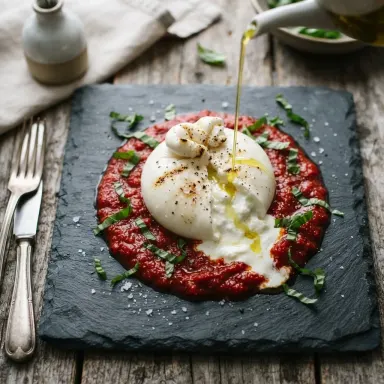
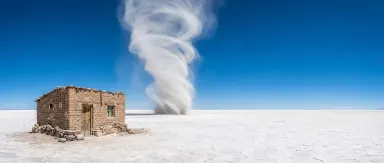
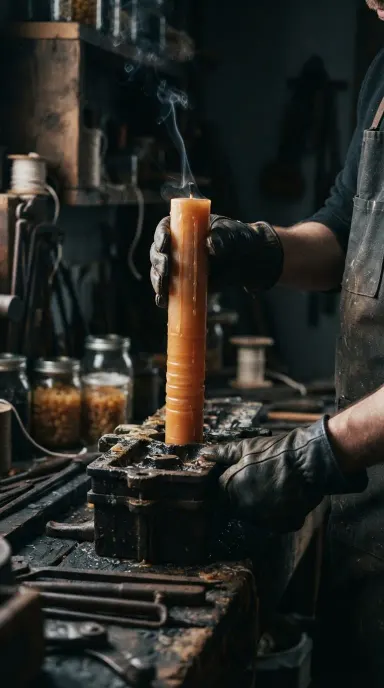
Nano Banana Lite brings Google Gemini 3.1 Flash Lite Image to a straightforward app built for speed and iteration. It generates or edits images from a text prompt in under two seconds, accepts one or more images as edit input, and delivers fixed 1024x1024 output across 14 aspect ratios. Designers, content creators, and developers who need to cycle through ideas quickly without committing to heavy compute will find it a practical daily tool for drafting, remixing, and refining visuals.
How to use this app
- 1
Describe what you want to create, or upload your source file.
- 2
Pick your options, then press Generate.
- 3
Watch your result appear in the gallery within moments.
- 4
Download, share, or generate again with a new idea.
What you can make
Rapid Concept Drafting
When a project is still in its exploratory phase, Nano Banana Lite lets you test a dozen visual directions in the time other tools take to render one. Describe a mood, a composition, or a color palette and get a result immediately, then tweak the prompt and re-run without breaking your flow.
Multi-Turn Local Editing
Upload an existing image and issue a series of targeted instructions across multiple turns: change the background, adjust the lighting, swap a prop. The model holds context across edits, so you refine the same image progressively rather than starting over each time.
Batch Social Media Variants
With 14 supported aspect ratios, you can generate the same scene in portrait, landscape, and square formats in quick succession. Useful for preparing a single asset in the correct crop for Instagram, LinkedIn, and a blog header without leaving the app.
Budget-Conscious Creative Work
Freelancers and small teams with tight production budgets can use Nano Banana Lite for high-volume draft work, reserving more expensive models for final delivery. The cost-effective output means you can iterate freely without watching the meter on early-stage concepts.
Developer Prototyping
When building an interface that will eventually integrate image generation, Nano Banana Lite provides near-instant feedback for testing prompt patterns, layout ideas, and placeholder visuals, making it practical for front-end prototyping sessions where speed matters more than maximum resolution.
Prompt ideas to try
Why creators use this app
- Sub-2 second latency
- Generation and editing
- 14 aspect ratios
- Multi-image edit input
- Fixed 1K output
- Cost-effective
Tips for better results
Use Multi-Turn Edits Strategically
Rather than writing one long prompt that tries to do everything, build the image in steps. Get the composition right first, then refine colors, then adjust details. Multi-turn editing is a core strength of this model, so lean into it rather than front-loading all instructions.
Specify Aspect Ratio Early
With 14 aspect ratios available, naming your target format in the first prompt prevents wasted iterations. Say 'portrait 9:16' or 'widescreen 16:9' upfront so the composition is designed for the correct canvas from the start rather than cropped awkwardly afterward.
Supply Reference Images for Edits
The model accepts multiple images as input, so when editing, include any reference images that anchor your intent: a color swatch, a style sample, or the original asset. More visual context produces more accurate local changes with less prompt engineering.
Accept 1K as the Working Resolution
Output is fixed at 1024x1024. This is well-suited for screen use, social media, and draft work. If your deliverable ultimately requires higher resolution, use Nano Banana Lite to finalize the concept and composition, then upscale or re-render the approved version elsewhere.
When to choose this app
Nano Banana Lite is the right choice when iteration speed and cost efficiency matter more than maximum output resolution. If you need guidance control over generation, Seedream v3 covers that ground. If your deliverable demands up to 4MP output, Seedream v4.5 is built for that. Nano Banana Lite sits in a different lane: it combines generation and multi-turn editing in a single app, accepts image inputs, and returns results in under two seconds, making it the most practical tool for drafting, remixing, and high-volume creative exploration.
Frequently asked questions
Can I use my own images as input, or is this generation-only?
You can supply one or more images alongside your text prompt. This makes it possible to edit an existing photo, blend references, or use an uploaded asset as the starting point for a new composition. The app supports both pure text-to-image generation and image-plus-text editing in the same interface.
What file formats does the app output?
Generated images are available as JPEG, PNG, or WebP. You can choose the format that best fits your downstream workflow, whether that is a compressed JPEG for web use, a lossless PNG for design handoff, or WebP for modern browser delivery.
Is the 1024x1024 resolution fixed for all aspect ratios?
The output is fixed at 1K resolution. When you select a non-square aspect ratio, the image dimensions adjust to match that ratio within the 1K constraint rather than adding to the total pixel count. Plan your use cases around screen-resolution output rather than large-format print.
How does multi-turn editing actually work in this app?
After your first generation, you type a follow-up instruction and the model applies it to the previous result. You can repeat this across several turns, making incremental changes like adjusting lighting, removing objects, or shifting the color grade, without losing the work done in earlier steps.
Which of the 14 aspect ratios are available, and how do I select one?
The available ratios cover common formats including square, portrait, landscape, and widescreen variations. You select the ratio before or during your prompt, either from a picker in the interface or by specifying it in natural language in your prompt. Check the ratio selector in the app for the full list.
Is this app suitable for final production assets or mainly for drafts?
It works well for final assets intended for screen: social media posts, web graphics, app mockups, and presentation visuals all fall comfortably within its output quality. For large-format print or deliverables that require resolutions above 1K, you would want a higher-resolution model for the final render.
How much does it cost?
Each generation costs 1 credit. New accounts get free credits to try it out.
Which AI model powers this app?
This app runs on Nano Banana Lite, available through Arteza with no separate account or setup.
Can I use the results commercially?
Yes. Content you generate is yours to use, subject to our content licenses.
How long does a generation take?
Most generations finish in under a minute, and you can watch progress live in the gallery.