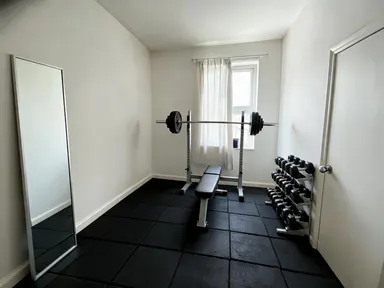
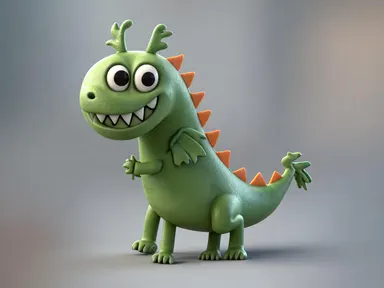
Made with this app
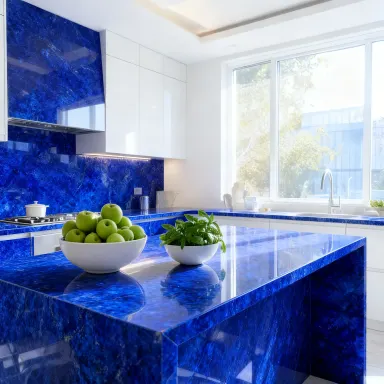



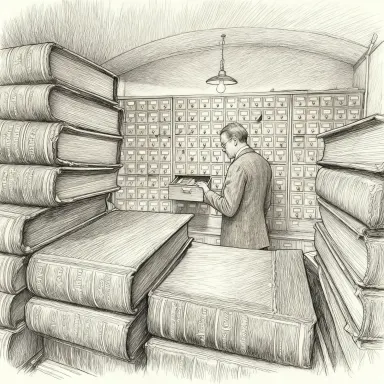







Seedream v4.0 Edit is a natural-language image editor built for speed and affordability, making it the most accessible editing option in the Seedream family. Describe what you want changed in plain text, supply one or more images, and the model handles the rest. It is designed for non-designers, content teams running batch workflows, and anyone who needs reliable, fast edits without committing to a heavier production pipeline.
How to use this app
- 1
Describe what you want to create, or upload your source file.
- 2
Pick your options, then press Generate.
- 3
Watch your result appear in the gallery within moments.
- 4
Download, share, or generate again with a new idea.
What you can make
Batch Product Photo Cleanup
Upload a set of product images and describe a consistent change, such as removing a background shadow or neutralizing a color cast. Seedream v4.0 Edit processes multiple images from a single session, letting small e-commerce teams retouch entire catalogs without repeating instructions.
Quick Style Transfers for Social Content
Tell the model to apply a warm film tone, a flat graphic look, or a painterly finish to a photo you already have. Style transfer runs on plain text instructions, so a social media manager can iterate through several looks in minutes without touching a slider.
Object Removal on the Fly
Type what you want gone, a stray cable, a watermark placeholder, a cluttered background element, and the model removes it. This is useful for journalists, bloggers, and small businesses that need a clean image quickly and do not have a retoucher on call.
Iterative Draft Editing
Because the cost per edit is the lowest in the Seedream family, teams can afford to run several rounds of revision on a single image, refining a crop suggestion or color direction with each pass, without worrying about budget creep on exploratory work.
Non-Designer Content Updates
Marketing coordinators and small-business owners who have never opened a photo editor can describe a change in everyday language and get a usable result. The natural language interface removes the learning curve that typically gates image editing behind specialist skills.
Prompt ideas to try
Why creators use this app
- Cheapest Edit Option
- Multi-Image Input
- Natural Language Editing
- Style Transfer
- Object Removal
Tips for better results
Be Specific in Your Instructions
Natural language editing works best when you name the exact element to change and describe the desired result. Instead of 'fix the background', write 'replace the grey concrete wall with a soft out-of-focus garden'. Specificity reduces the need for correction passes.
Use Multi-Image Input for Consistency
When you need the same edit applied across several photos, upload them together in a single session. Seedream v4.0 Edit accepts multiple images at once, so a shared instruction applies uniformly and you avoid small variations that appear when images are processed one at a time.
Pair Style Transfer with a Reference
If you want the model to match a specific aesthetic, include an image that demonstrates the look alongside your text instruction. Describing a style is useful, but pairing the description with a visual reference gives the model a clearer target and typically produces closer results on the first attempt.
Keep Object Removal Instructions Isolated
When removing an element, describe only that element in your prompt and avoid stacking multiple unrelated edits in the same instruction. A single, focused removal task gives the model the clearest signal and produces a cleaner fill without unintended changes elsewhere in the frame.
When to choose this app
Choose this app when the priority is fast, affordable editing at scale rather than a task-specific transformation. AI Room Converter is built around swapping a room's purpose while keeping its architecture intact, and AI Sky Replacement is dedicated to changing outdoor skies and matching the light to them. Seedream v4.0 Edit handles a much broader range of instructions, from object removal to style transfer to general retouching, in plain text, making it the right tool when the edit does not fit a single defined category.
Frequently asked questions
What kinds of edits can I describe in plain text?
You can request object removal, style transfer, color changes, background cleanup, texture adjustments and compositional tweaks. As long as you can describe the change in a sentence or two, the model can attempt it. Very fine structural changes, like repositioning a face, may be better served by a more specialized tool.
How many images can I upload in a single session?
Seedream v4.0 Edit accepts multiple images as input, which is particularly useful for batch processing. The exact number supported in one submission is shown in the upload interface. For large catalogs, grouping images by shared instruction keeps results consistent across the set.
Does the model preserve parts of the image I do not mention?
Generally yes. Natural language editing targets what you describe and leaves the rest of the frame as close to the original as possible. To be safe, name what should stay unchanged if it sits close to the area you are editing, for example: 'remove the bench but keep the tree and path behind it.'
Is this suitable for professional production work or mainly for drafts?
It is well suited to production work where speed and cost matter more than the absolute highest fidelity, such as e-commerce thumbnails, social assets and internal content. For hero imagery or print campaigns where a single image will receive intensive scrutiny, a heavier editing pipeline may be warranted.
How does style transfer work here compared to uploading a sketch or drawing?
Style transfer in Seedream v4.0 Edit applies a visual treatment to an existing photograph or image using a text description or a reference image. It works on content you have already shot or created. If you are starting from a hand drawing and want it rendered as a photograph or sculpture, AI Sketch to Image is designed for that starting point.
Can I use this to edit images that contain text or logos?
Yes, you can instruct the model to remove, replace or reposition text and logo elements within an image. Results vary with complexity, so straightforward removals on clean backgrounds tend to work best. For placing your logo accurately onto physical mockups like cups or storefronts, AI Logo Mockup Generator is built specifically for that task.
How much does it cost?
Each generation costs 1 credit. New accounts get free credits to try it out.
Which AI model powers this app?
This app runs on Seedream v4.0 Edit, available through Arteza with no separate account or setup.
Can I use the results commercially?
Yes. Content you generate is yours to use, subject to our content licenses.
How long does a generation take?
Most generations finish in under a minute, and you can watch progress live in the gallery.