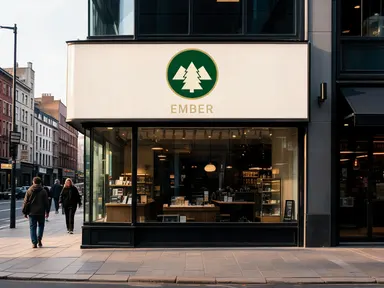
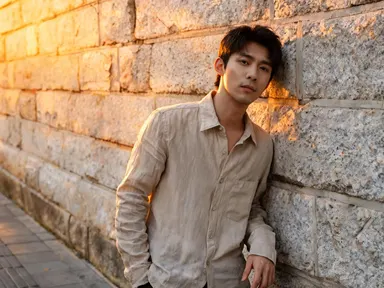
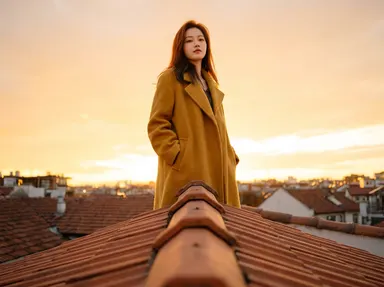
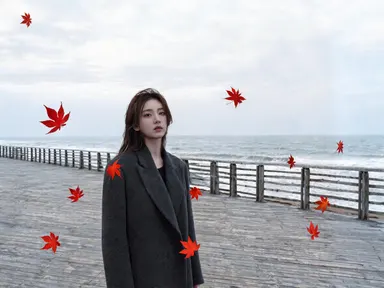
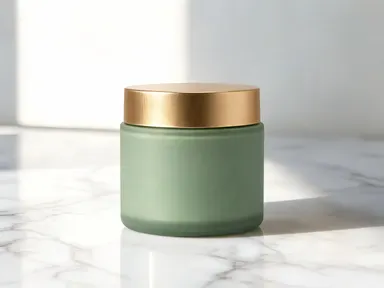
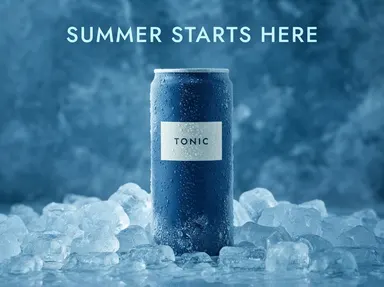
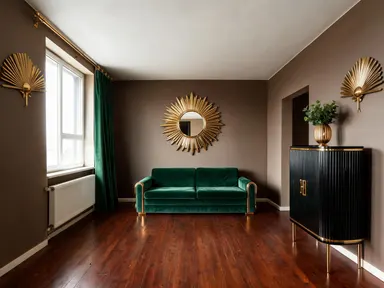
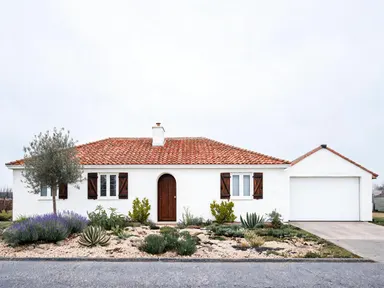
Made with this app
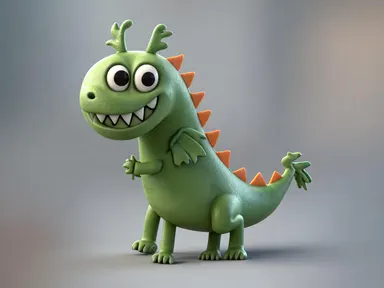
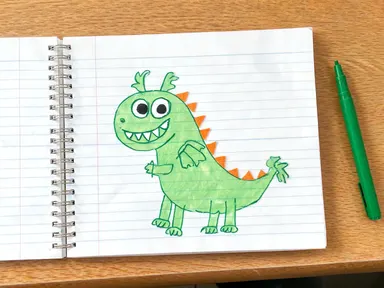
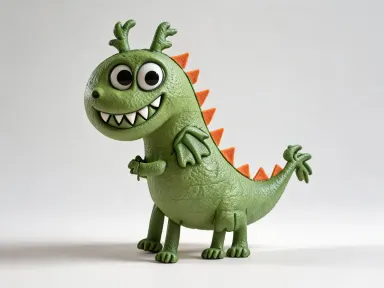
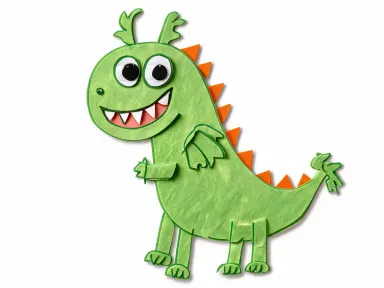
AI Sketch to Image turns hand-drawn sketches, rough diagrams and line drawings into finished pictures without writing a prompt. Upload a drawing as a JPG, PNG, WebP or GIF, choose one finish from the built-in library, and the app handles the rest: it keeps your subject, its shapes, proportions and viewpoint, clears the paper and pencil marks away entirely, and fills the frame with the finished result in the medium you picked, whether that is a photograph, a stained glass panel, a chrome sculpture or an oil painting.
How to use this app
- 1
Upload your file. There is no prompt you have to write.
- 2
Pick a look from the visual library, add a note of your own if you want one, then press Generate.
- 3
Watch your result appear in the gallery within moments.
- 4
Download, share, or generate again with a new idea.
What you can make
Product concept visualization
Designers sketching a new product on paper can upload the drawing and choose the studio photograph option to see it rendered against a seamless backdrop with crisp product lighting. The result is convincing enough to share with stakeholders before any 3D modelling begins.
Children's book character development
Illustrators roughing out characters by hand can upload a pencil sketch and select the children's picture book illustration style to see it finished in soft coloured pencil and watercolour texture, giving a clear read of how the final artwork will feel before committing to a full illustration.
Set and product design thumbnails
A rough front-on elevation of a building, a vehicle or a prop can be turned into a cinematic film still or a clean 3D render from the same angle it was drawn at, giving directors and production designers a usable visual reference from one uploaded image and one library choice.
Social media asset creation
Marketing teams with a rough layout sketch can choose the pop art screen print or neon lit night scene option and receive a finished graphic ready for posting, with the drawing's own page and pen lines removed rather than tinted over.
Educational and presentation graphics
Teachers or presenters who sketch diagrams by hand can select the clean 3D render or low poly 3D model option to produce a polished illustration from a rough drawing, making slide decks and handouts look considered without requiring design software skills.
Shots to try
Tips for better results
Draw clear, closed outlines
The app reads the shapes in your upload to decide what to render. Closed, legible outlines with distinct regions give it more to work with than loose gestural marks, and the finished picture will follow your drawing more faithfully.
Photograph the whole page without worrying about framing
The finished picture always crops in so the subject fills the frame, however small the drawing sat on its page. There is no need to crop your photo first, and the notebook rings, the desk and your hand at the edge of the shot are all removed rather than reproduced.
Colour your drawing if you want a specific colour back
Where your drawing shows colour, the app keeps that colour. Where it does not, the app chooses believable colours and materials for the subject itself. A few strokes of felt tip on a pencil sketch is the quickest way to decide the palette rather than leave it to the model.
Try unexpected finish pairings
The library is not limited to realistic outputs. Uploading a technical diagram and choosing the stop motion animation still or the layered card option often produces striking results for editorial illustration, merchandise concepts or social content where novelty is the goal.
When to choose this app
AI Sketch to Image is the right choice when your starting point is a drawing rather than an existing photograph. FLUX Kontext Pro edits images from written instructions, and AI Camera Angle Changer reshoots an existing photo from a new viewpoint: neither begins from hand-drawn line work. This app works entirely from your uploaded drawing, carrying its subject, shapes and viewpoint into a chosen medium without needing a photographic source to modify.
Frequently asked questions
What kinds of drawings work best as uploads?
Clear line drawings with defined shapes and readable outlines produce the most faithful results. Pencil sketches, pen diagrams, marker roughs and even crayon drawings all work. Very faint or heavily textured drawings may be harder for the app to read, so increasing contrast before uploading helps.
Can I upload a digital illustration rather than a scanned sketch?
Yes. Any JPG, PNG, WebP or GIF is accepted, whether it came from a scanner, a phone camera or a drawing app. The app reads the shapes and structure in the image regardless of how it was made, so digital flat-colour line art works just as well as a pencil scan.
How closely does the output follow my original sketch?
The app keeps the subject you drew, along with its shapes, proportions, pose and viewpoint, and it does not add things you did not draw or leave out details you did. What it deliberately does not keep is the framing: the finished picture always crops in so the subject fills it. Photographic finishes stay closest to your shapes, while painterly finishes such as the impressionist oil painting option interpret edges more freely.
Do my pencil or pen lines show up in the finished picture?
No. Every line, edge and mark in the result is made by the medium you chose, so a chrome finish is made of reflections and a plush finish is made of stitches and wool. The drawing's own strokes, construction lines, hatching and smudges are removed along with the paper they sat on, rather than being coloured in.
Can I ask for something specific as well as picking a finish?
Yes. Choosing a finish is all that is required, but there is an optional instructions field alongside it for anything you want to add, such as a particular colour, a time of day or a background. If the result is not quite right, running the same drawing again with a different finish is the quickest way to explore alternatives.
Does the finish I choose affect how the background is rendered?
Yes, significantly. Some library options such as the studio photograph and clean 3D render produce plain seamless backgrounds, while others such as the neon lit night scene and the digital concept art painting build an environment around your subject. Choosing a finish with a neutral background works better when you plan to composite the result into another layout.
How much does it cost?
Each generation costs 1 credit. New accounts get free credits to try it out.
Do I need any editing skills?
No. Upload your photo, pick the look you want from the library, and the app writes the full instruction for you behind the scenes. There is nothing to install and nothing to configure. A small optional box lets you add one line in your own words, but the app works without it.
Can I use the results commercially?
Yes. Content you generate is yours to use, subject to our content licenses.
How long does a generation take?
Most generations finish in under a minute, and you can watch progress live in the gallery.