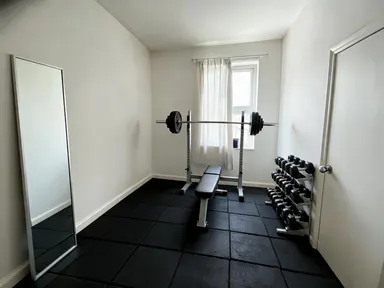
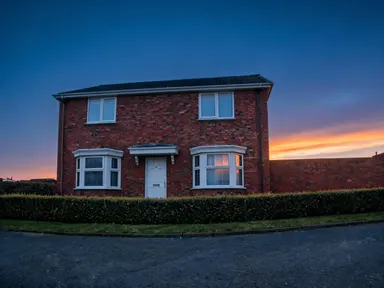
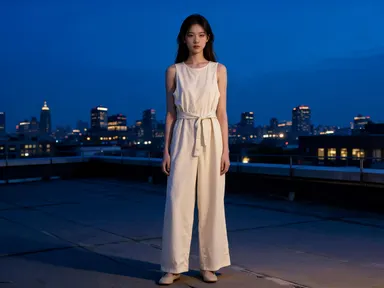
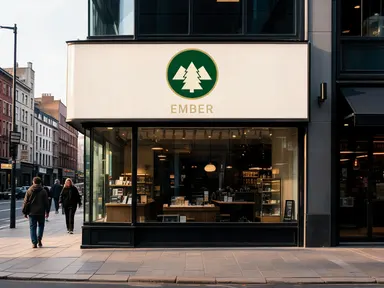
Made with this app






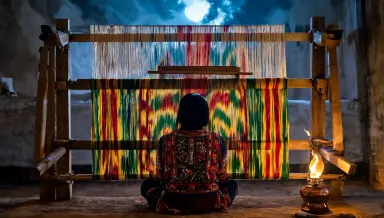

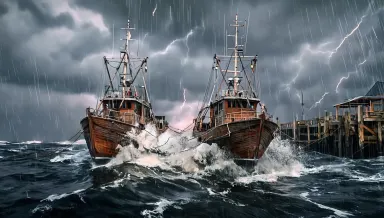




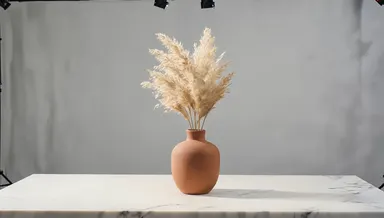
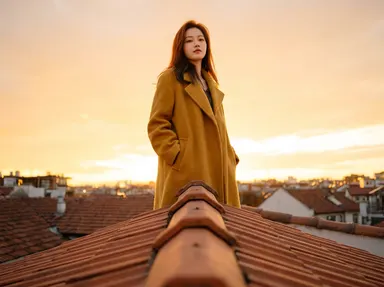
Runway Gen-4 Image on Arteza is built for one precise task: generating high-quality visuals guided by a reference image you supply. Upload any image as a style anchor, describe what you want, and the model produces a 1080p result that inherits the visual character of your reference. It suits brand designers, illustrators, and marketing teams who need consistent aesthetic output across multiple assets without starting from scratch every time.
How to use this app
- 1
Describe what you want to create, or upload your source file.
- 2
Pick your options, then press Generate.
- 3
Watch your result appear in the gallery within moments.
- 4
Download, share, or generate again with a new idea.
What you can make
Brand Visual Consistency
Upload a hero product shot or brand mood image as your reference, then generate new scene variations that match its lighting, color palette, and texture. Teams maintaining a strict visual identity can produce on-brand marketing assets without manually replicating style in every prompt.
Illustration Style Transfer
Give Runway Gen-4 Image a finished illustration as a reference and describe a new subject. The model carries the linework weight, color treatment, and compositional feel into the new piece, letting artists extend a series without redrawing foundational style elements each time.
Mood Board to Final Asset
Designers who collect reference images during concepting can feed those directly into the app. A single mood board image becomes the style guide, and the described content becomes the deliverable, collapsing the gap between inspiration and production-ready 1080p output.
Marketing Campaign Variations
Once a campaign's visual template is established, generate multiple content variations by swapping the description while keeping the same reference image. Seasonal copy changes, new product angles, and regional adaptations all stay visually cohesive across the batch.
Art Direction for Non-Designers
Product managers or content strategists who lack design skills can upload a reference image that captures the look they want, then describe the subject in plain language. Runway Gen-4 Image handles the style interpretation, reducing dependency on design resources for routine asset requests.
Prompt ideas to try
Why creators use this app
- Reference-guided
- Style transfer
- High resolution
- 1080p output
Tips for better results
Choose a Clear Style Reference
Runway Gen-4 Image reads the reference image for style signals, so upload one where the aesthetic is unambiguous. A cluttered or stylistically mixed image splits the model's interpretation and weakens the transfer. Isolated, stylistically cohesive references produce the most consistent results.
Describe Content, Not Style
Your text prompt should focus on the subject, scene, and composition you want. Style is handled by the reference image. Repeating style instructions in the prompt can create conflicts. Write what should appear in the image, and let the reference define how it should look.
Use the 1080p Output Intentionally
Because every generation outputs at 1080p, this app is suited for assets that need to hold up at large sizes, such as web banners, presentation slides, or print-ready mockups. Plan your prompt to fill the frame deliberately rather than generating small subjects with large empty areas.
Iterate on the Reference, Not Just the Prompt
If results feel stylistically off, try a different reference image before reworking your text prompt. Swapping the reference to one with clearer texture, lighting, or color saturation often resolves issues that additional prompt words cannot fix.
When to choose this app
Choose Runway Gen-4 Image when your priority is anchoring output to a specific visual style you already have as an image. If you need rapid iteration without uploading a reference each time, Runway Gen-4 Image Turbo is the faster sibling. If your task is repainting or modifying an existing image directly, FLUX Kontext Pro handles in-place edits more precisely. Runway Gen-4 Image occupies the space between those two: deliberate, reference-guided generation at full 1080p quality.
Frequently asked questions
What kind of image works best as a style reference?
A reference with a clear, consistent aesthetic gives the model the strongest signal. Images with a dominant color story, recognizable texture, or distinctive rendering style, such as a watercolor illustration, a specific photographic grade, or a defined graphic design treatment, tend to transfer more reliably than mixed or ambiguous references.
Can I use a photograph as a reference and get an illustrated output?
Yes, but the result depends on how distinctly illustrated the reference reads. A photograph used as a reference tends to produce photographic-style output. For illustrated results, upload a reference that is itself an illustration so the model has a clear stylistic target to follow in the generated image.
How closely does the output match the reference image?
Runway Gen-4 Image performs style transfer, not pixel-level copying. It inherits characteristics like color palette, texture, lighting mood, and compositional approach from the reference, while the content of the image follows your text description. The reference influences the how, and the prompt defines the what.
Does the subject in the reference image appear in the output?
Not necessarily. The model uses the reference for style guidance, not to reproduce its content. If your reference shows a landscape painting, the output will reflect that painting style applied to whatever subject you describe, rather than regenerating the landscape itself.
Is there a way to control how strongly the reference style is applied?
Within this app, the style influence is determined by the model's interpretation of the reference and the specificity of your prompt. Writing a more detailed content description focuses the generation more tightly on your subject, while a sparse prompt gives the reference image more visible influence over the final output.
What output resolution does every generation produce?
Every generation from this app outputs at 1080p. This makes it suitable for marketing visuals, web production, and presentation assets where image quality needs to hold at larger display sizes without upscaling artifacts introduced after the fact.
How much does it cost?
Each generation costs 2 credits. New accounts get free credits to try it out.
Which AI model powers this app?
This app runs on Runway Gen-4 Image, available through Arteza with no separate account or setup.
Can I use the results commercially?
Yes. Content you generate is yours to use, subject to our content licenses.
How long does a generation take?
Most generations finish in under a minute, and you can watch progress live in the gallery.