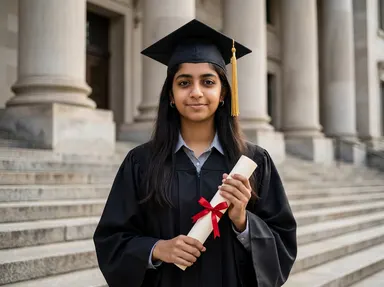
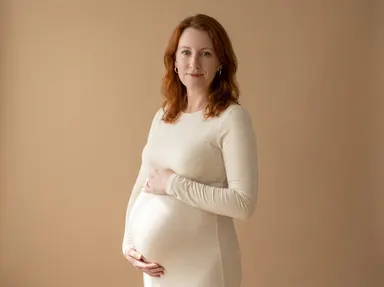
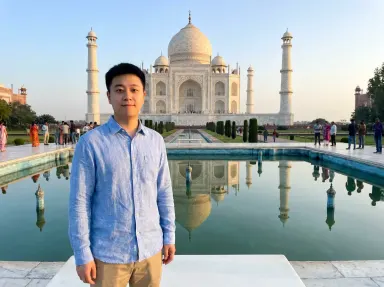
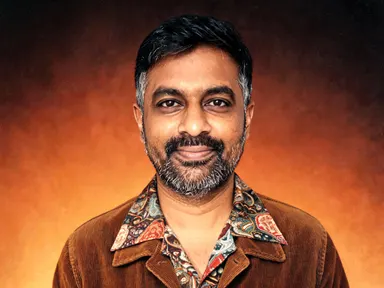
Made with this app
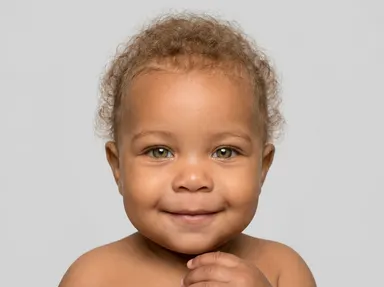
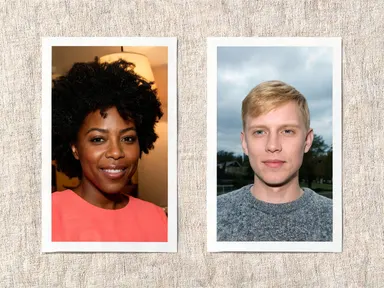
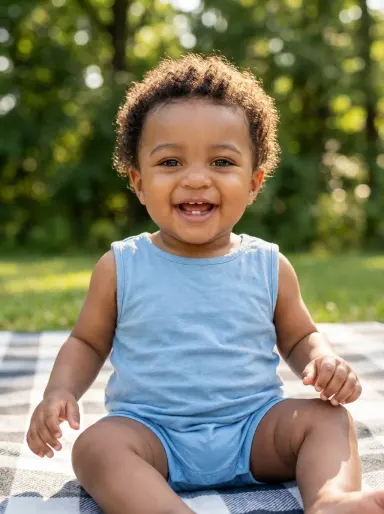
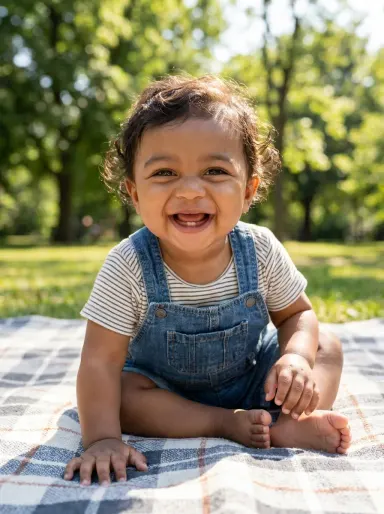
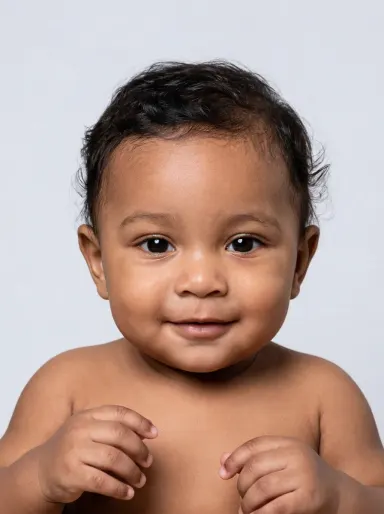
AI Baby Generator takes one photo of each person and produces a single portrait of the baby they might have together. The app reads both faces for skin tone, hair colour and texture, and eye shape, then blends those inherited features into one plausible little face set inside a moment you choose, from a sleeping newborn to a laughing one year old. It is built for couples who want to imagine what the future might hold, for keepsake gifts, and for anyone who wants a warm, high resolution image with genuine personal meaning.
How to use this app
- 1
Upload your file. There is no prompt you have to write.
- 2
Pick a look from the visual library, add a note of your own if you want one, then press Generate.
- 3
Watch your result appear in the gallery within moments.
- 4
Download, share, or generate again with a new idea.
What you can make
A pregnancy keepsake gift
An expectant couple uploads a clear portrait of each partner, chooses "Sleeping Newborn", and receives a high resolution image of the baby they might welcome. Printed large, it makes a personal and genuinely one of a kind gift for a baby shower or nursery wall.
Long distance couple
Partners who live apart and are thinking about a shared future can each send their own photo, have one person upload both, and pick "First Portrait" for a close, warmly lit six month old who visibly carries both of them. The result is a private, emotionally resonant keepsake.
Social media announcement
A couple announcing a pregnancy can pair the newborn moments, such as "In Safe Hands" or "Knitted Hat", with a note about who is on the way. The app renders at up to 4K, so the image holds its quality at any size a social post demands.
Seasonal greeting card
Choosing "First Snow" produces a one year old in a puffy pale snowsuit sitting in fresh snow, an image that slots naturally into a winter holiday card. The baby's features come from the two people in the uploaded photos, so the card feels personal rather than stock.
Family scrapbook or album page
A couple compiling a memory book can add an imagined baby portrait alongside real family photos. Trying a few different tiles, such as "Park Picnic" or "In the Garden", gives a small collection of moments at different ages, all featuring the same blended features.
Shots to try
Tips for better results
Use clear, close photos
The app reads each face for skin tone, hair and feature shapes. A well lit photo where the face fills most of the frame gives it more to work with. Sunglasses, heavy filters or significant blur reduce what it can inherit, so the blend may be less distinct.
One person per photo
Upload exactly one person in each photo. The app expects two separate files, each showing one adult clearly from the chest up or closer. A group shot or a photo where a second person is visible in the background can confuse which features belong to which parent.
Let the tile set the age and scene
Each library choice fixes both the baby's age and its setting together, from newborn moments to a one year old outdoors. Use the optional text box for smaller steers, such as specifying a boy or a girl, a colour of outfit, or one detail you want included, rather than trying to rewrite the scene.
Try more than one tile
Because the app imagines a plausible baby rather than predicting one, each generation is a fresh creative result. Choosing two or three tiles across different ages gives a small collection that shows the blended features at different moments, which pairs well with a printed keepsake set.
When to choose this app
AI Baby Generator does one specific thing: it takes two portraits and produces an imagined baby who visibly inherits from both of them. That is a fundamentally different job from AI Room Converter, which takes an existing room and refits it while keeping its walls and windows exactly in place, or AI Sky Replacement, which reworks the light across an outdoor scene to match a new sky. If your goal is a personal, face forward portrait with genuine inherited features rather than a scene transformation or a property edit, this is the app for it.
Frequently asked questions
How closely does the baby resemble the two people I upload?
The app reads both photos for visible skin tone, hair colour and texture, and facial feature shapes, then blends them into one plausible face. The more clearly each face is lit and composed, the more the baby will carry from both people. It is an artistic blend, not a genetic prediction, so a real child could look quite different.
Will I get the same baby if I run the same two photos again?
No. Each generation produces a fresh result. The same two photos will consistently produce a baby who inherits from both people, but the exact face, expression and fine details will differ each time. Running the same pair through different library tiles also gives distinct results.
Can I control whether the baby is a boy or a girl?
Yes, via the optional text box under the library. Type a simple instruction such as "a baby girl" or "a baby boy" before generating. The library tile still sets the age, setting and lighting; the text box lets you steer that kind of small personal detail alongside it.
What file types can I upload, and are there any photo tips?
The app accepts JPG, PNG, WebP and GIF files. For the best blend, use a photo where the person's face is clear, well lit and takes up a reasonable portion of the frame. One person per photo is important: a group shot or a busy background with other faces can produce less accurate feature inheritance.
Does the result ever show the two adults I uploaded?
No. The output is always a photograph of the baby only. The two adults are never shown in the generated image; they exist in the process only as the source of the features the baby inherits. If you want a portrait of the two uploaded people together, AI Baby Generator is not the right tool for that.
Can I choose a specific background from one of my uploaded photos?
No. The setting is invented by the app to suit the tile you choose: a crib, a studio backdrop, a snowy garden, a sunlit park. It does not carry any background from either uploaded photo into the result, and the optional text box cannot be used to specify a particular room or location from your own images.
Do I need any editing skills?
No. Upload your photo, pick the look you want from the library, and the app writes the full instruction for you behind the scenes. There is nothing to install and nothing to configure. A small optional box lets you add one line in your own words, but the app works without it.
Can I use the results commercially?
Yes. Content you generate is yours to use, subject to our content licenses.
How long does a generation take?
Most generations finish in under a minute, and you can watch progress live in the gallery.