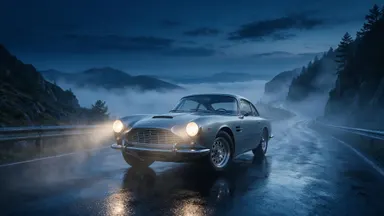
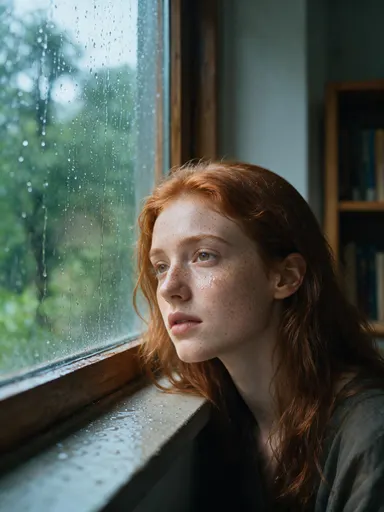
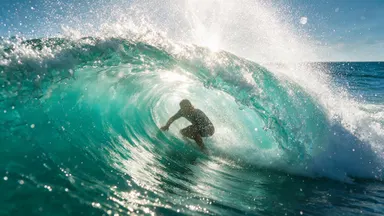
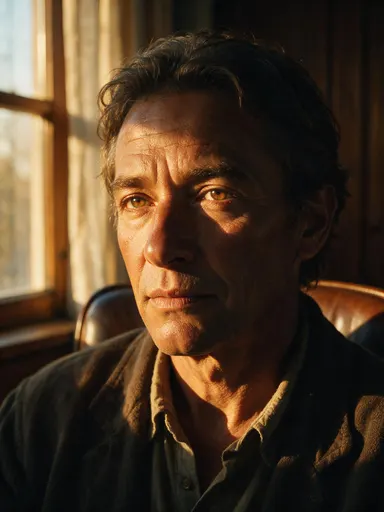
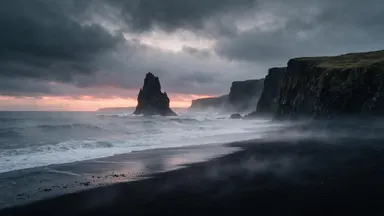
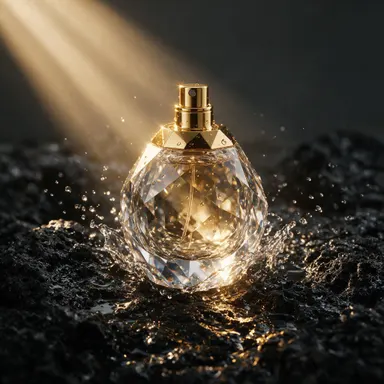
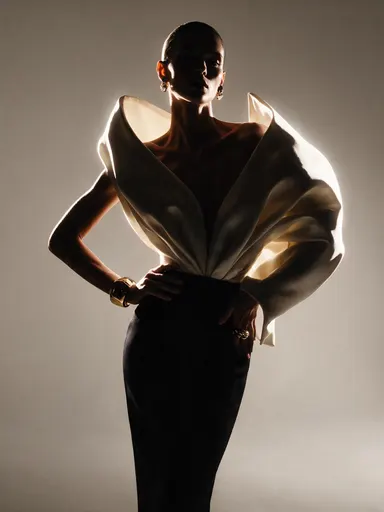
AI Photo Enhancer
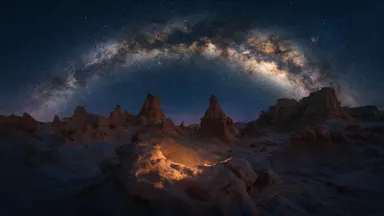
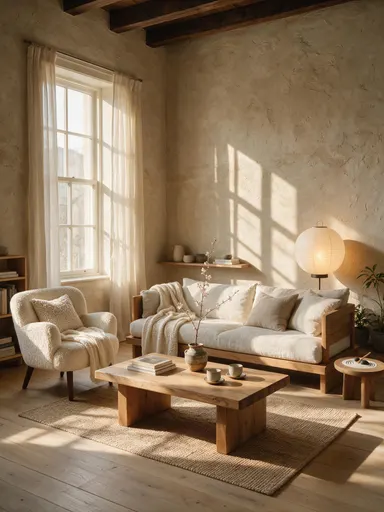
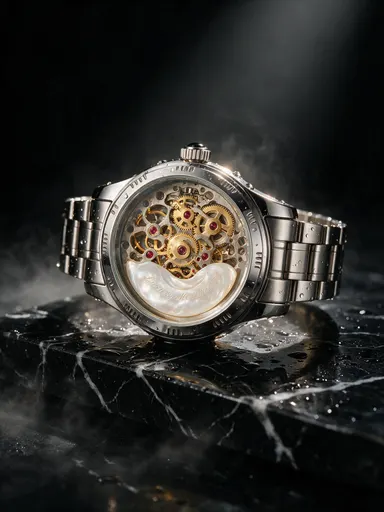
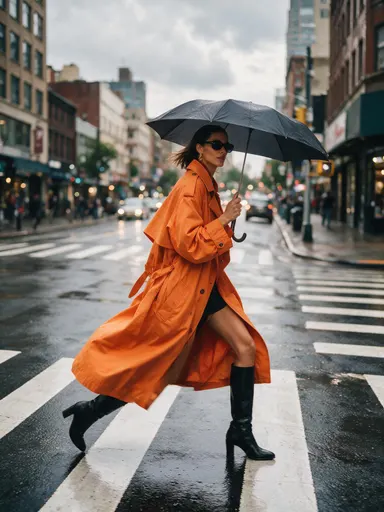
See the difference


How It Works
- 1Upload the image you want improved (JPG, PNG, or WebP).
- 2Leave the defaults, or open advanced settings for guidance, steps, seed, and output format.
- 3Run it for 1 credit.
- 4Download the result, or send it to the upscaler for a larger version.
Use Cases
Enhance, then upscale
Fix the frame at native size and enlarge afterwards. An upscaler enlarges whatever it is handed, including the noise.
Old phone photos
Images from a camera two generations behind the one in your pocket come back with detail the sensor did record and the processing threw away.
Profile and avatar sources
A single pass is often all a social avatar needs, and it costs the same as everything else on this page.
Bulk consistency
Pin a seed and run the same settings across a set so the images still look like each other afterwards.
Frequently Asked Questions
How is this different from unblurring?+
Unblur targets one defect, motion and focus blur, with a model built for it. The enhancer works on general quality at once: faces, softness, and noise. If the photograph is specifically blurry, start with the unblur workspace.
How is it different from upscaling?+
The enhancer improves the pixels you already have and returns roughly the same size. The upscaler makes the image bigger. Enhancing first and upscaling second is the order that compounds.
Will it change how someone looks?+
It is tuned to recover facial detail rather than to replace it. If you want deliberate control over how far the model may move from the original face, the headshot workspace exposes that as a slider.
What does one enhancement cost?+
1 credit per image at any setting.