Seedream v4.5 Edit: High-Resolution AI Image Editing Guide
Everything you need to know about Seedream v4.5 Edit - the 4MP AI image editor that accepts up to 10 input images, handles multi-image composition, and costs just 1 credit per edit on Arteza.

Most AI image editors force you to pick between resolution and control. Seedream v4.5 Edit gives you both: a native 4MP (2048×2048) output, acceptance of up to 10 reference images in a single call, and consistent subject identity across composited scenes. It sits between v4.0 Edit and the flagship 5.0 Edit in ByteDance's Seedream family - and since all three now cost the same 1 credit ($0.10) per run, it is the default choice for creators who need print-ready edits.
TL;DR
- Seedream v4.5 Edit outputs native 4MP (2048×2048) images in 30–60 seconds
- Accepts up to 10 input reference images per edit request
- Costs 1 credit ($0.10) per image on Arteza - plans from $5 a month
- Handles multi-image composition, product replacement, text overlays, and style transfer
- New accounts get 10 free credits - enough for 10 full edits before paying anything
What Seedream v4.5 Edit Actually Does
Seedream v4.5 Edit is an instruction-following image editor. You hand it one or more source images and a natural-language prompt describing the change - "replace the background with a tropical beach at golden hour, keep the subject's pose identical" - and it returns a high-resolution render.
Unlike masking-based editors that force you to paint over regions, v4.5 reasons about the whole scene. Tell it to swap the product on a table, and it understands lighting, shadows, and perspective without you selecting anything.
The model ships with three notable strengths:
- Native 4MP rendering. No post-hoc upscaling artifacts.
- Multi-image reasoning. Up to 10 references for composition, identity, or style.
- Consistent edits. Identity, pose, and lighting hold across iterations.
5 free generations · No credit card needed
Who Should Use v4.5 Edit
The model is built for teams who need print-quality results but do not want to pay flagship pricing on every iteration:
- Product photographers replacing backgrounds or staging lifestyle shots.
- E-commerce teams generating variant imagery at scale.
- Real estate agents producing virtual staging for empty listings.
- Marketing designers building campaign hero images from moodboards.
- Content creators turning reference boards into polished social assets.
If your output lives on a phone screen, v4.0 Edit will do. If you are sending files to a print shop or running paid media with close-up product shots, v4.5's 4MP resolution matters.
Try Seedream v4.5 Edit - high-res AI editing
4MP output, up to 10 input images, $0.10 per edit. Free credits, no card.
Try Seedream v4.5 Edit FreeCore Capabilities
Multi-Image Composition
Drop in up to 10 reference images and describe how they should combine. A product shot plus a lifestyle backdrop plus a style reference can become a single composited hero in one request.
Place the sneaker from image 1 onto the wooden floor from image 2.
Match the warm afternoon lighting from image 3. Add a soft shadow
beneath the shoe. Output a clean e-commerce hero shot.
Product Replacement
Swap one item in a scene for another without redrawing the entire frame. Useful for brands running A/B tests on packaging or trying multiple colorways.
Text Overlay Copy
v4.5 renders legible in-image text at 4MP - taglines, product labels, price badges. You no longer need a second pass in Figma for simple copy.
Style Transfer
Apply the mood of one image to another while preserving structure. Turn a daytime product photo into a moody editorial shot by referencing a style board.
Pricing Breakdown
Each edit consumes 1 credit regardless of how many input images you supply. Arteza sells credits on four monthly plans:
| Plan | Price | Monthly Credits | Edits | Effective Cost |
|---|---|---|---|---|
| Starter | $5 | 60 | 60 | $0.083 |
| Creator | $25 | 300 | 300 | $0.083 |
| Pro | $50 | 700 | 700 | $0.071 |
| Studio | $120 | 1,800 | 1,800 | $0.067 |
Full details live on the pricing page. Plan credits refresh each billing cycle, and top-up credits you buy on the side never expire.
Example Prompts That Work
Good prompts for v4.5 are specific about what to change and what to preserve. Here are patterns we see working:
Replace the background behind the subject with a minimalist studio
cyclorama in soft gray. Keep the subject's pose, clothing, and
expression exactly the same. Maintain rim lighting on the shoulders.
Composite the watch from image 1 onto the wrist in image 2.
Preserve the hand position and skin tone. Match the natural window
light direction from image 2. Add a subtle reflection on the watch face.
Change the jacket color from navy to burnt orange. Keep the fabric
texture, stitching, and lighting identical. Do not alter the face,
hair, background, or pose.
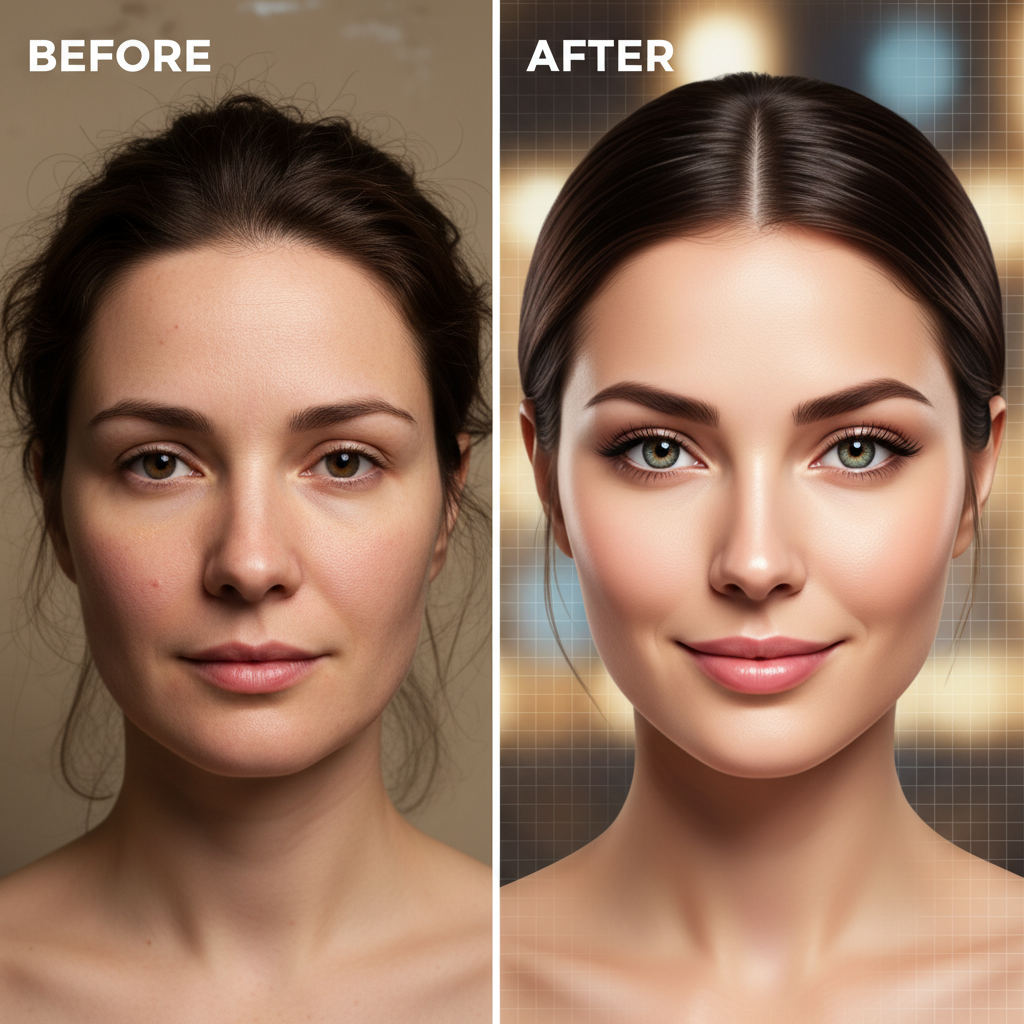
Ready to edit your first image? Open Seedream v4.5 Edit and upload a source photo.
Generation Speed
Most edits complete in 30 to 60 seconds. Multi-image jobs sit at the higher end. Complexity of the prompt matters less than the number of inputs - a single-image style change is usually under 35 seconds, while a 10-image composite pushes past a minute.
For context: Seedream 5.0 Edit averages 45-90 seconds and v4.0 Edit finishes in 20-30 seconds. All three cost the same 1 credit, so v4.5 sits in the middle on the only dimension left: speed.
Workflow Tips From Power Users
- Upload your best reference first. The model pays more attention to the primary image's lighting and composition.
- Describe lighting explicitly. "Soft north-window light, no hard shadows" beats "nice lighting."
- Protect what you like. Add phrases like "keep the pose, face, and background unchanged" when iterating on small details.
- Iterate at low count, scale at end. Run 2–3 test edits to lock in your prompt, then batch variants.
- Save your prompt templates. The same formula that works on one product usually works on its siblings.
Start editing at 4MP today
Professional resolution, 10-image inputs, and free credits to try it risk-free.
Open Seedream v4.5 EditHow v4.5 Edit Compares
v4.5 is not the only editor on Arteza. Here is a quick decision guide:
- Choose v4.0 Edit when you need the cheapest possible edits and are publishing to social or web at ≤1080p.
- Choose v4.5 Edit (this one) when you need 4MP output, multi-image composition, or print-grade fidelity without flagship pricing.
- Choose 5.0 Edit only when a v4.5 run cannot hold identity or physics in edge cases and you need the absolute latest model.
For a deeper breakdown see Seedream v4.5 Edit vs Seedream 5.0 Edit and our pricing guide.
Getting Started
- Sign in at arteza.ai and claim your 10 free credits.
- Navigate to Seedream v4.5 Edit.
- Upload 1–10 reference images.
- Write a specific prompt describing the change and what to preserve.
- Generate, iterate, and download the 4MP result.
No API keys, no Figma plugins, no Photoshop licenses required to start. Existing Arteza users with credits can open the tool and edit right now.
The Short Version
If you edit product, real estate, or editorial imagery and care about resolution, Seedream v4.5 Edit is the sweet spot in the v4 family. Eight credits per run, 4MP output, 10-image inputs, and 30–60 second turnaround. Pair it with our batch editing tutorial once you have a prompt that works - and let the model carry the scale.
Try Seedream v4.5 Edit - Right Now
Upload your image on the create page to start editing.
5 free generations · No credit card needed