AI Background Changer
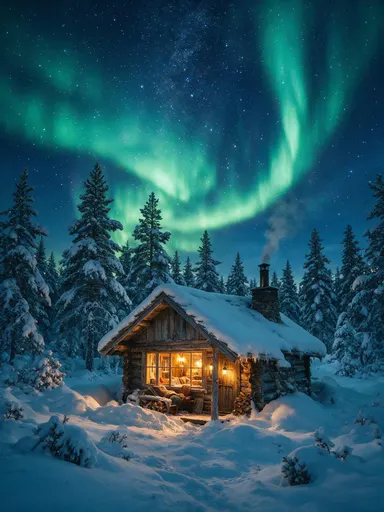
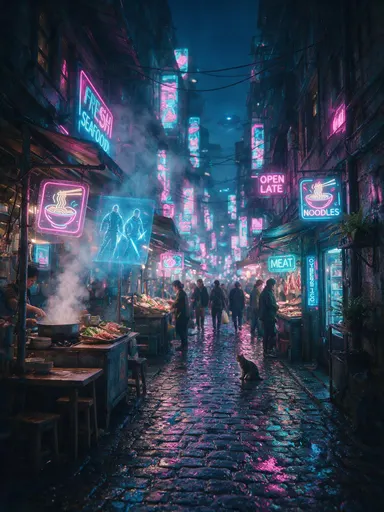
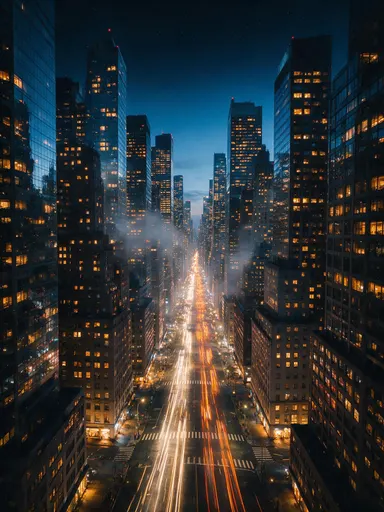
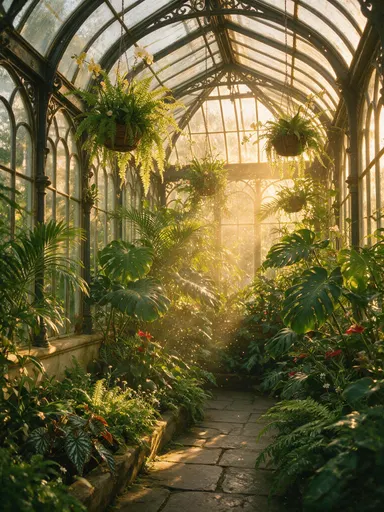
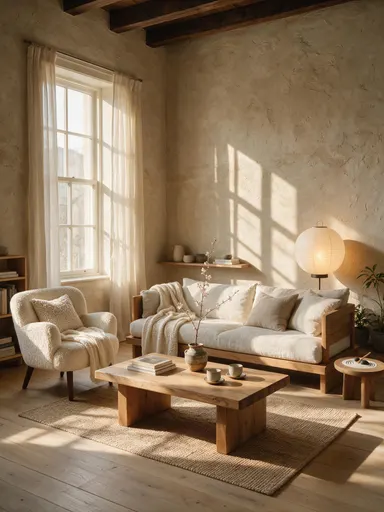
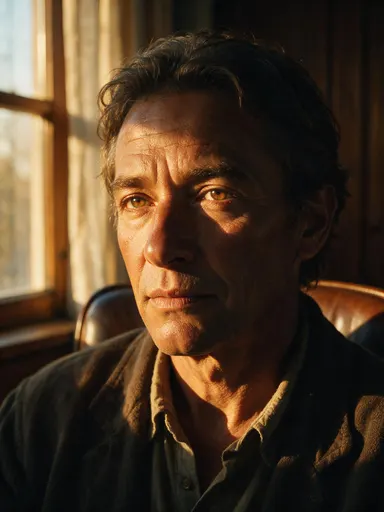
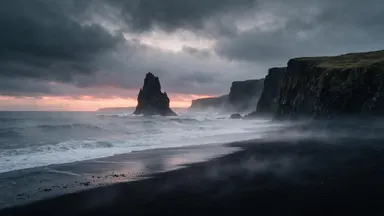
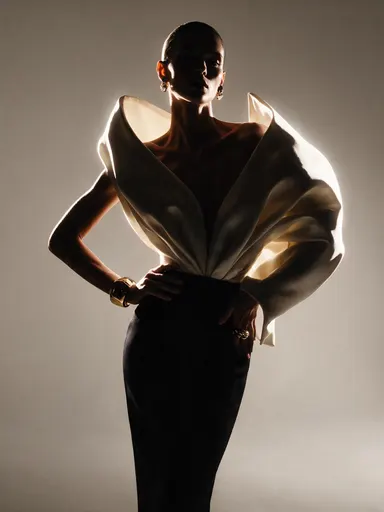
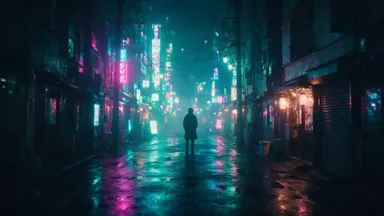
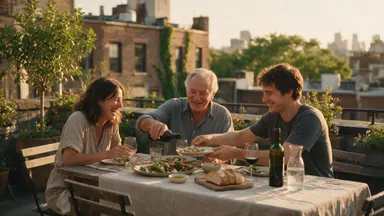
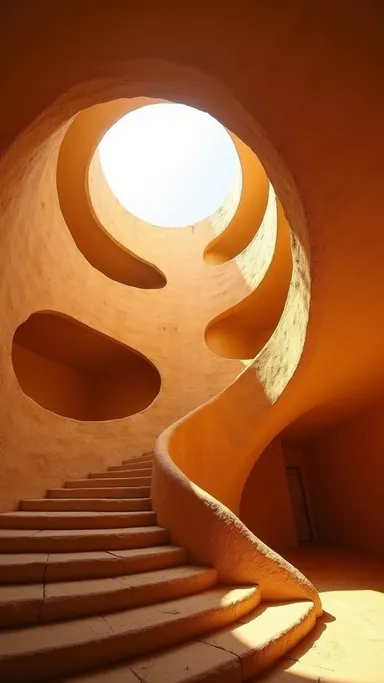
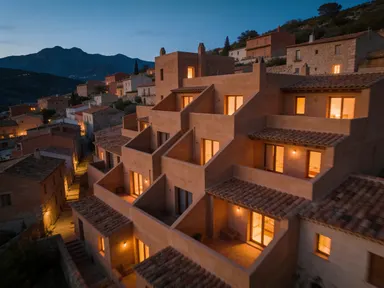
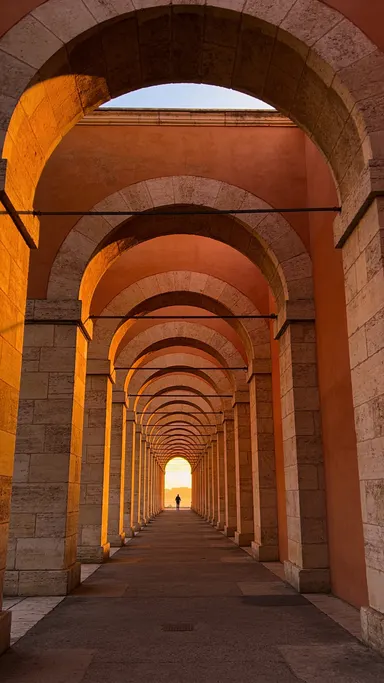
See the difference


How It Works
- 1Upload the photo whose background you want replaced.
- 2Describe the new scene in the prompt box, and pick an output aspect ratio if you want to reframe at the same time.
- 3Run it for 1 credit. Guidance, steps, seed, and JPEG or PNG output are under advanced settings.
- 4Download the composite, or upscale it for print.
Use Cases
One product, several placements
The same packshot described into a marble counter, a workbench, and a plain gradient gives three listing images without three shoots.
Reframe for a second channel
A 4:3 photograph asked for 9:16 comes back with the background extended into the new frame instead of the subject being cropped out of it.
A consistent backdrop across a team
Describe the same backdrop for every portrait and a directory page stops looking like it was assembled from whatever people had.
Replace instead of removing
Where the background remover gives you a transparent PNG to composite yourself, this puts something behind the subject in one pass.
Frequently Asked Questions
How do I say what background I want?+
Type it. The prompt box takes plain language, and the more specific the scene the more predictable the result: a grey studio cyclorama reads better than a nice background.
Can I change the shape of the image at the same time?+
Yes. The aspect ratio control offers auto, 1:1, 16:9, 9:16, 4:3, and 3:4. Auto keeps whatever the upload was, and anything else regenerates the new background out to that frame.
What are guidance and steps for?+
Guidance decides how literally the model follows your description, and steps decides how long it works. Both sit under advanced settings at the provider defaults, so you can ignore them until a result needs steering.
What does one background change cost?+
1 credit per run, and the aspect ratio, guidance, steps, and output format do not change it.